EasyManua.ls Logo

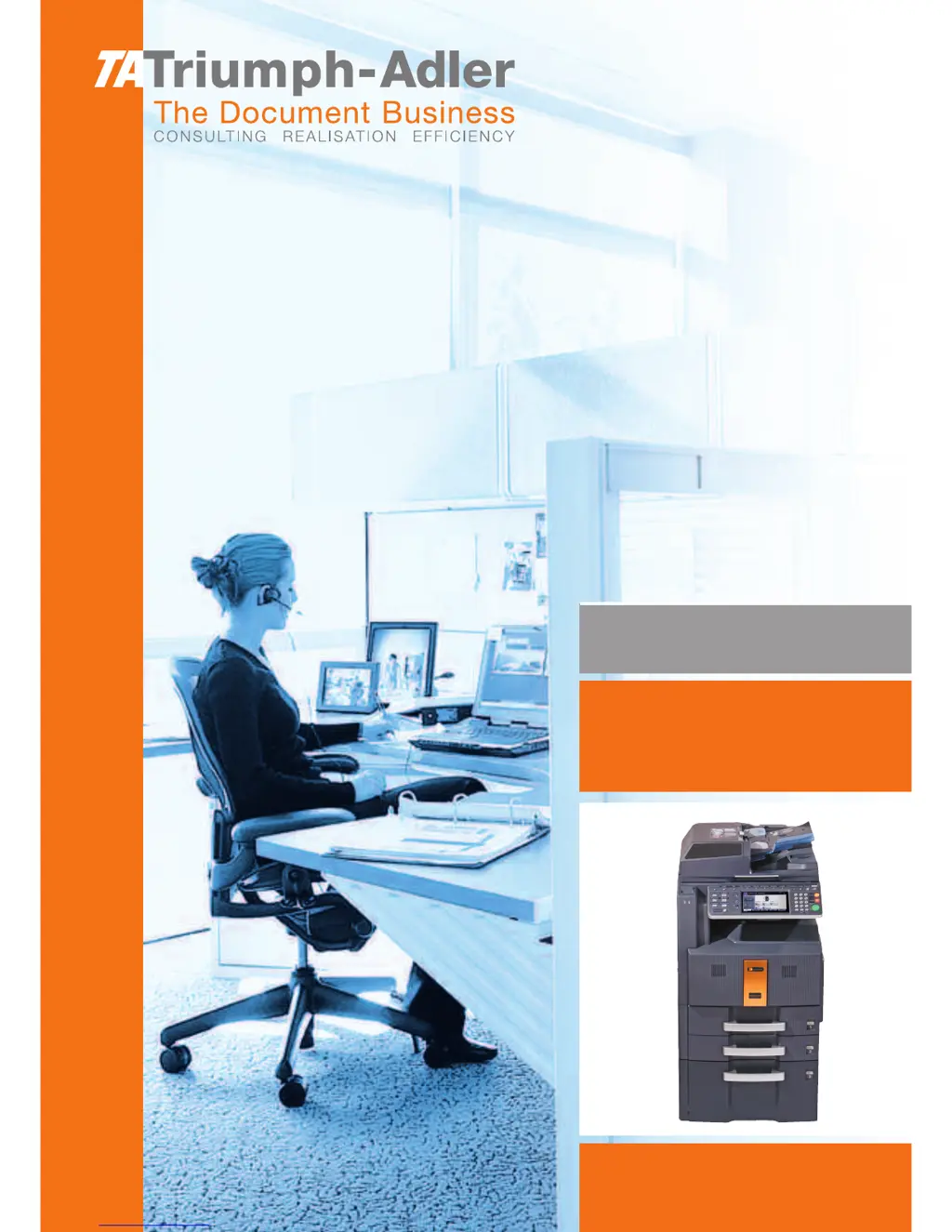
Triumph Adler DCC 2730 - User Manual

Triumph Adler DCC 2730
218 pages
Print Icon
To Next Page IconTo Next Page
Loading...
Instruction Handbook
Fax System (Q)
Digital Multifunctional
System

Table of Contents

Other manuals for Triumph Adler DCC 2730

Questions and Answers

  • J
    jmurphyAug 20, 2025
    What to do if my Triumph Adler Copier shows a machine failure?
    • M
      Michael TorresAug 20, 2025
      If your Triumph Adler Copier displays a 'Machine failure' message, try turning the main power switch off and on, or unplug the power cord and plug it back in. If the issue persists, note the error code, turn off the main power, unplug the cord, and contact your service representative.
  • R
    Rhonda CamachoAug 22, 2025
    Why Triumph Adler DCC 2730 Copier cannot send document?
    • C
      Christine BrownAug 22, 2025
      If your Triumph Adler Copier won't send a document, ensure the modular cord is correctly connected. If a communication error is displayed, resolve the error and try sending again. Also, check if the TX (transmission) restriction is activated and cancel it if necessary.
  • S
    Scott PaceAug 25, 2025
    How to add paper to Triumph Adler DCC 2730?
    • A
      Angela MitchellAug 25, 2025
      If your Triumph Adler Copier displays 'Add paper in cassette 1 (~4). or Add paper in Multi Purpose tray', it means that the indicated cassette or MP tray is out of paper. Add paper of the same size as indicated. If a specific paper type is required, it will be displayed. To use a different paper source, select it and press [Continue]. You can also press [MP Tray Setting] to adjust the paper size/type for the MP tray. Also, ensure the cassette is securely loaded; if not, remove and reload it completely.
  • K
    kathleen15Aug 26, 2025
    Why Triumph Adler DCC 2730 cannot receive document?
    • D
      Dawn TaylorAug 26, 2025
      If your Triumph Adler Copier cannot receive a document, ensure the modular cord is correctly connected. If a communication error is displayed, resolve the error and ask the sender to retry. Also, check if the RX (reception) restriction is activated and cancel it if necessary.
  • J
    Jordan HurstAug 27, 2025
    What to do if Job Accounting restriction exceeded on Triumph Adler DCC 2730?
    • J
      James VaughnAug 28, 2025
      If your Triumph Adler Copier is exceeding the Job Accounting restriction, it means the paper usage limit has been reached, preventing further operations. Press [End] to cancel the job. To proceed, reset the paper use limit and try the job again.
  • M
    Melanie LongAug 29, 2025
    Why Triumph Adler Copier cannot perform broadcast transmission?
    • C
      Christian BuchananAug 29, 2025
      If your Triumph Adler Copier displays 'Cannot perform broadcast transmission', it indicates that there is not enough free space available in the memory. To resolve this, either send the transmission after the memory has free space, or create free space in the memory.
  • M
    Miss Julie WilliamsAug 31, 2025
    What to do if Triumph Adler DCC 2730 Copier cannot perform memory reception?
    • J
      Jeffrey BrooksAug 31, 2025
      If your Triumph Adler Copier says 'Cannot perform memory reception', you need to free up space in the memory. Receive after creating free space in the memory.
  • D
    Diana KiddSep 2, 2025
    What to do if Triumph Adler DCC 2730 Copier FAX box limit exceeded?
    • J
      Jacob ZimmermanSep 2, 2025
      If your Triumph Adler Copier displays 'FAX box limit exceeded', it means the FAX Box capacity is full. Press [End] to cancel the current job. To proceed, print or delete data in the FAX Box to free up space, then try the job again.
  • M
    Morgan EnglishSep 4, 2025
    What to do if scheduled sending jobs exceeded on Triumph Adler Copier?
    • R
      Russell HowardSep 4, 2025
      If your Triumph Adler Copier displays 'Scheduled sending jobs exceeded', it means the limit for delayed transmission jobs has been reached. Press [End] to cancel the current job. Wait until the delayed transmissions are executed, or cancel some of them, and then try the job again.
  • B
    Brian MillerSep 6, 2025
    Why Triumph Adler DCC 2730 cannot execute this job?
    • W
      William BowmanSep 6, 2025
      If your Triumph Adler Copier displays 'Cannot execute this job', it means that fax transmission is prohibited by Job Accounting. No further operation is possible. Press [End]. The job is canceled. Check the setting for Job Accounting.

Triumph Adler DCC 2730 Specifications

General IconGeneral
Print Resolution600 x 600 dpi
Scan Resolution600 x 600 dpi
Copy Resolution600 x 600 dpi
Original formatA3
Zoom25-400%
Copy Magnification25-400%
Max Paper SizeA3
Print Speed30 ppm
Copy Speed30 cpm
Warm-up time30 sec
Paper capacity500 sheets
Paper weight60-163 g/m²
Memory128 MB
ConnectivityUSB, Ethernet
Power Consumption1, 560 W

Related product manuals