EasyManua.ls Logo

Triumph Adler DC 2216 - User Manual

Triumph Adler DC 2216
148 pages
Print Icon
To Next Page IconTo Next Page
Loading...
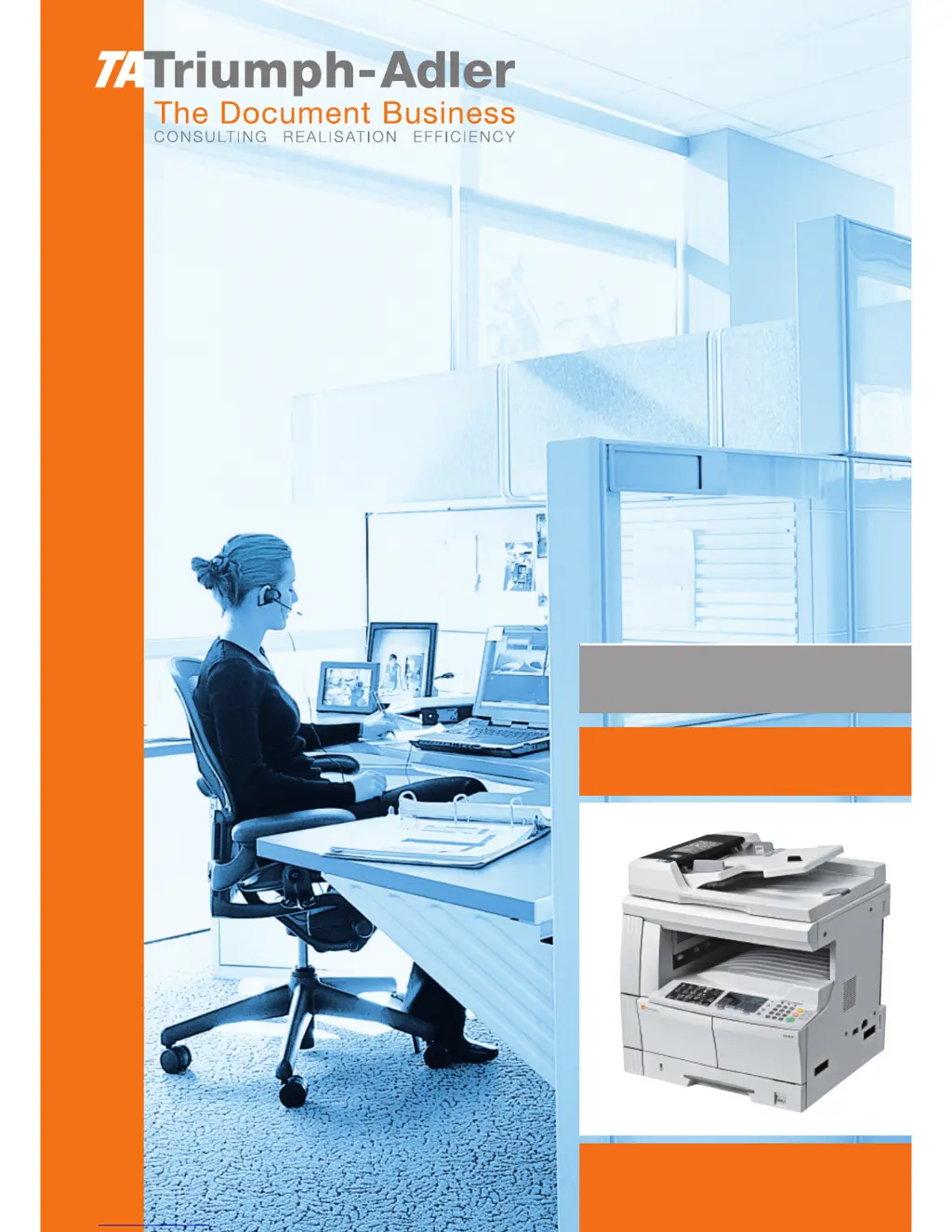
Instruction Handbook
DC 2216
Digital Multifunctional
System

Table of Contents

Questions and Answers

  • C
    Cheryl BrownSep 23, 2025
    What does blinking add toner indicator mean on Triumph Adler DC 2216?
    • M
      Mr. Michael DavidSep 23, 2025
      If the Add Toner indicator blinks on and off on your Triumph Adler Copier, replace the toner container with a new one as soon as possible.
  • H
    Hector HollandAug 25, 2025
    Why are my Triumph Adler DC 2216 copies too light?
    • B
      Brenda JamesAug 25, 2025
      If your Triumph Adler Copier produces light copies, several factors could be the cause: * If the copier is in Auto Exposure Mode, perform the “Auto Exposure Adjustment”. * If the copier is in Manual Exposure Mode, use Exposure Adjustment to set the proper exposure. * If the toner in the toner container is caked, shake the Toner Container left and right for approximately 10 times. * If the Add Toner Indicator is lit, replace the Toner Container. * If the paper is damp, replace it with new paper. * If the electrical charge section is dirty, open the front cover and use the Cleaning Rod to clean it.
  • U
    uparkAug 26, 2025
    Why are my Triumph Adler DC 2216 Copier copies too dark?
    • M
      mercadojoyceAug 26, 2025
      If your Triumph Adler Copier is producing dark copies, it could be due to the exposure settings. If the copier is in Auto Exposure Mode, perform the “Auto Exposure Adjustment”. If it's in Manual Exposure Mode, use the Exposure Adjustment to set the proper exposure.
  • D
    Dana FigueroaAug 27, 2025
    What to do if Triumph Adler DC 2216 Copier paper misfeeds frequently?
    • L
      Lindsay HolmesAug 27, 2025
      If your Triumph Adler Copier paper misfeeds occur frequently, ensure the paper is loaded correctly in the cassette. If the paper is curled, creased, or wrinkled, replace it with new paper. Remove any fragments of paper or jammed sheets. Also, ensure the paper size set in the MP Tray matches the MP Tray Size setting.
  • G
    Gary TranSep 23, 2025
    What does periodic maintenance indicator blinking mean on Triumph Adler Copier?
    • C
      crystalkingSep 23, 2025
      The blinking Periodic Maintenance indicator on your Triumph Adler Copier is a notification that the time for periodic maintenance is approaching.
  • J
    Jessica RandallSep 13, 2025
    How to fix wrinkling in Triumph Adler Copier copies?
    • D
      Dustin AlvaradoSep 13, 2025
      If your Triumph Adler Copier produces wrinkling in copies, clean the separation pawl if it is dirty.
  • M
    Michael GlennSep 12, 2025
    What to do if Triumph Adler DC 2216 does not produce copy when start is pressed?
    • U
      ugarciaSep 12, 2025
      If you cannot produce a copy when you press [Start] on your Triumph Adler Copier, check the corrective procedure for the error display and carry it out.
  • L
    lwatkinsSep 12, 2025
    How to clean Triumph Adler Copier for dirty copies?
    • M
      Melissa TuckerSep 12, 2025
      If your Triumph Adler Copier produces a dirty copy, clean the Platen and Original Cover.
  • A
    Andre WheelerSep 4, 2025
    How to close document processor on Triumph Adler Copier?
    • Q
      qdickersonSep 4, 2025
      If your Triumph Adler Copier displays 'Close document processor', it indicates that the Document Processor is open. Close the Document Processor.
  • C
    Christopher PinedaSep 2, 2025
    How to add paper to MP tray on Triumph Adler DC 2216?
    • S
      shannon65Sep 2, 2025
      If your Triumph Adler Copier displays 'MP tray empty. Add paper.', set paper in the MP Tray.

Triumph Adler DC 2216 Specifications

General IconGeneral
BrandTriumph Adler
ModelDC 2216
CategoryCopier
LanguageEnglish

Related product manuals