EasyManua.ls Logo

Triumph Adler DCC 2725 - User Manual

Triumph Adler DCC 2725
218 pages
Print Icon
To Next Page IconTo Next Page
Loading...
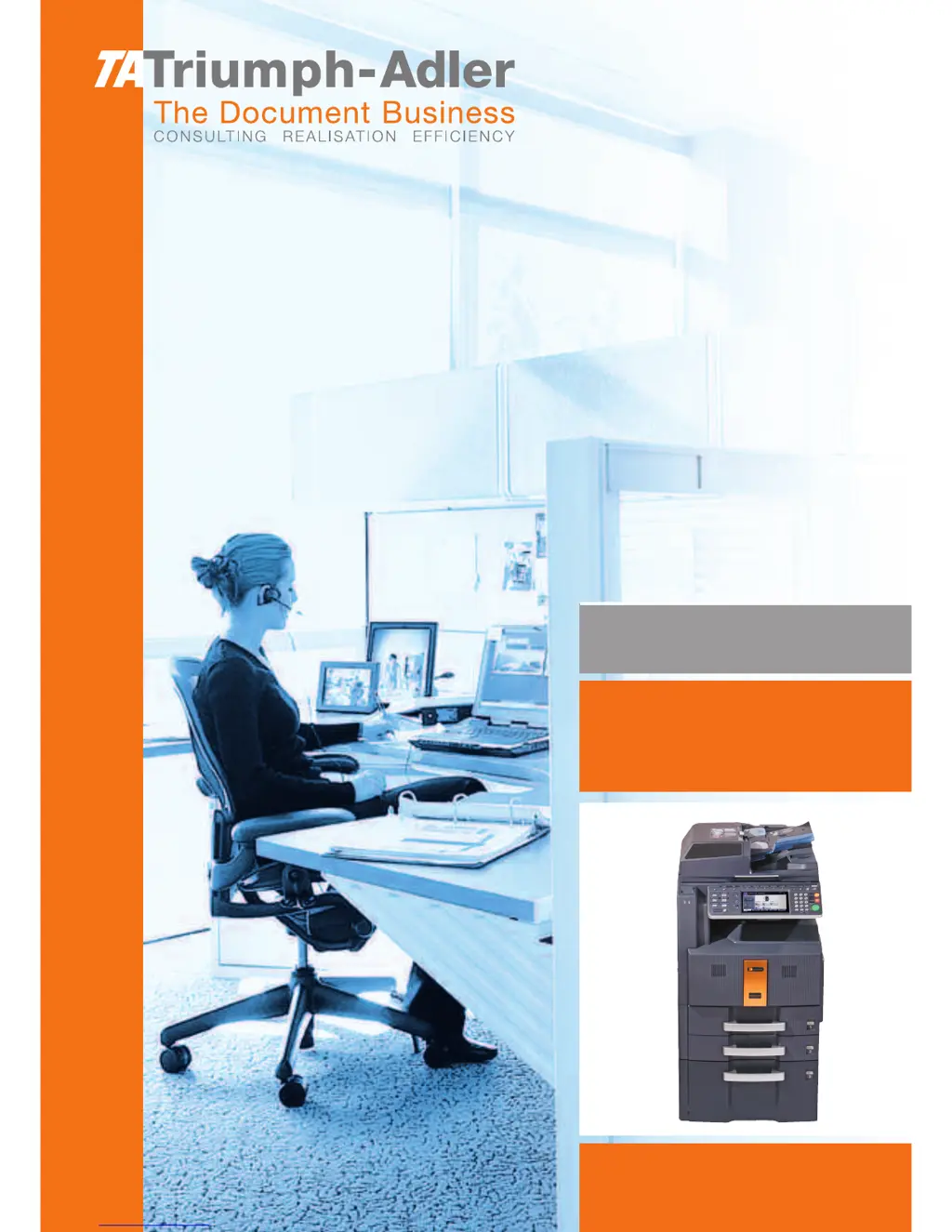
Instruction Handbook
Fax System (Q)
Digital Multifunctional
System

Table of Contents

Other manuals for Triumph Adler DCC 2725

Questions and Answers

  • R
    Ronald ChambersAug 20, 2025
    What to do if my Triumph Adler DCC 2725 shows a machine failure?
    • S
      Scott HolderAug 20, 2025
      If your Triumph Adler Copier displays a 'Machine failure' message, try turning the main power switch off and on, or unplug the power cord and plug it back in. If the issue persists, note the error code, turn off the main power, unplug the cord, and contact your service representative.
  • J
    Jessica BurtonAug 22, 2025
    Why Triumph Adler DCC 2725 cannot send document?
    • A
      Andrea MaynardAug 22, 2025
      If your Triumph Adler Copier won't send a document, ensure the modular cord is correctly connected. If a communication error is displayed, resolve the error and try sending again. Also, check if the TX (transmission) restriction is activated and cancel it if necessary.
  • G
    gjonesAug 25, 2025
    How to add paper to Triumph Adler DCC 2725 Copier?
    • B
      Bryan BurkeAug 25, 2025
      If your Triumph Adler Copier displays 'Add paper in cassette 1 (~4). or Add paper in Multi Purpose tray', it means that the indicated cassette or MP tray is out of paper. Add paper of the same size as indicated. If a specific paper type is required, it will be displayed. To use a different paper source, select it and press [Continue]. You can also press [MP Tray Setting] to adjust the paper size/type for the MP tray. Also, ensure the cassette is securely loaded; if not, remove and reload it completely.
  • S
    Sheila RichardsAug 26, 2025
    Why Triumph Adler Copier cannot receive document?
    • T
      Thomas AndradeAug 26, 2025
      If your Triumph Adler Copier cannot receive a document, ensure the modular cord is correctly connected. If a communication error is displayed, resolve the error and ask the sender to retry. Also, check if the RX (reception) restriction is activated and cancel it if necessary.
  • M
    Mark BrownAug 28, 2025
    What to do if Job Accounting restriction exceeded on Triumph Adler Copier?
    • J
      janiceariasAug 28, 2025
      If your Triumph Adler Copier is exceeding the Job Accounting restriction, it means the paper usage limit has been reached, preventing further operations. Press [End] to cancel the job. To proceed, reset the paper use limit and try the job again.
  • D
    Debbie SimmonsAug 29, 2025
    Why Triumph Adler Copier cannot perform broadcast transmission?
    • Y
      ymedinaAug 29, 2025
      If your Triumph Adler Copier displays 'Cannot perform broadcast transmission', it indicates that there is not enough free space available in the memory. To resolve this, either send the transmission after the memory has free space, or create free space in the memory.
  • S
    Shirley SchultzAug 31, 2025
    What to do if Triumph Adler DCC 2725 cannot perform memory reception?
    • N
      Nicole SilvaSep 1, 2025
      If your Triumph Adler Copier says 'Cannot perform memory reception', you need to free up space in the memory. Receive after creating free space in the memory.
  • T
    tracy82Sep 2, 2025
    What to do if Triumph Adler Copier FAX box limit exceeded?
    • G
      gregg71Sep 2, 2025
      If your Triumph Adler Copier displays 'FAX box limit exceeded', it means the FAX Box capacity is full. Press [End] to cancel the current job. To proceed, print or delete data in the FAX Box to free up space, then try the job again.
  • V
    Victoria RobinsonSep 4, 2025
    What to do if scheduled sending jobs exceeded on Triumph Adler Copier?
    • R
      ruizjillSep 4, 2025
      If your Triumph Adler Copier displays 'Scheduled sending jobs exceeded', it means the limit for delayed transmission jobs has been reached. Press [End] to cancel the current job. Wait until the delayed transmissions are executed, or cancel some of them, and then try the job again.
  • D
    Dr. Rebecca RileySep 6, 2025
    Why Triumph Adler Copier cannot execute this job?
    • K
      Kimberly GreenSep 6, 2025
      If your Triumph Adler Copier displays 'Cannot execute this job', it means that fax transmission is prohibited by Job Accounting. No further operation is possible. Press [End]. The job is canceled. Check the setting for Job Accounting.

Summary

Safety Conventions in This Guide

Part Names and Functions

Operation Panel Overview

Details the keys and indicators on the machine's operation panel.

Machine Components

Identifies and describes the main parts of the machine.

FAX Operation (Basic)

FAX Operation (Advanced)

Memory Forwarding and Account Management

Covers forwarding received faxes and managing user accounts.

Checking Transmission Results and Registration Status

Setup and Registration

Security and Restriction Settings

Covers transmission restrictions and encryption setup.

Troubleshooting

Error Message Interpretation

Lists common error messages and their corrective actions.

Triumph Adler DCC 2725 Specifications

General IconGeneral
FunctionsCopy, Print, Scan
Printing TechnologyLaser
Print Resolution600 x 600 dpi
Max Copying Resolution600 x 600 dpi
Max Printing Resolution600 x 600 dpi
Scanning Resolution600 x 600 dpi
Original SizeA3
Document Feeder Capacity50 sheets
Media Weight60-163 g/m²
Standard Paper Capacity500 sheets
Paper Capacity (Standard)500 sheets
Zoom Range25 - 400 %
InterfaceUSB 2.0, Ethernet
Maximum Paper SizeA3
Max Copying Speed25 pages/min (A4)
Media SizeA3, A4, A5, B4, B5
Warm-up Time20 seconds
Copy FunctionsCollate
Print Speed25 pages per minute

Related product manuals