Instruments
53
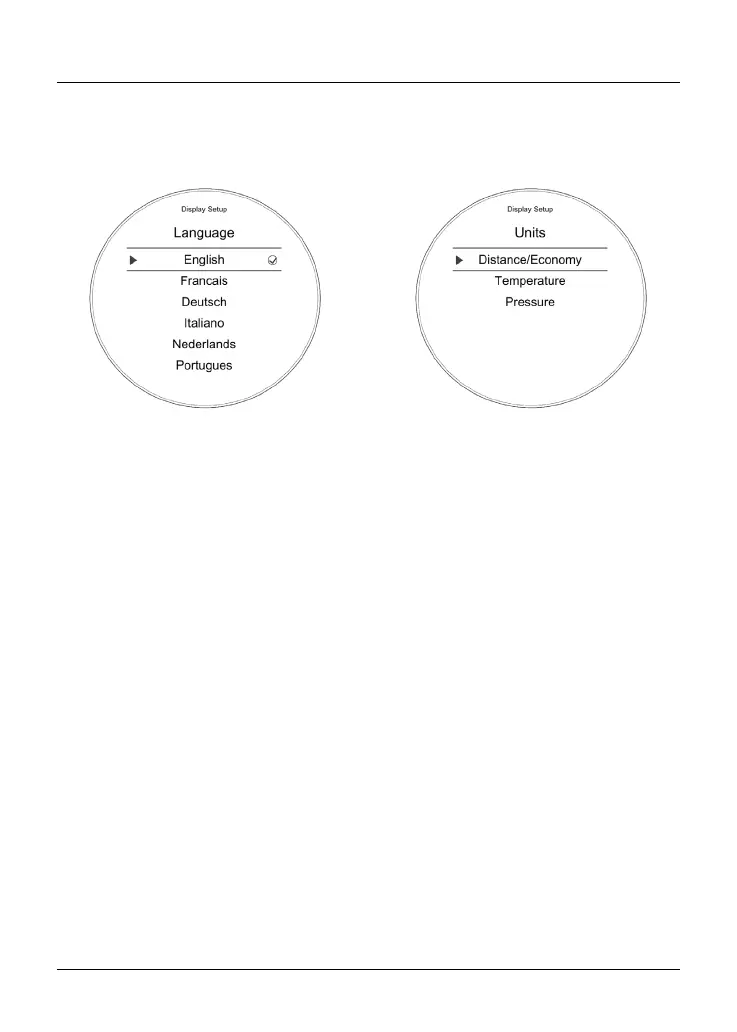
Display Setup - Language
There are several different languages
that can be selected to be shown in the
instrument display screen.
To select a different language:
• From the Display Setup menu,
push the joystick down to select
Language and press the joystick
centre to confirm.
• Push the joystick down/up until the
required language is selected.
The following options are available:
– English
– French
– German
– Italian
– Dutch
– Portuguese
– Spanish
– Swedish.
• Press the joystick centre to select/
deselect the required language.
Display Setup - Units
There are different units of
measurement options that can be
shown in the display screen.
To select the units of measurement
required:
• From the Display Setup menu, push
the joystick down to select Units
and press the joystick centre to
confirm.
• Push the joystick down/up to
select the required unit; Distance/
Economy, Temperature or Pressure.










 To Next Page