17
Set
Infusion
Parameters
Remove Air bubble
Under the parameters setting interface, Press 【Bolus】button and hold on, or touch the purge
icon on the product panel, eliminate the air bubble in the line.
The purge total volume is not calculated in the Total Volume Infused.
Cautions:
● Before purging air, double check to confirm the infusion line is not connected to the patient.
● Purge rate is the max rate of the syringe size, when purge volume ≥5ml, purge will
automatically stop.
Start
Infusion
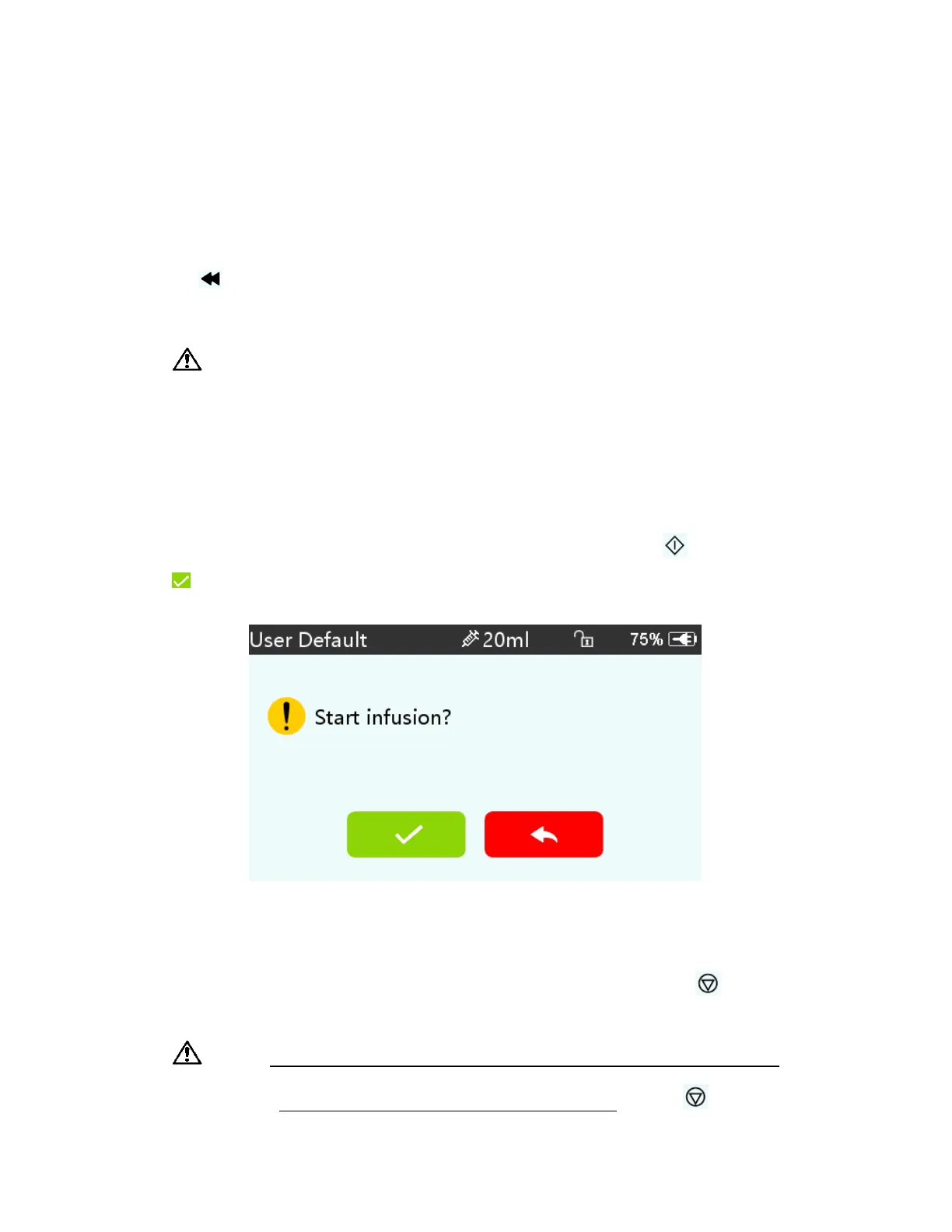
Connect IV tube to patient, confirm infusion parameters, Press【Start】button , click 『yes』
in the pop-up prompt interface, start infusion.
Change the Rate During Infusion
Under the running interface, click the rate number on the touch screen or【Stop】
,
and then
enter parameters setting interface. Reset target infusion rate.
Note: ● Only the rate mode, time mode and Body weight mode support online rate
modification function during infusion without pressing【Stop】
.


 To Next Page