16
9
distribution lines between the UV
system and your water outlets must
be removed. Similarly, if the power
goes out and your TrojanUVMax
TM
system is not equipped with an
automatic shut-off feature, you must
also disinfect the downstream
distribution lines.
To perform this cleaning operation,
first make sure the UV system is on.
Remove a filter housing and fill the
filter container with bleach (remove
the filter for this process). Replace
the filter housing and allow water to
flow to all faucets (hot and cold,
inside and outside the house), your
washing machine, toilets, and all
other water outlets. Once you can
smell the bleach, allow it to sit in the
lines for two to four hours, then
completely flush all the lines a
minimum of five minutes and replace
the filter. Any contamination will have
been removed.
Note: The UV system must remain on
during and following this procedure.
UV SENSOR INSTALLATION
AND REMOVAL
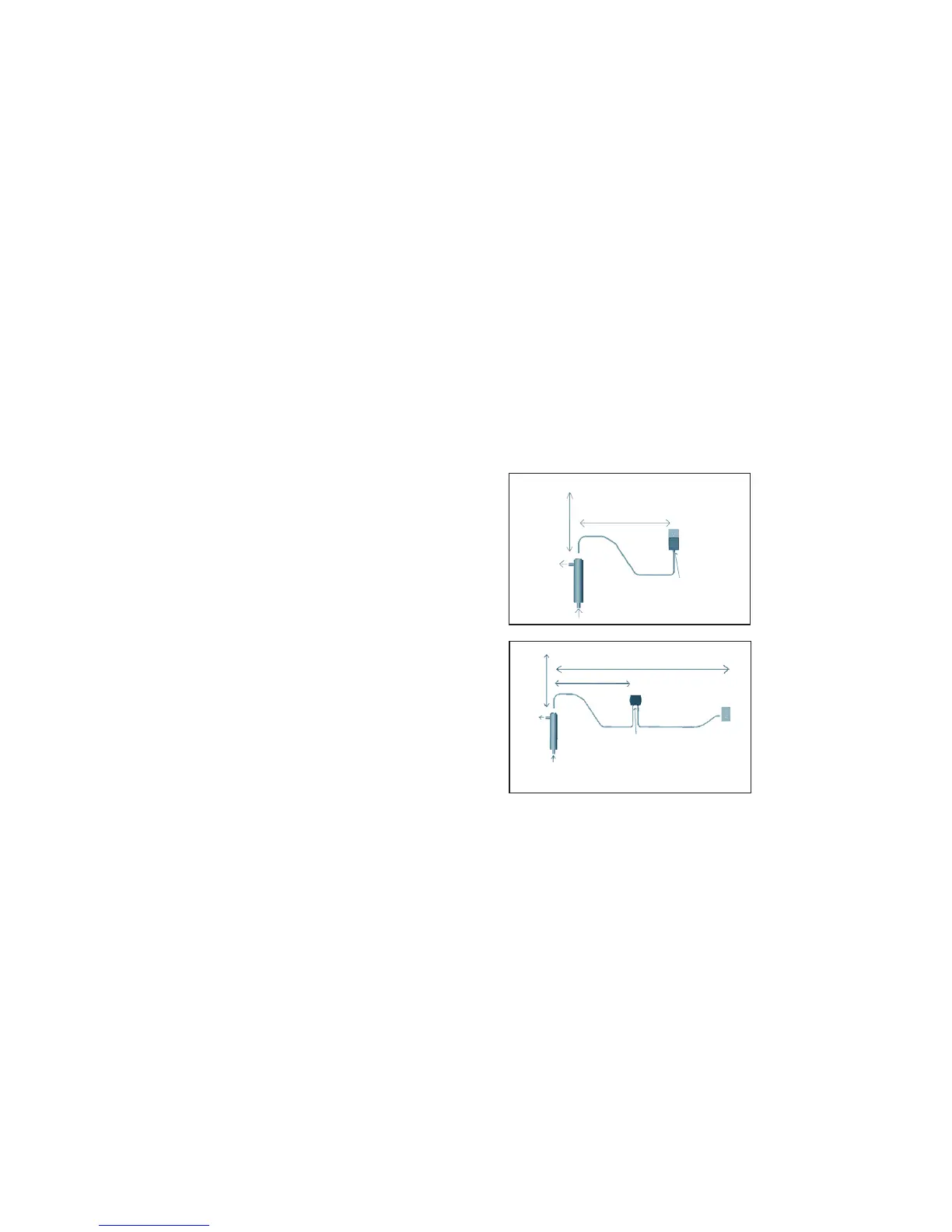
To operate properly, the Plus and Pro
series systems require that a UV sensor be
correctly installed. An adjustable wrench
is required to install this sensor.
Note: The UV sensor is fragile and must be
handled with care. The quartz window in
the end of the UV sensor is made of high
quality quartz and may break or chip if
mishandled. Handle the UV sensor by the
steel, plastic, and brass parts only. Note that
pulling on the attached cord may shorten
the UV sensor’s life.
Installation
1. Always disconnect the power to the
power supply before installing, servicing,
or maintaining the UV system. To avoid
injury, avoid directly exposing skin or
eyes to UV light. After disconnecting the
power, allow the system to cool for five
minutes.
2. Shut off the water supply to (upstream
of) the UV system. Open a tap down-
stream of the system to release pressure,
then close this tap.
3. Inspect the O-ring on the UV sensor for
damage or wear (replace only with
Trojan Part #002026). Ensure that the
O-ring and seating area are clean prior
to assembly. Insert the UV sensor into the port
in the reactor. Screw the brass nut on finger
tight (a wrench should NOT be needed for
tightening, overtightening may cause leakage
or may break the sensor).
4. Connect the power to the power supply and
check that the LED is green. The alarm may
sound until the lamp is operating properly.
5. Open the watersupply line to pressurize the
system and check for leaks.
6. Clean the distribution lines - refer to item
#
11
on page 8.
Removal
1. Shut off the water.
2. Open a tap downstream from the unit to
release pressure.
3. Unplug the power supply.
4. Let the lamp cool for five minutes.
5. To remove the UV sensor, unscrew the large
brass nut holding the UV sensor in place and
withdraw the UV sensor. A
15
/16" open-ended
wrench or adjustable wrench may be required
to loosen the brass nut.



 To Next Page