10
Master Setting
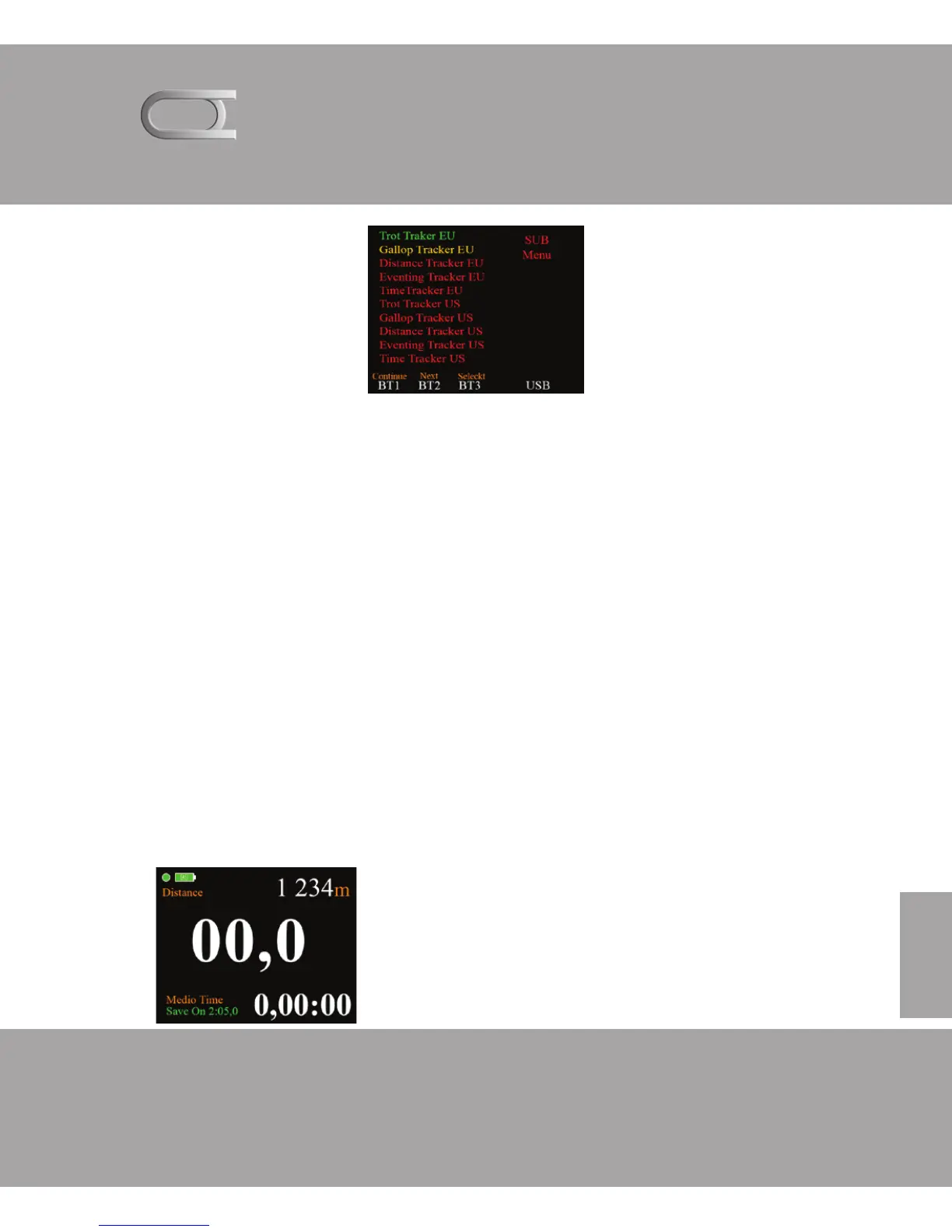
In the Master setting determines how your Tracker to work. US
designation means that the calculations going on miles.
By and pressing BT2 move the yellow text. When you get to gal-
lop Tracker press BT3. This then becomes green, which indicates
the Tracker device is tuned to.
You can now proceed by pressing and BT1 and you will now get
the next menu for setting storage feature.
For and come back to the Master setting menu, you can do this
in two ways. Either reset the device, or press and hold BT2 4
seconds when you are in the selected function.
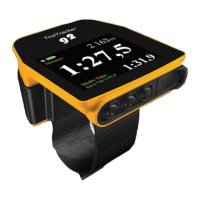
Sample main function screen from
which you hold BT2 inside four seconds
and come to master setting



 To Next Page