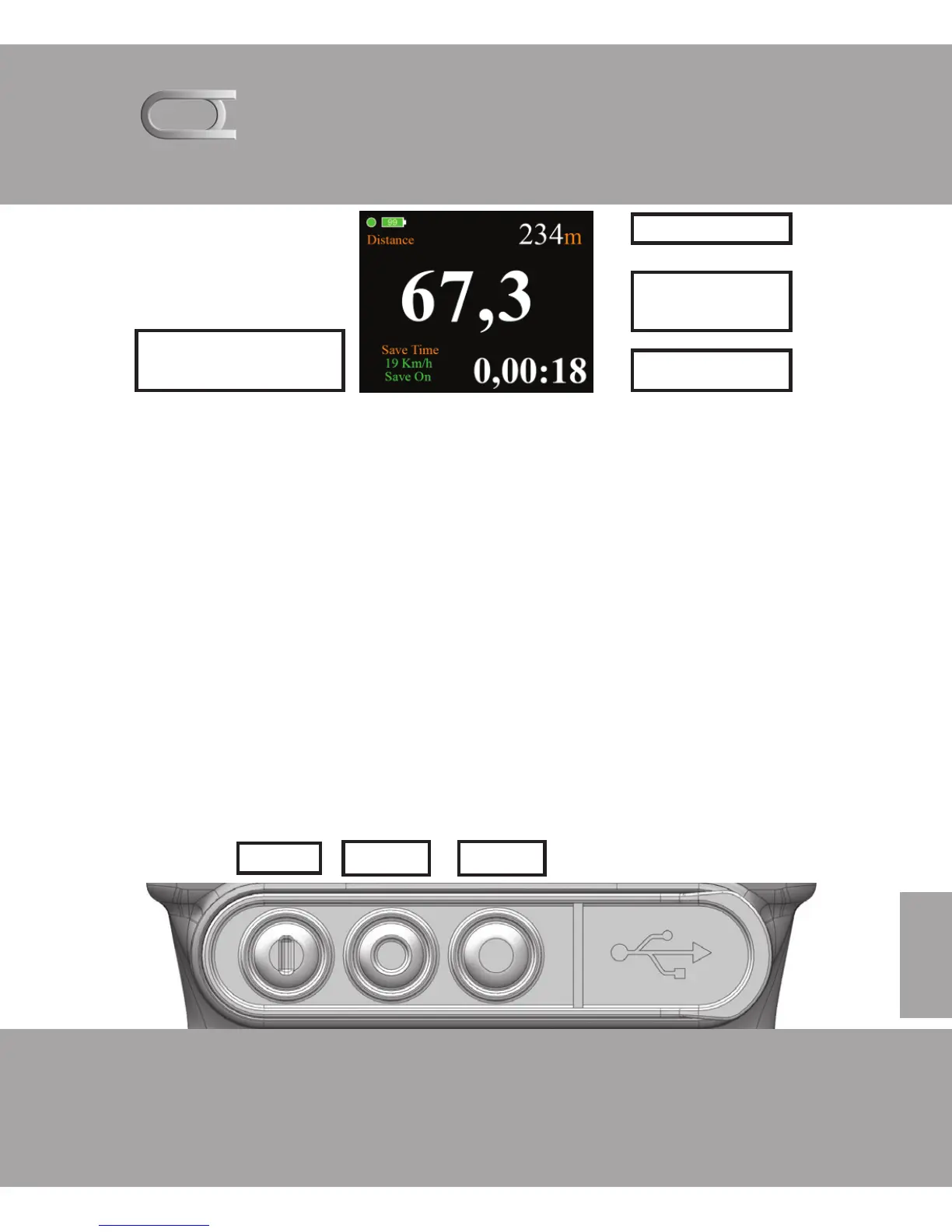
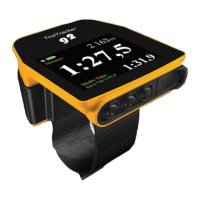
Main display slower then 3:30.0
Distance: Reset by pressing the BT3, savetime also reset.
Km / h: Shows you your speed when the device has GPS conditi-
ons. and the speed is below 3: 30.0
Stopwatch, BT3. Off, on and reset.
Carriers distance: Indicates the speed device stores from, storage
happens every 100 meters above the set speed.
Save On: Indicates whether the device stores or not.
Carriers menu: Press BT2 for and come to storage menu
Distance
Km/t
Time 100 m
Carriers distance
Storage on / off
BT1
BT2 BT3



 To Next Page