EN 9
dehumidifier TTK 26 E
Self-cleaning function / Internal drying
This function serves to dry the interior of the device in order to
prevent the formation of mould or similar inside the device due
to residual moisture.
The self-cleaning function should be used if the device is not
operated or is stored for a longer period of time.
Self-cleaning takes approx.50minutes. First, the inside of the
device is dried at a high fan speed for approx.30minutes.
Afterwards, the fan runs at low speed for about 20minutes.
Once the self-cleaning process is complete, the device switches
to standby mode.
1. Press the drying button(23) for approx. 2seconds.
ð The inside drying LED(11) is illuminated.
ð The fan runs at the highest speed.
To switch off the function, press the drying button(23) for
approx.2seconds once again. The device switches back to the
previous mode. By pressing the on/off button(19), the self-
cleaning function is stopped and the device switches over to
standby mode.
Setting the timer
Note
Do not leave the operating device unattended in a
freely accessible room with an activated timer.
The timer has two modes of operation:
• Automatic switch-on upon expiry of a preset number of
hours
• Automatic switch-off upon expiry of a preset number of
hours
For the device to switch on or off automatically after a
predefined number of hours(1 to max.24hrs) you can
programme the timer. The timer can be set in all operating
modes. You can activate the function when the device is
switched off.
Automatic switch-on
ü The device is in standby mode.
1. Press the timerbutton(24) to programme automatic
switch-on.
2. Repeatedly press the timerbutton(24) until the desired
number of hours until automatic switch-on is indicated on
the segment display(15).
ð The set number of hours appears on the segment
display(15).
ð The device switches on after the predefined time.
Notes regarding automatic switch-on:
• Manually switching the device on disables the automatic
switch-on function.
• If you select 0hours, the timer will be off.
Automatic switch-off
ü The device is switched on.
1. Press the timerbutton(24) to programme automatic
switch-off.
2. Repeatedly press the timerbutton(24) until the desired
number of hours until automatic switch-off is indicated on
the segment display(15).
ð The set number of hours appears on the segment
display(15).
ð The device switches off after the predefined time.
Notes regarding automatic switch-off:
• Manually switching the device off disables the automatic
switch-off function.
• If you select 0hours, the timer will be off.
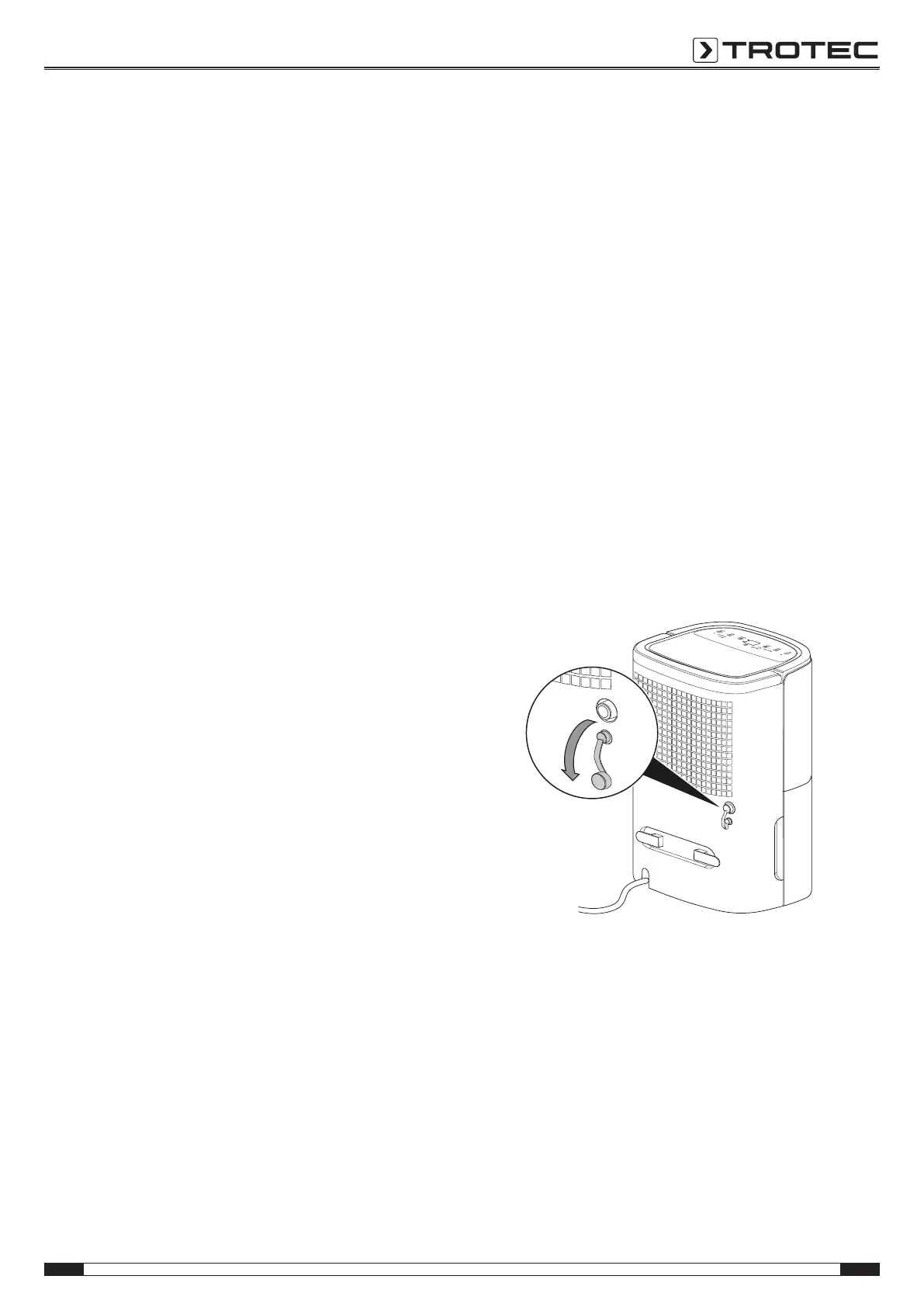
Operation with hose attached to the condensation
connection
For continuous operation or unattended dehumidification, please
connect the supplied condensation drain hose to the device.
ü A suitable hose (diameter: 9mm) is ready for use.
ü The device is switched off.
1. Remove the sealing cap.



 To Next Page