AIS CTRX GRAPHENE Class B AIS Transponder Manual
1.4E 32 CTRX GRAPHENE Manual
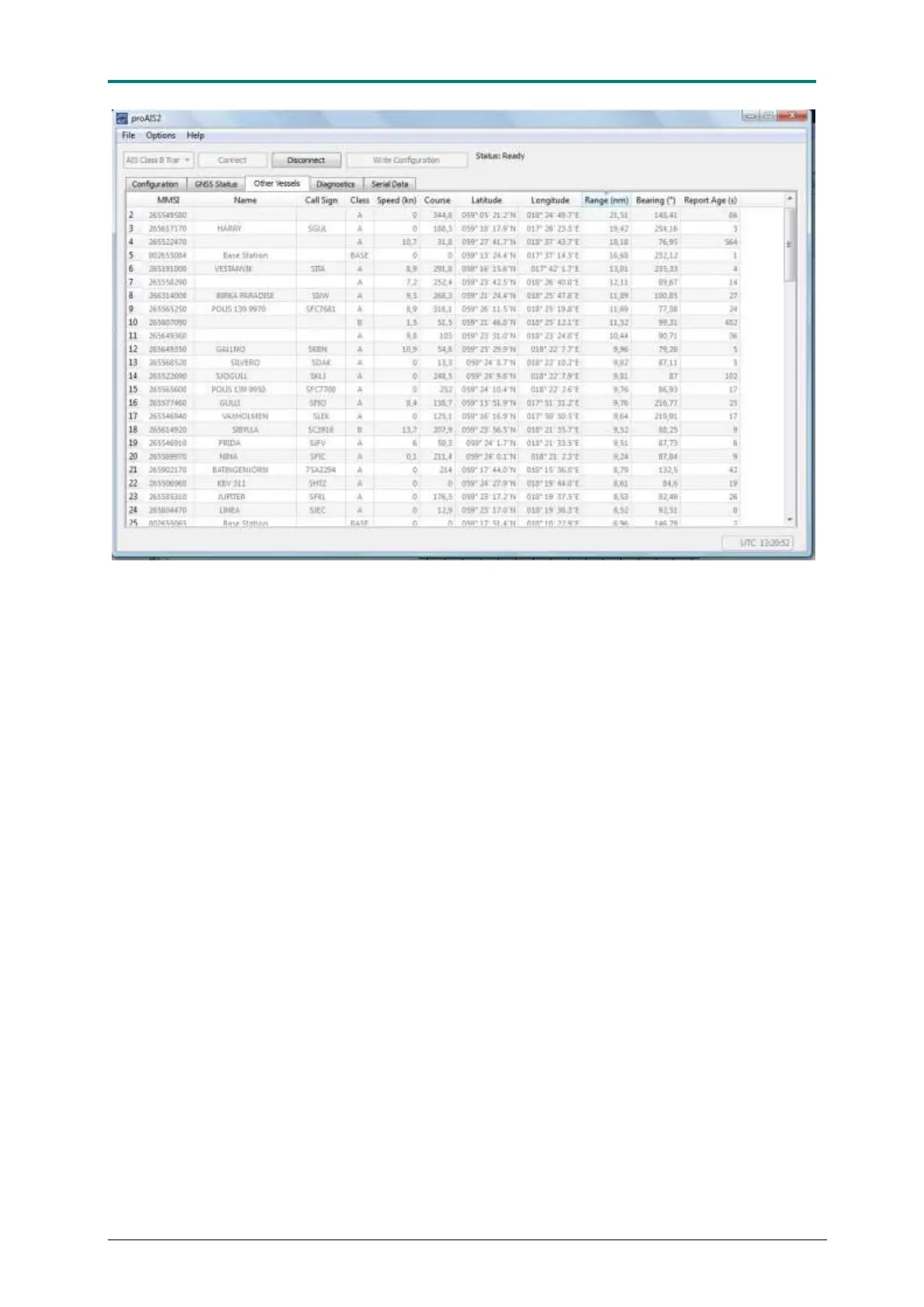
Figure 17 In the [Other Vessels] field, information is present about all AIS units that can be seen by the connected AIS
CTRX GRAPHENE transponder.
The next menu is Diagnostics. Here you will find several functions and tools to
check that the AIS CTRX GRAPHENE transponder works properly and facilities to
monitor functionality and performance during and after installation. In the window
Checklist, you can check the main functions of the transponder. This includes
Programming (Transponder MMSI valid), GPS functionality (GPS Position Fix),
transmission (AIS has transmitted a position report), antenna function (AIS
antenna), reception (AIS has received a report) and power supply (Power supply
OK). Once the items have a green tick the function is checked and validated.
The Internal data window shows the version numbers for firmware and bootcode, as
well as the product code and internal serial number. The serial number is the same
as on the bottom label and should be referred to should it be necessary to contact
True Heading for support. Also the VSWR value (antenna matching factor) is shown
here as well as the power supply input voltage.
The Status window show the status of the LED’s on the front panel. Normal
operation should have the green LED light. Once in a while, depending on the
operational situation (AIS traffic load) the status may change to yellow, which means
that the transponder has not been able to transmit during the last transmission
period. Once the units have transmitted the LED lights will go back to green.
In the Statistics window received and transmitted messages on the two channels will
be shown. The values are accumulated from the time the transponder was connected
up to proAIS program. The values will be reset as soon as the connection is
disconnected.



 To Next Page