TRUE
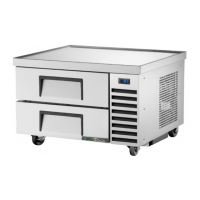
trcb – chef base equipment
www.truemfg.com
TEC_RM_006 REV. A 09/21/2018 Page 18 of 27
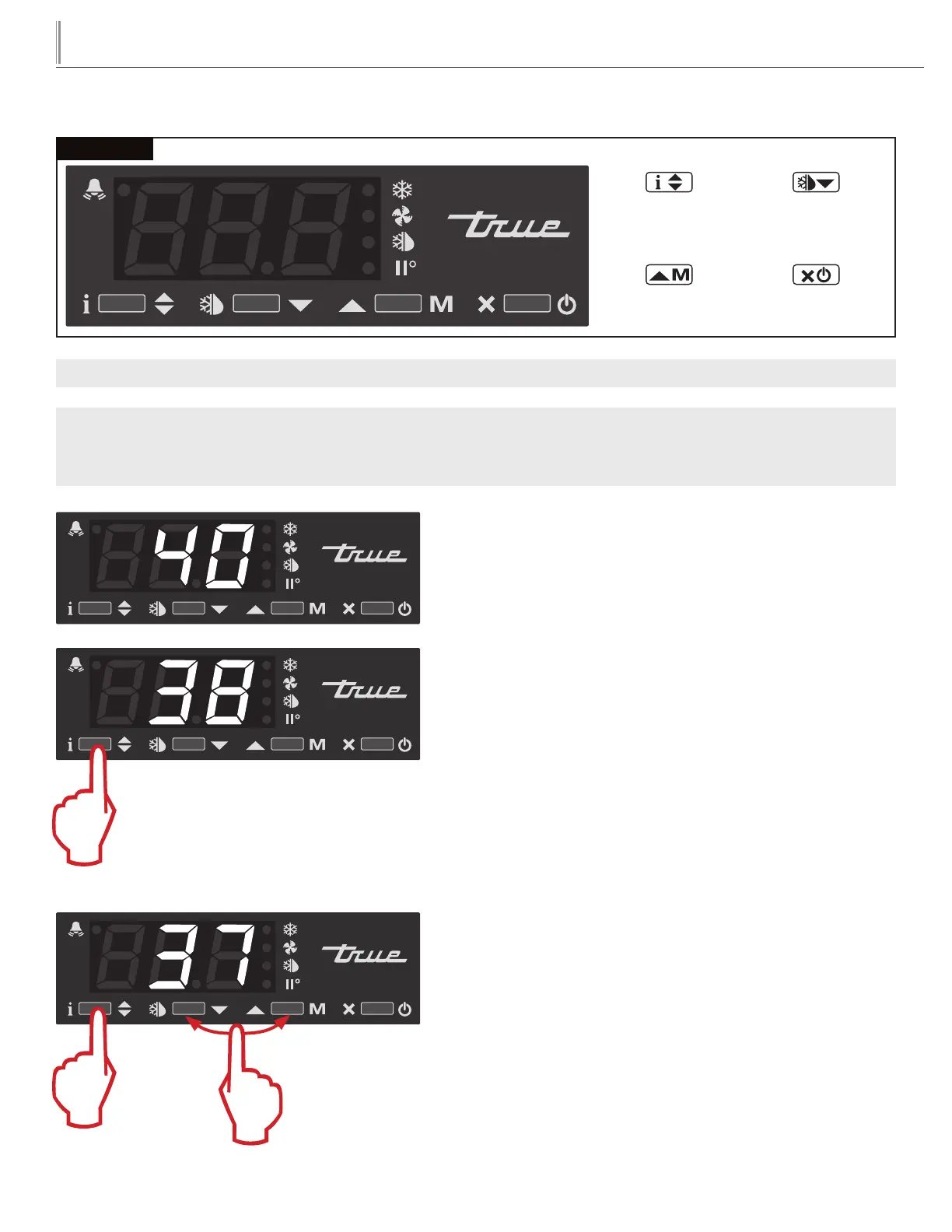
LAE Control
Manual Activation
Up Button
Info / Set Point
Button
Stand-By
Button
Manual Defrost /
Down Button
WHY: To increase or decrease the product/cabinet temperature.
NOTE: Display must be unlocked prior to proceeding.
CHANGE THE SET POINT TEMPERATURE
Cabinet temperature shown on display.
HOLD
Press and hold to see the Set Point.
HOLD
PRESS AND RELEASE
DOWN OR UP
While still holding, press and release the down or up arrow to
change the setting.
VALUE SHOWN BELOW MAY NOT BE YOUR CURRENT SETTING
VALUE SHOWN BELOW MAY NOT BE YOUR CURRENT SETTING
VALUE SHOWN BELOW MAY NOT BE YOUR CURRENT SETTING



 To Next Page