12
Menu setting
The device has two modes, the video mode and the playback mode.
a) In video mode:
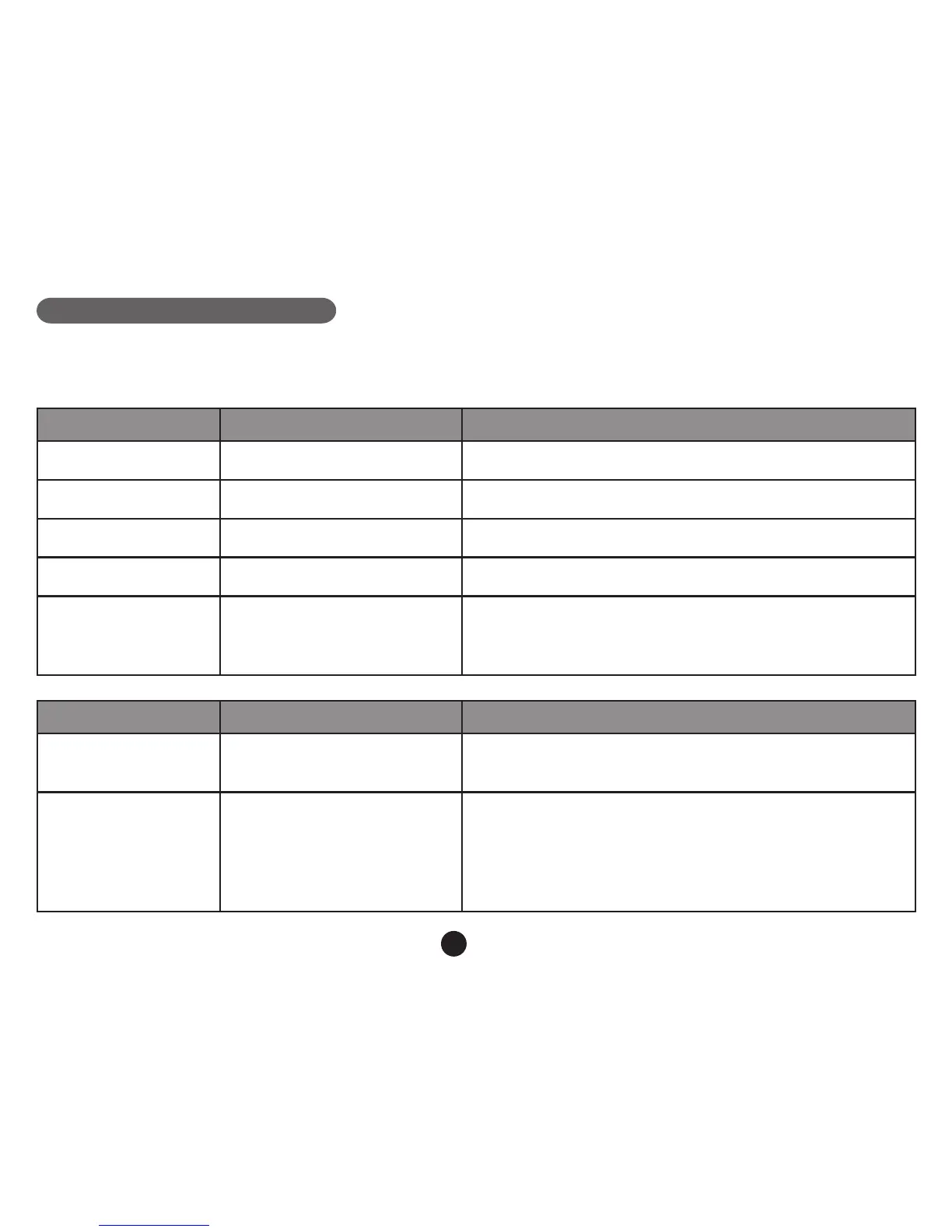
Video Menu item Remark
Video resolution 1080P / 720P Set video resolution.
Photo size 0.9M / 2M / 3M / 3.7M Set photo resolution.
Loop setting Off / 1 min / 3 min / 5 min Set loop recording time.
Motion detection Off / on Set motion detection or not.
Sensor ip Off / on
If this feature is on, the menu will turn upside down
whenever the camera is turned. The device can also
be installed upside down to t your requirements.
Effect Menu item Remark
Flicker 50HZ / 60HZ
If your local AC power frequency is 50Hz, please select
50Hz. If 60Hz, please select 60Hz.
Auto exposure
Auto / landscape / portrait /
sports / night scene
These settings can be adjusted for the shooting to be
more conformed to the surroundings and to achieve
optimal shotting results. Select [AUTO] to let the device
choose the value automatically.



 To Next Page