2
4
5
18 19 20
8
9
10
13
14
11
6
7
1
3
12
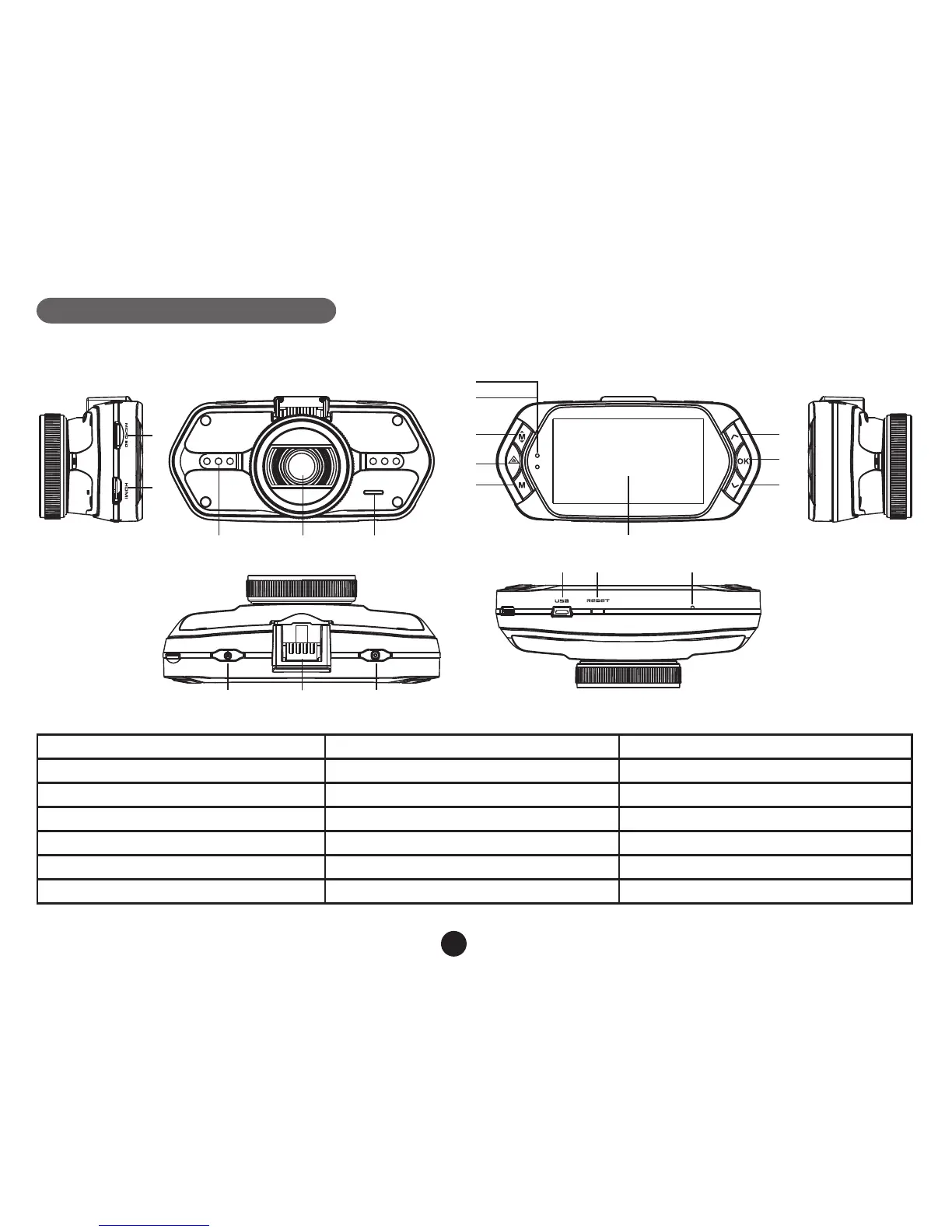
1. TF card slot 2. HDMI port 3. LED light
4. Lens 5. Speaker 6. Status light (blue)
7. Charging light (red) 8. Menu button 9. File protection button
10. Mode button 11. LCD display 12. Up button
13. OK button 14. Down button 15. Power button
16. Holder connector 17. Photo button 18. USB port
19. Reset button 20. Microphone



 To Next Page