18
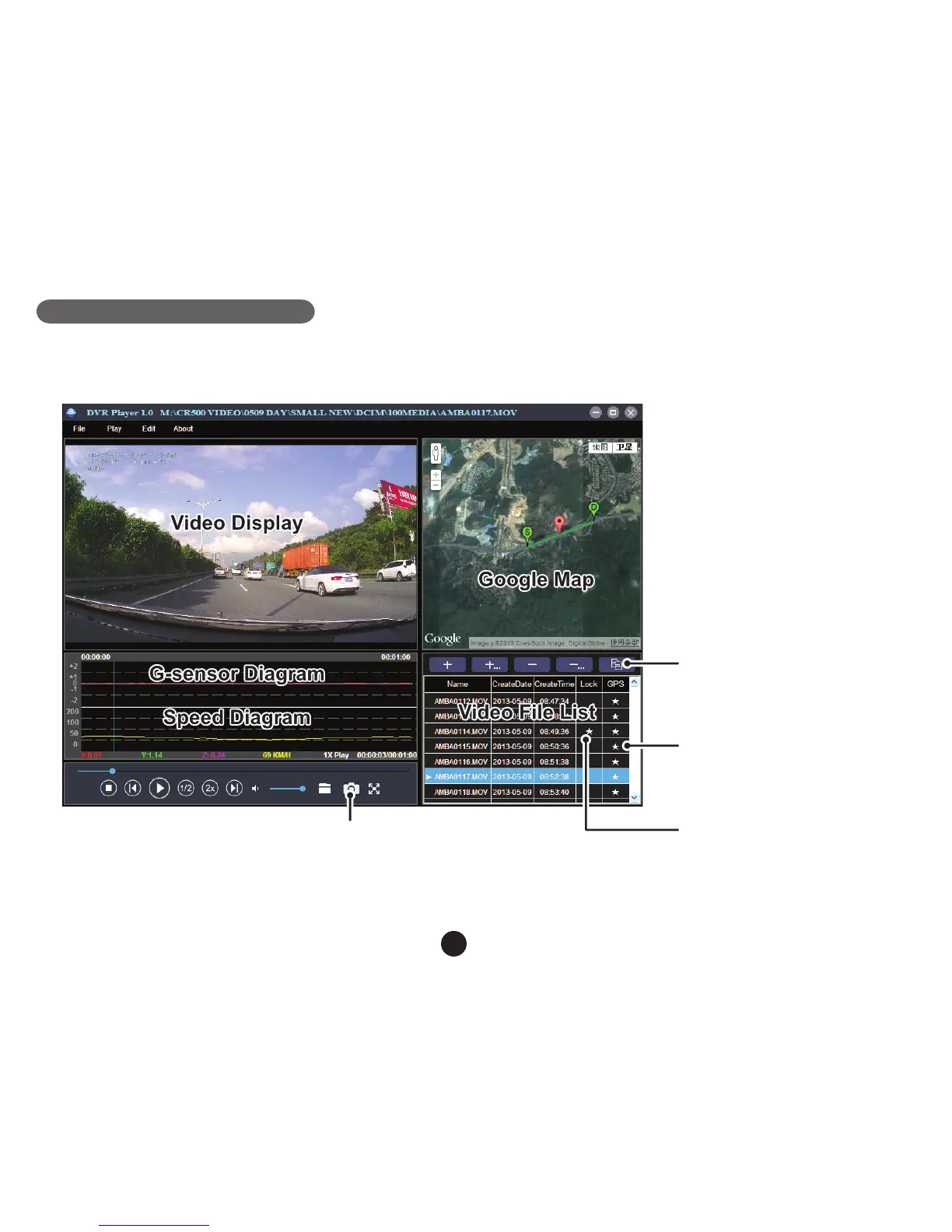
DVR player
The DVR player is located on the TF card when viewed in a computer. The DVR player will be shown as on the
screen-shot bellow.
This button will copy the files
to any folder.
★ This button indicates that
the file is locked.
★ This button indicates that the
file contains GPS coordinates.
The captured picture will be stored in “DVRPlayer_Images” folder.
Note: Before using the player, please install Apple QuickTime, Microsoft DirectX 9.0C and Internet Explorer 7.0
or higher.



 To Next Page