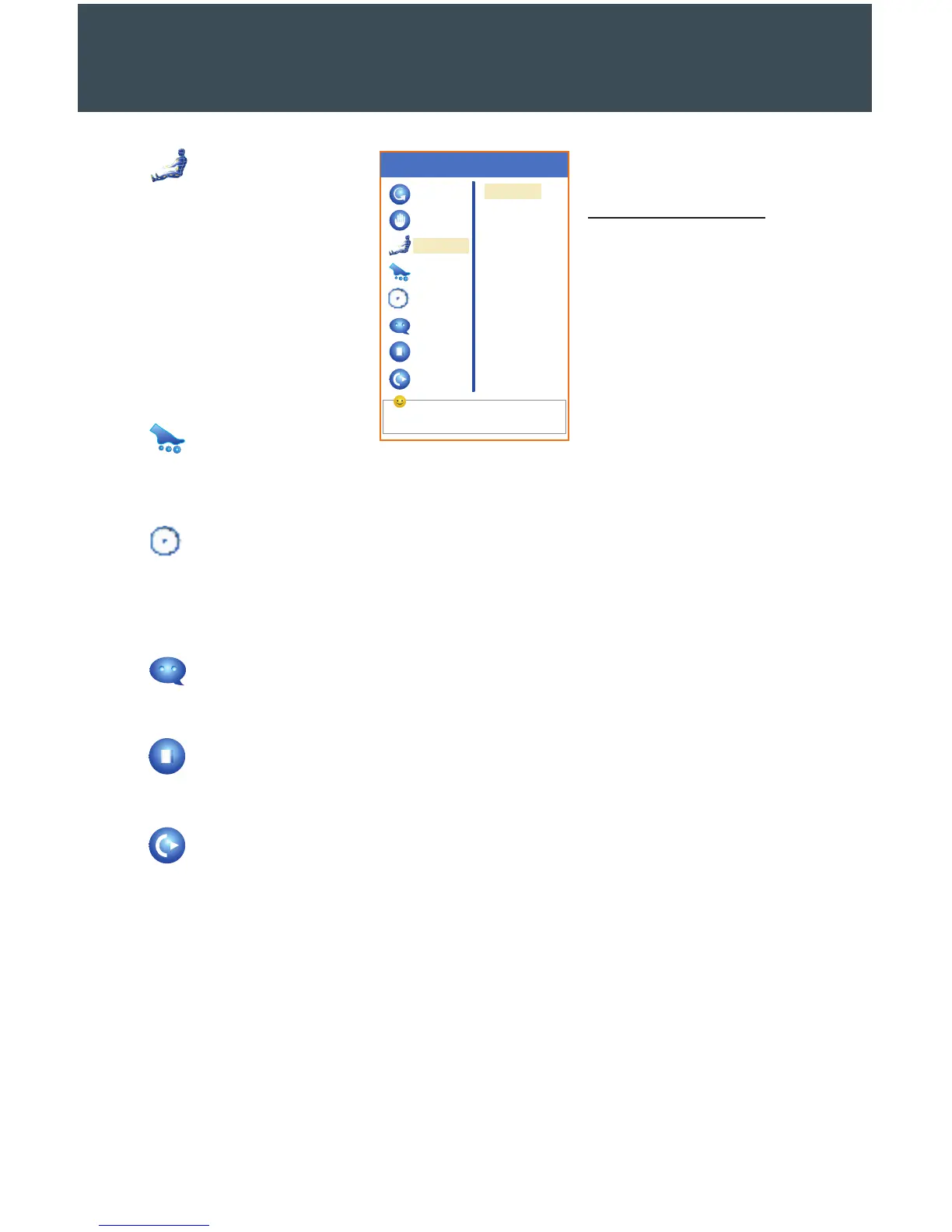
Select by the navigation keys
Auto
Manual
Air
Roller
Timing
Language
Stop
Exit
Menu
Position
Intensity
23
Air
The third menu item
controls the air pressure
in the airbags. Adjust the
position of the pressure
and the intensity to create
a massage sensation that
matches your needs. Press
OK to initiate your changes.
Side Menu Options
Position
Overall
Upper
Middle
Lower
Intensity
Low
Medium
High
Roller
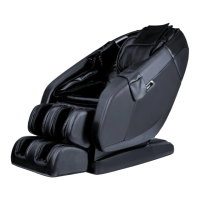
This menu item allows users to control the foot massage rollers in the footrest. From
this screen, choose the mode you prefer: so, quick, or stop.
Timing
Select Timing to set the duration of your massage session. You have the option to
set your massage for 10, 20, or 30 minutes. The chair’s default session duration is 20
minutes. When the massage time concludes, the chair will automatically turn o.
Language
Choose the language of your choice from this screen.
Stop
To stop your current massage and return to the main display screen, press this button.
Exit
Press the Menu button to move back to the main interface, or move back to the main
setting screen and select OK on Exit.
Auto Recovery Program
The first time you use the auto program on the massage chair, it will initiate its
acupuncture-point position-detection test to locate the proper positioning for your
body. If you do not like the recommended position, use the directional arrows to adjust
the settings when you see the phrase “acupuncture point adjusting” on the screen.
When the test finishes, a buzzer will sound five times.
THE LCD SCREEN


 To Next Page