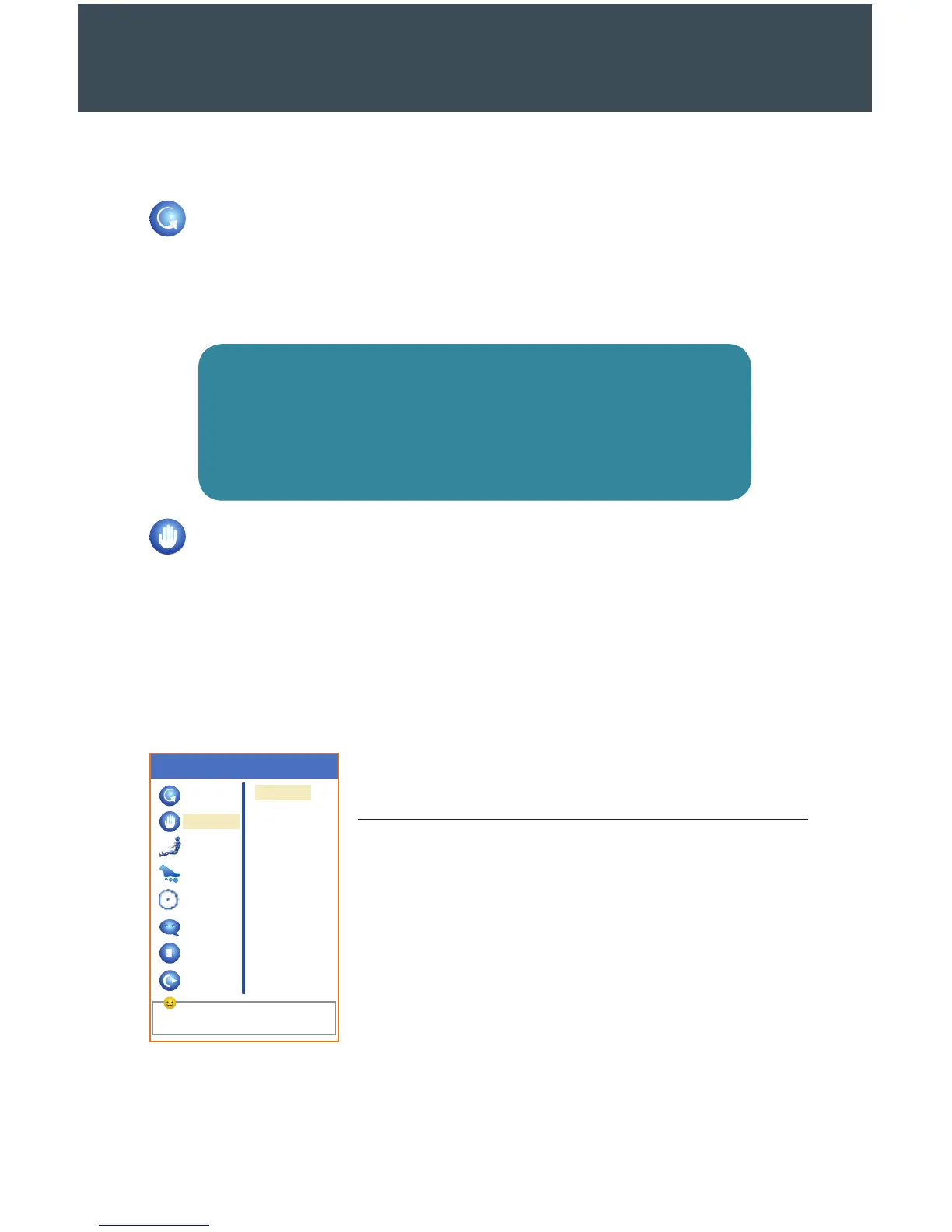
Select by the navigation keys
Auto
Manual
Air
Roller
Timing
Language
Stop
Exit
Menu
Mode
Position
Width
Speed
22
System Menu Options
Auto Massage
The first setting available in the menu gives you access to 6 automated massage
sessions. Press OK and use the directional arrows to explore each massage session
from the menu screen. Press OK again to initiate a session.
NOTE
Each of the subsequent settings inside the menu works in a similar
fashion. When you finish exploring the menu, hit the Menu button to
leave the menu screen or touch the le directional button to return
to a previous setting screen.
Manual Massage
On the main menu screen, navigate down to the Manual item. Inside this setting, you
can adjust four aspects of your massage: the mode, width of massaging components,
position, and speed. Choose the function of your choice, and navigate to the setting
you would like to change.
During a manual massage session, use the up and down directional buttons to adjust
your massage position as needed.
Side Menu Options
Mode
Knead
Tap
Knock
Knead & Tap
Shiatsu
Position
Overall
Back Shoulder
Back Waist
Fixed Point
Width
Narrow
Medium
Wide
Speed
Low
Medium
High


 To Next Page