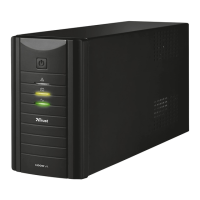
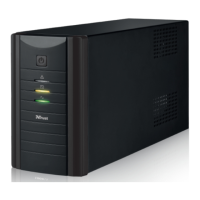
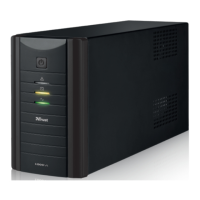
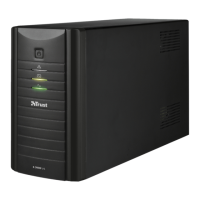
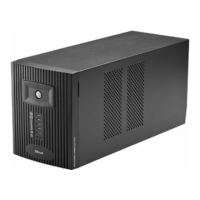
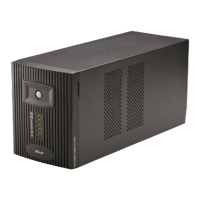
TRUST 1000 UPS ENERGY PROTECTOR
Note
: The battery is being charged when the plug is inserted into the plug
socket. Charge the battery for 8 hours before using it with, for example,
a computer without a mains supply.
UK
Note: It’s normal that the cooling fan turned on when you plug in the power
cord without powering on the UPS.
Note: When the AC power is plugged at UPS, it’s charging. It is not
necessary to power on the UPS in order to charge the battery in UPS.
4.1 Optional modem/phone line protection
1. Connect a RJ-11 cable from telephone socket to the telephone/modem
connection IN on the UPS (1, figure 6).
2. Connect a RJ-11 cable from your telephone/modem to the telephone/modem
OUT connection on the UPS (2, figure 6).
Note: This UPS doesn’t provide you dial-up function, the RJ-11 jacks are
provided for phone line surge protection only. RJ-11 cable- please buy
at electronics store.
5 Use
You can test the UPS after 8 hours by unplugging the power cable. The green LED
will flash and a beep will be heard.
5.1 Functions
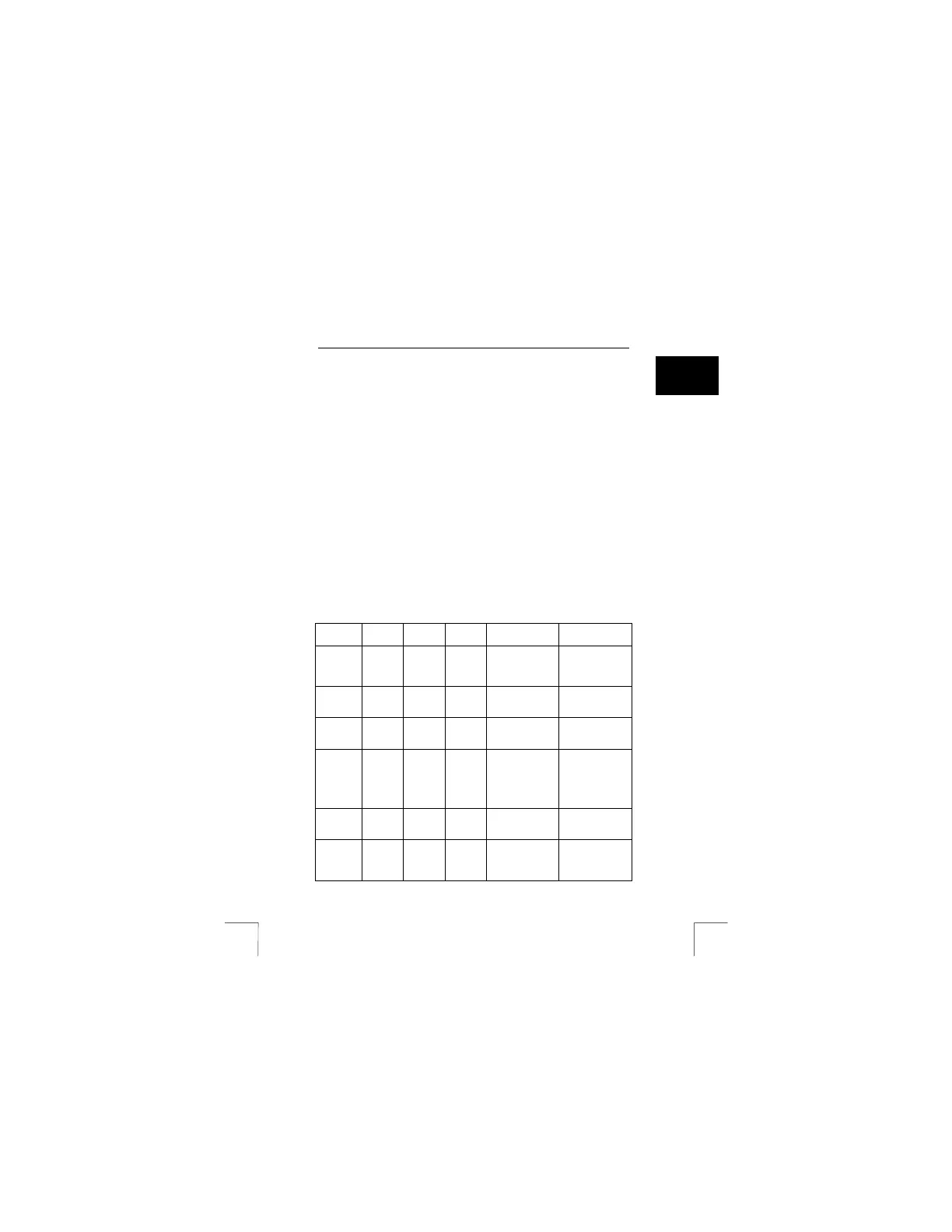
Indicator Sound Output Char-
ging
Description What to do?
- - No Yes UPS is turned off Turn the UPS on
using the
ON/OFF button
(A, figure 1).
- A beep
every 2
seconds
230 V Yes Battery
abnormal.
Replace battery.
Green
(Fig. 1, 3)
- ON
- 230 V Yes Normal use (AC
mode)
No action.
Green
(Fig. 1, 3)
- flashing
A beep
every 10
seconds
230 V No No input voltage
(Battery mode)
No input voltage.
Is now using the
battery voltage.
Save your data
and turn off your
computer.
Green
(Fig. 1, 2)
- 230V Yes These LEDs
indicating load
level (AC mode)
No action.
Green
(Fig. 1, 2)
- 230V No These LEDs
indicating battery
capacity (Battery
mode)
Charge battery if
there’s no LED
on.
3


 To Next Page