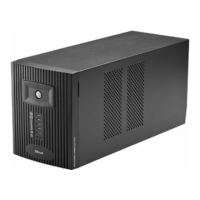
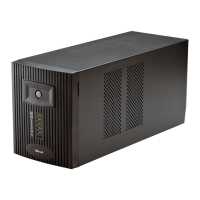
TRUST 1000 UPS ENERGY PROTECTOR
Green
(Fig. 1, 3)
- flashing
quickly
Beep
every
second
230 V No Battery empty.
UPS will turn off
soon
Save your data
immediately and
turn off your
computer.
Too high load
connected
Reduce the load.
Turn off the UPS
and wait 2
minutes before
turning it back
on.
Low battery
voltage.
Do not connect a
load. Charge the
battery for 8
hours or replace
the battery.
Red
(Fig. 1, 1)
- ON
Continu-
ous
beep
No No
Battery or UPS
faulty (internal
error).
Contact your
dealer.
Note: If there is a power cut when using a PC, save your data immediately and
turn off your PC to prevent loosing any data.
Note: Trust is not directly or indirectly responsible for any loss of data and
consequential damage.
5.2 Reset circuit breaker
Overloading may cause the circuit breaker (1, figure 2) in the UPS to pop up. This
UPS uses NFB (No Fuse Breaker), therefore you do not need to replace fuse. When
the breaker pops up, remove the unnecessary load on UPS first and then press it
back to reset the protection.
5.3 Maintenance of the battery
Below are two tips for increasing the life span of the battery.
- Recharge the battery as quickly as possible when it becomes empty.
- If the UPS is not connected to the mains supply for a long period of time,
recharge the UPS at least every three months.
5.4 Replace the battery
1. Disconnect all the power sources on the UPS.
2. Removing the front panel. (Figure 3)
3. Removing the metal battery cover. (Figure 4)
4. Carefully extract the two wires connected to the Blazer. (Figure 5).
5. Replace the batteries with the same kind/type.
6. Connect the two wires back to the Blazer.
7. Assembling back the metal battery cover.
8. Assembling back the front panel.
4
Indicator Sound Output Char-
ging
Description What to do?


 To Next Page