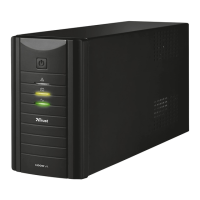
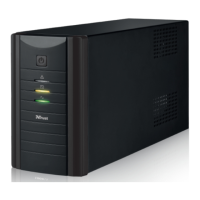
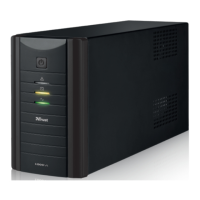
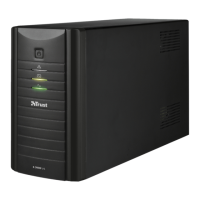
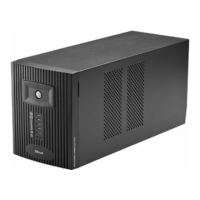
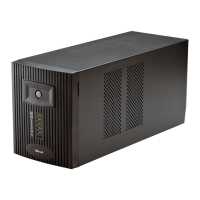
TRUST 1000 UPS ENERGY PROTECTOR
BATTERY:
- Do not expose the battery to a naked flame. This may cause the battery to
explode.
- Never drill holes into the battery.
- Keep the battery out of the reach of small children.
- The battery may only be replaced by qualified personnel.
- The battery must not be opened or damaged. If the battery is opened or
damaged, electrolyte may be released, which is harmful to skin, eyes and the
environment.
- When the battery is empty, ask your local authority where you can dispose of
it.
FAN:
-
The fan in UPS may get dusty after using a while, please remove the AC input
power and turn off the UPS then use a soft brush gently clean off the dust for
better ventilation of the UPS and longer product life.
- Do not insert any object into the fan while it’s spinning which may lead to the
broken of the fan, or damage of the UPS, or damage of the object being
inserted.
3 Approval
This device meets the essential requirements and other relevant conditions of the
applicable European directives.The Declaration of Conformity (DoC) is available at
www.trust.com/13988/ce
.
4 Installation
Note: Turn your computer off before connecting the device.
See QIG.
See Figure 1:
1 Fault LED
AC mode: Load level LEDs 2
Battery mode: Battery capacity LEDs
AC mode: steady green 3
Battery mode: flashing green
4 On/Off switch
See Figure 2:
1 Circuit breaker.
2 Cooling fan.
3 Modem/Phone line surge protection.
4 AC output.
5 AC input.
Table 1: Connections
2


 To Next Page