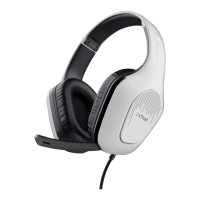
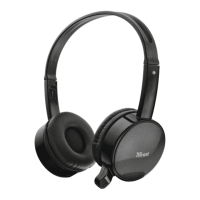
Eewave Wireless Headset - USER’S MANUAL
3
Trouble shooting
Problem Solution
The headsets beeps - The battery is almost empty. Charge the headset.
Bad sound quality
- Charge the headset.
- Connect the USB receiver to another USB port.
- Maximum wireless range is 10m, but walls or big objects may
reduce the range.
No sound at all
- Make sure you have charged the headset.
- Make the headset your default audio device. See step ‘4’ or ‘8’
- Connect the USB receiver to another USB port.
My friend on msn/skype does not
hear what I’m saying
- Increase the microphone volume and check if wireless headset is
set as default device. Follow steps from ‘4’ or ‘8’
If your problem is not solved, please contact the helpdesk at www.trust.com/18034/faq


 To Previous Page