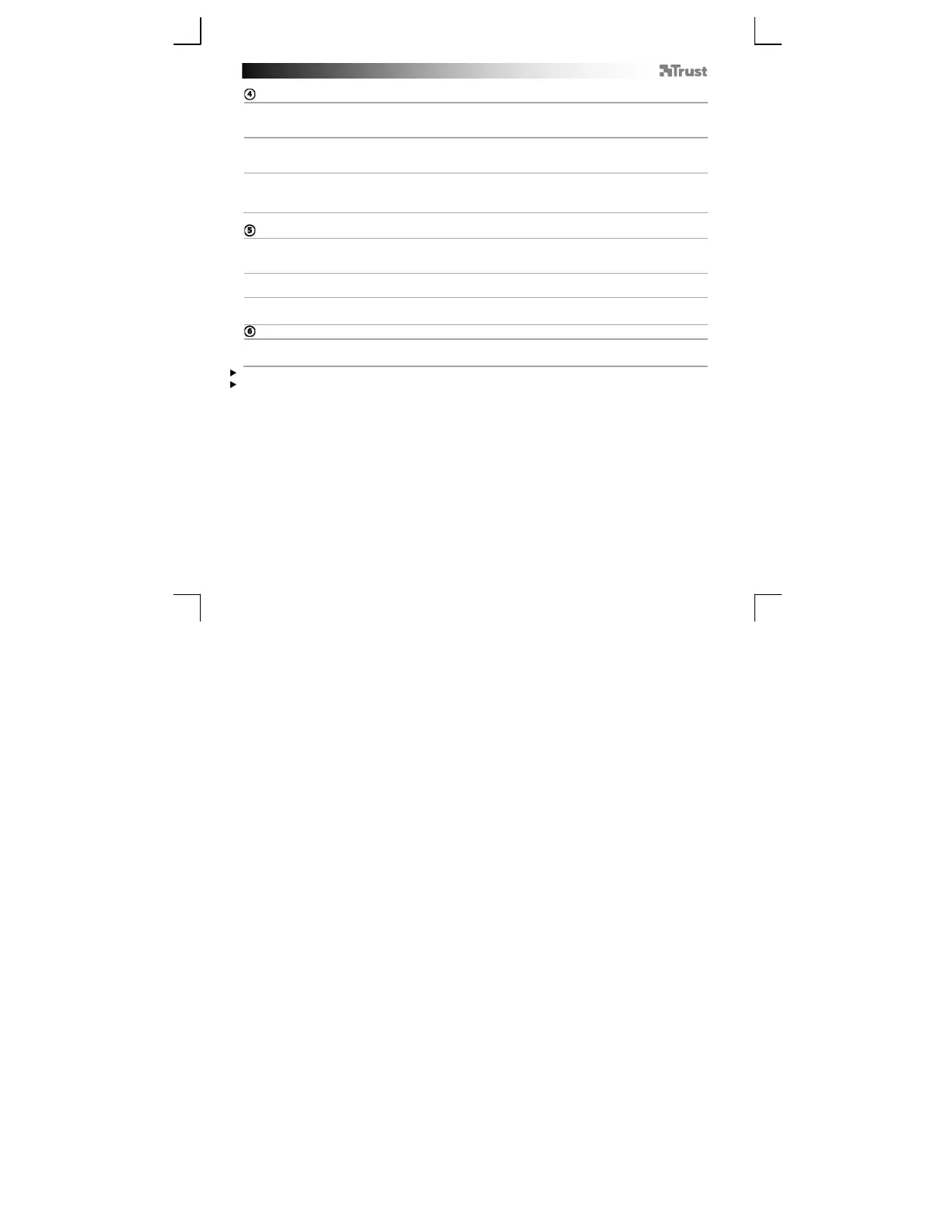
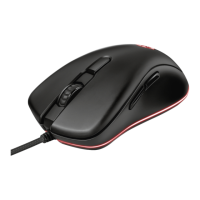
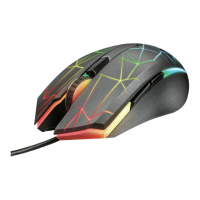
GXT 31 Gaming Mouse - USER’S MANUAL
3
Main
a
Button fuction
In this section of the software you can configure the mouse profiles and buttons.
b
Macro management
In this section of the software you can make and modify macro functions.
c
DPI & tool
In this section of the software you can change the DPI settings, report rate, scroll acceleration and
backup or restore your setup.
Button function
a
Different profiles
- Select the profile/mode that you want to change by clicking on ‘mode-1/2/3/4/5’ or press the ‘Mode’
button on the mouse (L).
b
Function list
- In this list you will find all the standard- and the created macro functions.
c
Buttons
- All the programmable buttons.
Assign a button
- Drag the function that you want to assign for the Function list ‘b’.
- Drop the function on the button that you want to re-assign in list ‘c’.
The left mouse button can only be re-assigned when the function ‘left click’ is assigned to a different button.
The mouse function can only be configured when the mouse is connected using the USB cable.


 To Next Page