98
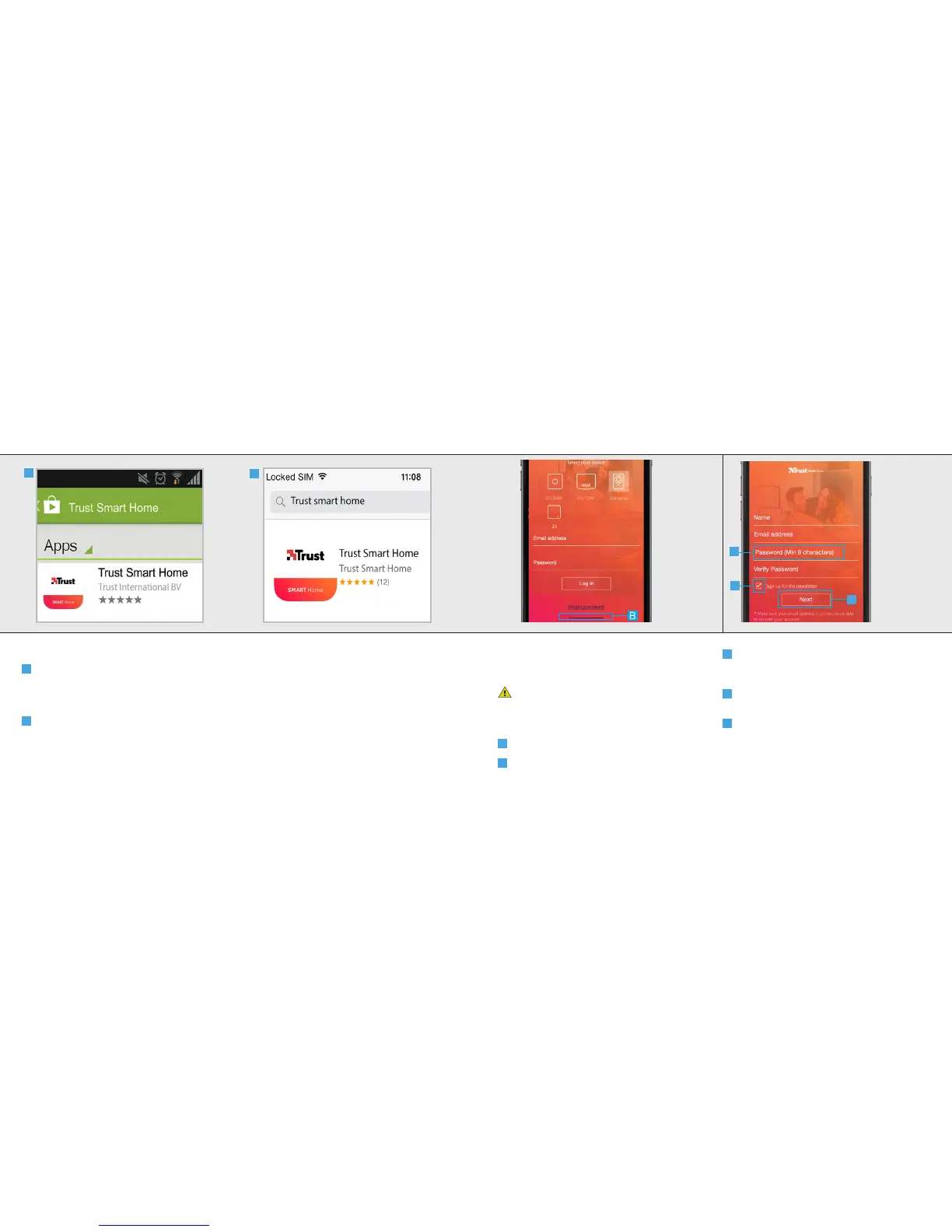
4. Install the App
A
Android
Open the Play Store, search for the
Trust Smart Home app and install the app
on your mobile device.
B
iOS
Open the App store, search for the
Trust Smart Home app and install the app
on your mobile device.
A
B
IPCAM-3000 OUTDOOR CAMERAIPCAM-3000 OUTDOOR CAMERA
5. Register IP Camera
Open the Trust Smart Home App on your mobile
device.
If you own a Trust Smart Home control
station or bridge (ICS-2000 or Z1) press on the
picture of your control station or bridge, login
and go to step 6.1.
A
Press on the picture of Cameras
B
Press the CREATE ACCOUNT button.
C
A screen appears to fill in your account
information. Fill in your name, email address and
a self created password.
D
Choose if you want to receive a newsletter
or not.
E
When all information is filled in press the
NEXT button.
C
D
E



 To Next Page