Set up the sensor.
Choose an optimum sensor and fix in the main body
with one-touch connector.
1
Turnonpower. POWERbutton−PUSH No
No
No 00→No 01
No 01→No 02
No 00→No 02
2
Input No. by numerical keypad or
select button.
“SELECT”button − PUSH
【Number is forwarded sequentalty every time
“SELECT”button is pressed. 00→01→・ ・→38→39
00→01→02→In addition, you can jump to any
designated number by pressing a number with
numeric key. 】
Selecting procedure
“SELECT”button − PUSH(1st time)
“SELECT”button − PUSH(2nd time)
electing procedure
“2”button − PUSH
When “SELECT” button is pressed during the
following procedure (during display of unit mass,
belt width, span length input, and measured value),
the number being chosen is displayed.
3
EX: Select from 00 to No.02
Case of inputting a unit mass
manually.
Caseofinputtingtheunitmass
frombelttype.
EX:SelectP5M.
[See page 9 for input data.]
[See page 9 for input date.]
EX: Put 2.5g/mm wide x meter
long
Input the belt width.
EX: Put 25mm.
[See page 9 for input data.]
“MASS”button − PUSH
[Input the unit mass (g/mm W x m L) in the order of
blinking position on display screen by use of
numeric key. If you input wrong number, press
"MASS" button again to return the cursor to the
first.]
“0”button − PUSH
“0”button − PUSH
“2”button − PUSH
“5”button − PUSH
●"MASS"button−PUSH(holdingdownmore
thanonesecond)Belttypeisshownonscreenby
pressingMASSbuttonmorethanonesecond.
ByusingUPorDOWNbuttontoselectthe
belttype.
●"DOWN"button−PUSHPlacehighlighted
portiononP5M.
●"MEASURE"−PUSH
PX5Misdisplayedonscreen.
4-1
4-2
“WIDTH”button − PUSH
【Do the same step as the above 4-2. When data
above alIowable capacity is input, the cursor
returns to the first, and input of data is requested
again.】
“0”button − PUSH
“2”button − PUSH
“5”button − PUSH
“0”button − PUSH
5
Input the span length.
“SPAN”button − PUSH
【Do the same step as the above 4-1.】
6
Procedure
Description Operation Display screen
5. Operation procedure of BDTM201
S= □□□mm
『
Allowable input capacity:
0001〜9999mm』
W= □□.□mm/R
『Allowable input capacity:
000.1〜999.9mm』
W=0 □.□mm/R
W=02 .□mm/R
W=025. mm/R
W=025.0mm/R
M= □□.□g/m
『Allowable input capacity:
0.1〜999.9g/mm×m』
M=0 □.□g/m
M=00 .□g/m
M=002. g/m
M=002.5g/m
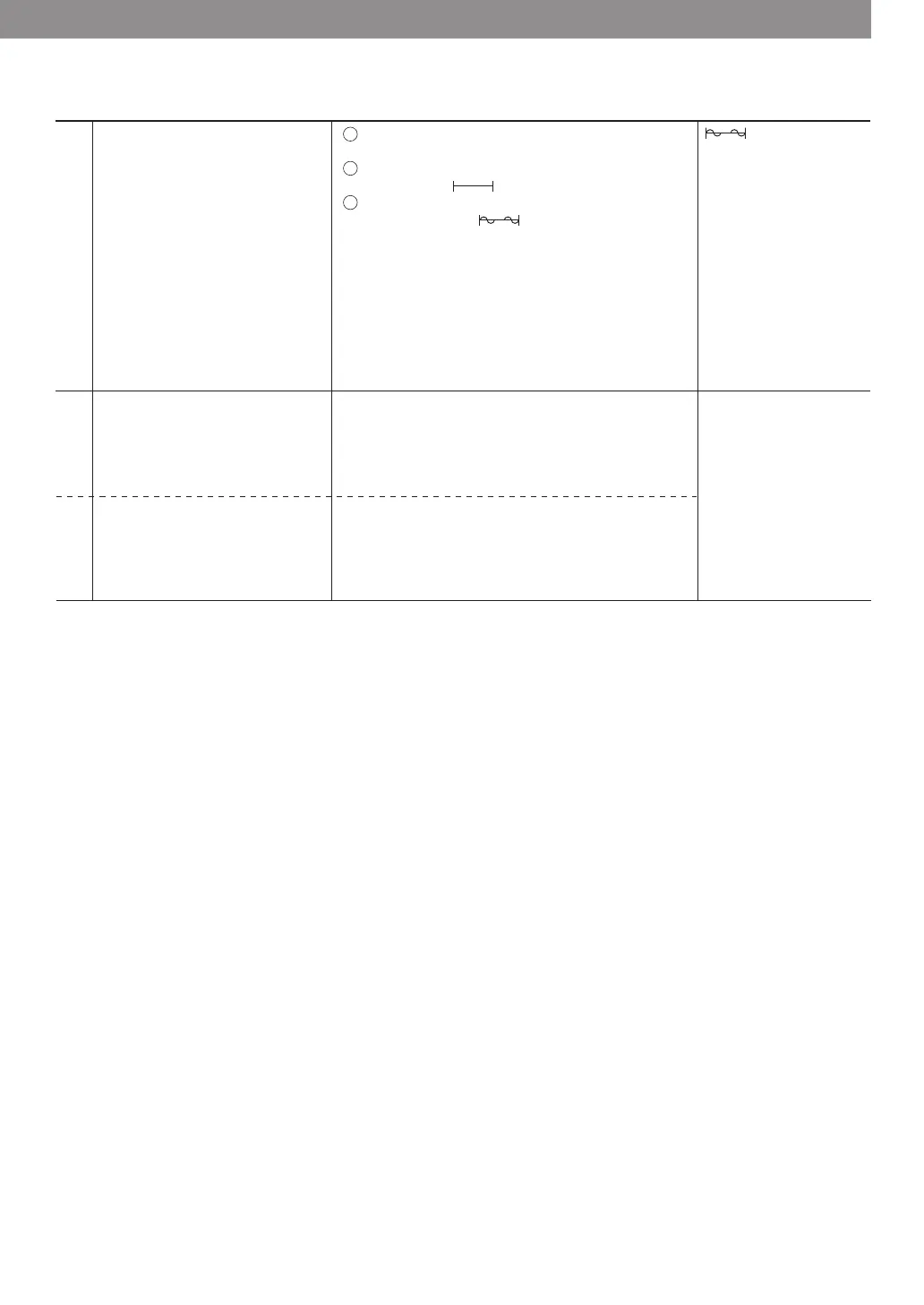
measurement of tension.
tension.
returns to tension mode.]
Shows tension.
tension.
display returns to tension mode.]
Start measurement. Get sensor in central span of the measure object
without touching it.
blinks, shows .
finger etc.: shows .
button from the second time.
reception of belt vibration sound.
screen.]



 To Next Page