24 www.ttfone.com
Receiving/Reply to a Message
When you receive a new text message, your
phone will display an envelope icon and “New
Message” notication.
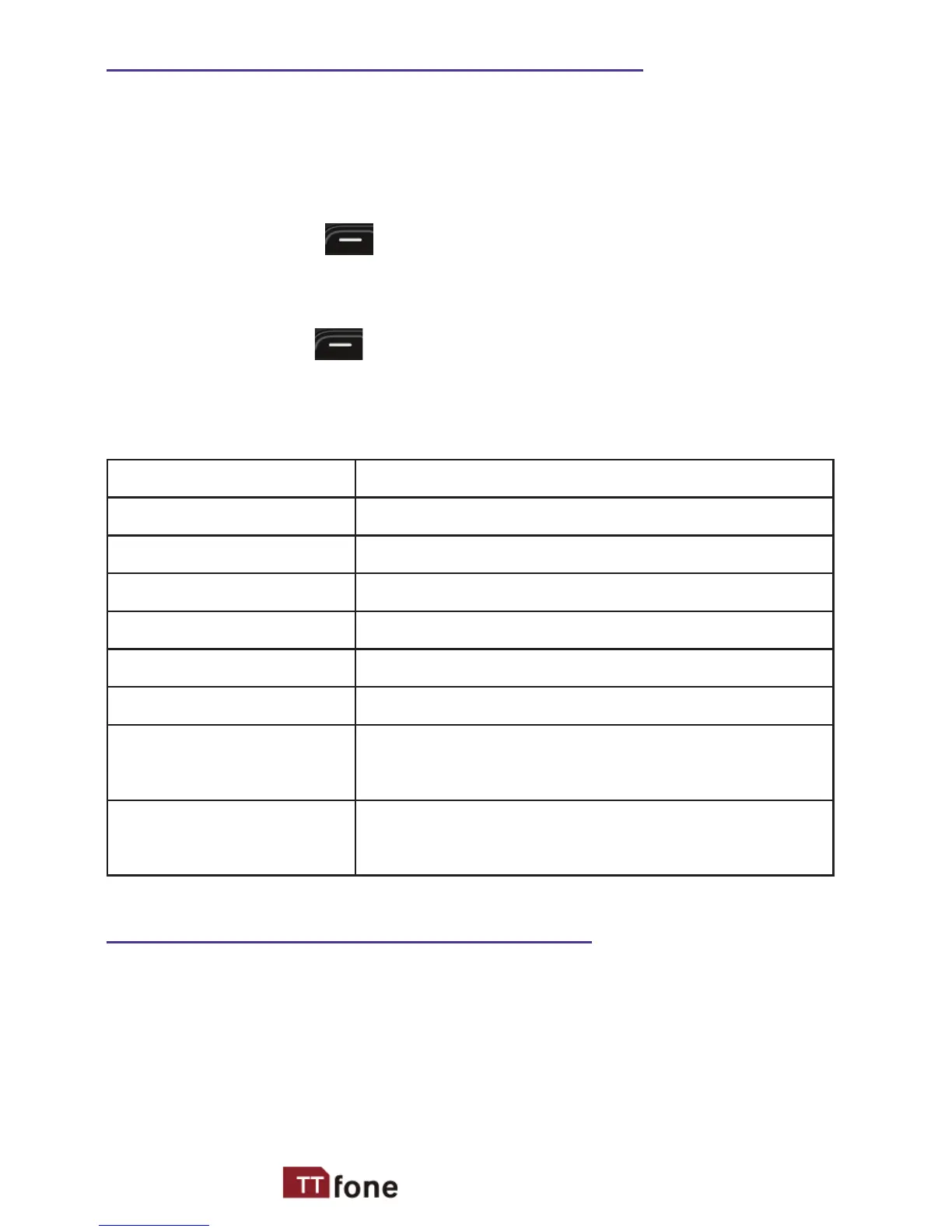
1. Press the left sof
t key twice to read the
message.
2. Press the left soft key again to see a list of
available comman
ds such as “Reply”,
“Delete”, etc.
Texting Actions Description
View To view the message
Reply To reply the message
Delete To delete the message
Call sender To call the sender of the message
Forward To forward the message
Delete all Delete all messages
Save to
Phonebook
To save the contact to
phonebook
Details To view more details of the
message
Letters and Numbers Input
Text Message Letters
English letters are set on number keys from “2”
to “9”. You can input numbers, upper or lower
case letters and punctuation symbols. Pressing



 To Next Page