11www.ttfone.com
Charging the Battery
Battery can be charged when the
phone is either on or o. Please
make sure that the battery is
inserted into the phone before
charging.
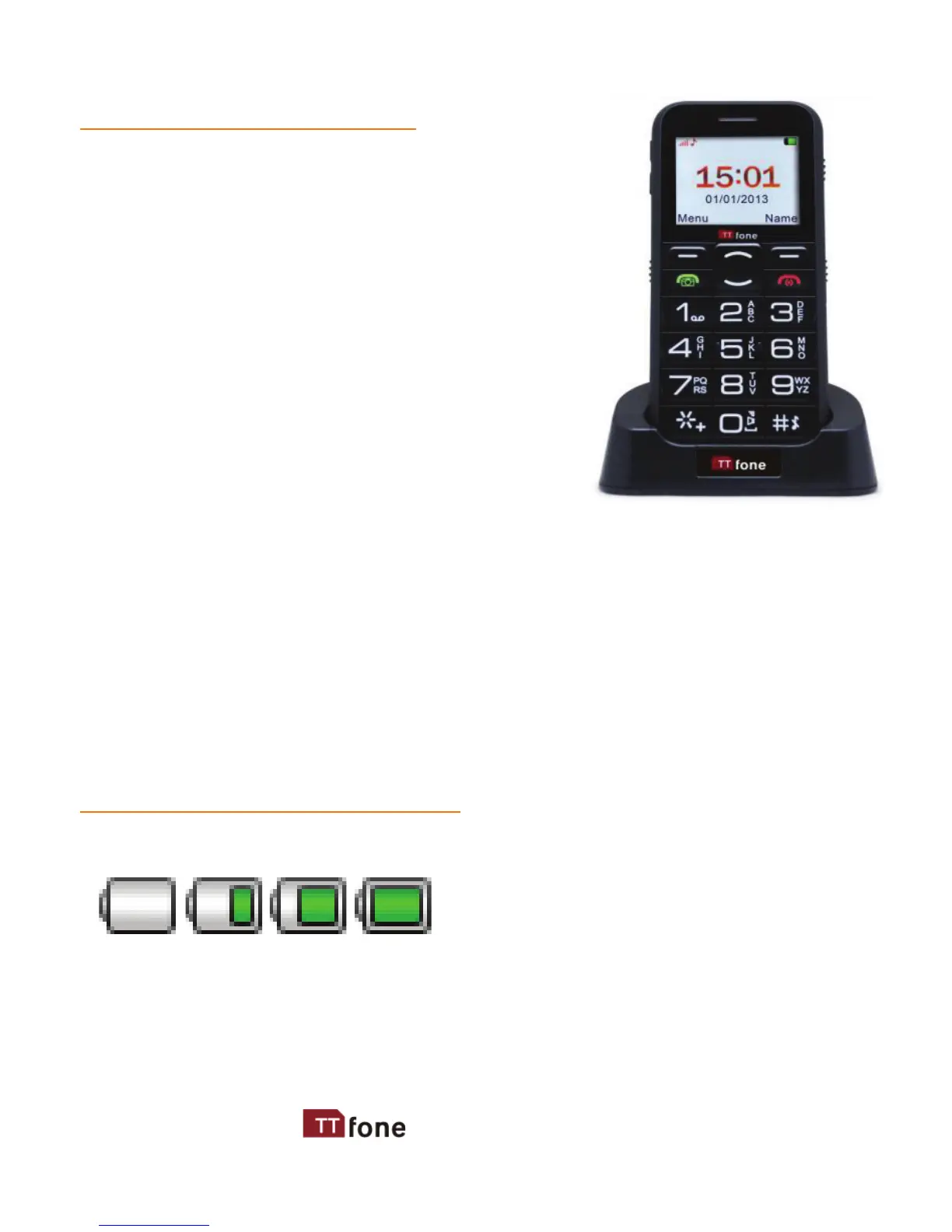
The TT900 also comes with a
desktop docking charger, to use it
simply plug the charger into the
slot on the back of the dock and
whenever you want to charge the
phone place it into the cradle.
Connect the charger to its port on the bottom panel
of the phone, and then plug it into the 240V electrical
outlet. To disconnect, rst unplug the charger from the
electrical outlet and then disconnect it from the phone.
Battery Level Indication
Charging Charged
The phone will sound an alert when the battery is low and
display a message of low battery on the screen.



 To Next Page