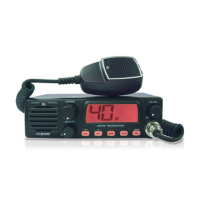
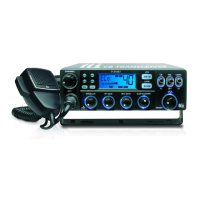
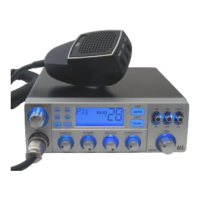
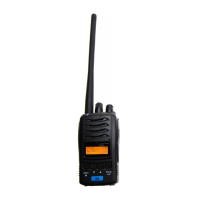
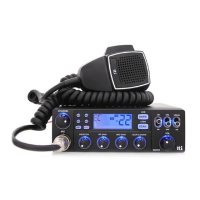
C-Five operating controls0
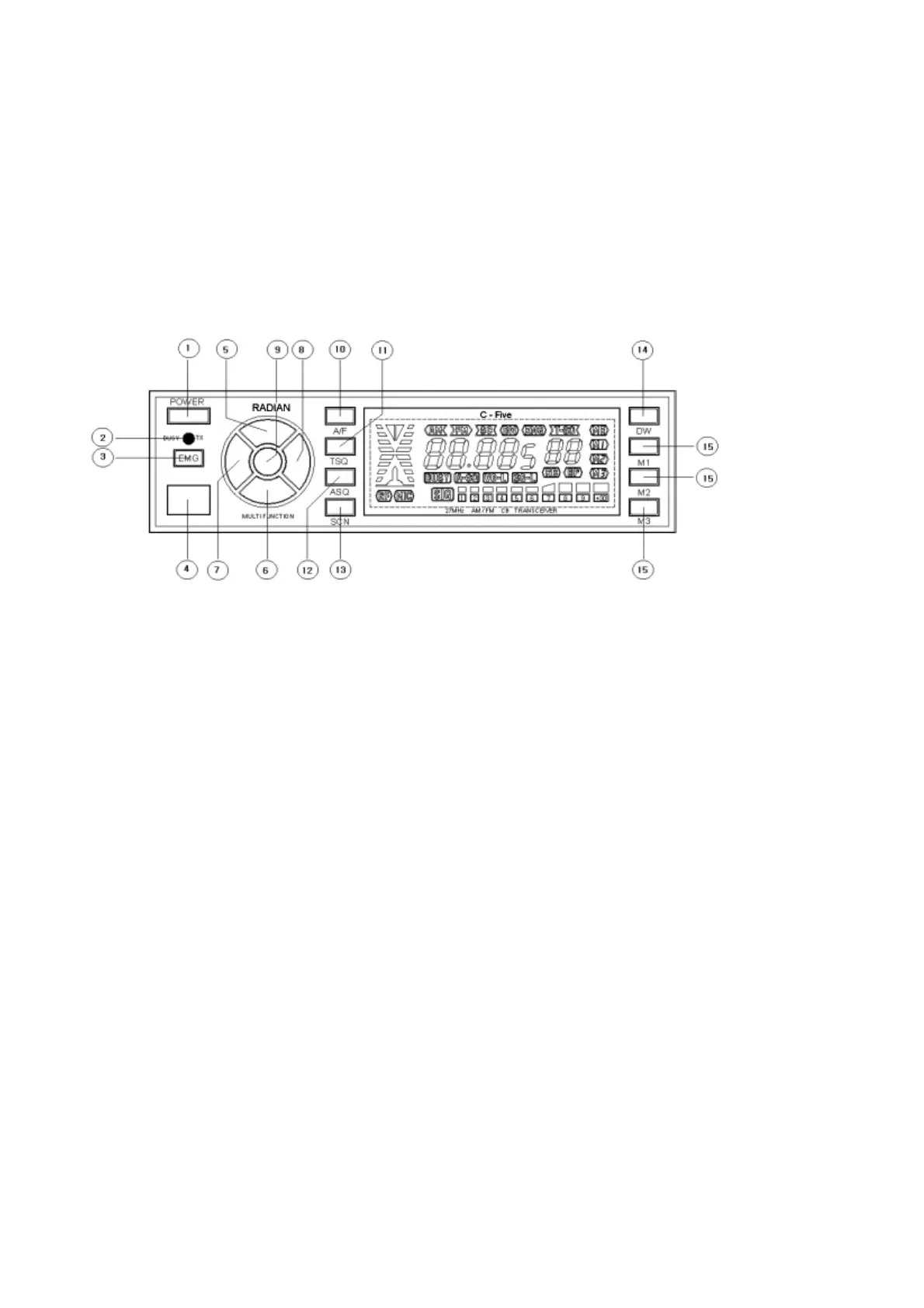
Front panel controls :
1, POWER :
Press the button and it is lock in, your radio power is on. Press it again and the
button is lock out. your radio is off.
2. BUSY/TX
Green LED indicator showing the unit is receiving and Red LED indicator showing
the unit is transmitting.
3. EMG button
Press and release it and your radio selects channel 9 instantly.
Press and release it again and your radio selects to last used channel.


 To Next Page