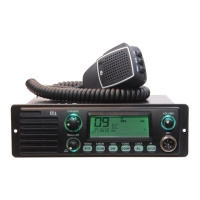
4. Mike jack
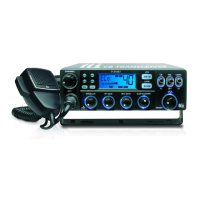
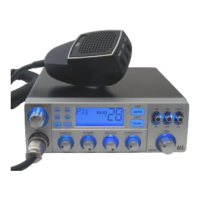
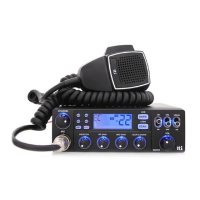
Insert the plug from the mike into the mike jack (8 pin modular jack) until it locked
in.
5.6.Volume UP/DOWN button
Adjust sound volume level (0-20) by depressing upper button and lower button of
FUNC. Volume level will be displayed as numeric and graphic when you adjust
volume and fixed after 2 seconds or at the time of pressing PTT key of mike.
7.8. Channel UP/DOWN
Select Channel by depressing left button and right button of FUNC.
9. FUNC button
Control of SQ, T-SQ UP/DOWN, RGB ON/OFF, BEEP ON/OFF
SQ UP/SOWN
Press and release FUNC button one time and ‘SQ-L’ will blink.
Adjust SQ level (0-19) and SQ will be displayed as numeric and graphic when you
adjust SQ and fixed after 2 seconds or at the time of pressing PTT key of mike
T-SQ UP/DOWN


 To Next Page