4. Use in HDMI Mode---------------------------------------- 13
4.1 Camera Installation------------------------------------- 13
4.2 Basic Use ------------------------------------------------- 14-
3. Use in PC Mode--------------------------------------------- 6-
3.1 Camera Installation-------------------------------------- 6-
3.3 Software Installation------------------------------------- 7-
3.4 Software Settings----------------------------------------- 9-
Contents
1. Product Series & Lists ------------------------------------ 2
2. Camera Interface Specification------------------------- 4-
5. Precautions------------------------------------------------- 17
6. Maintenance------------------------------------------------18
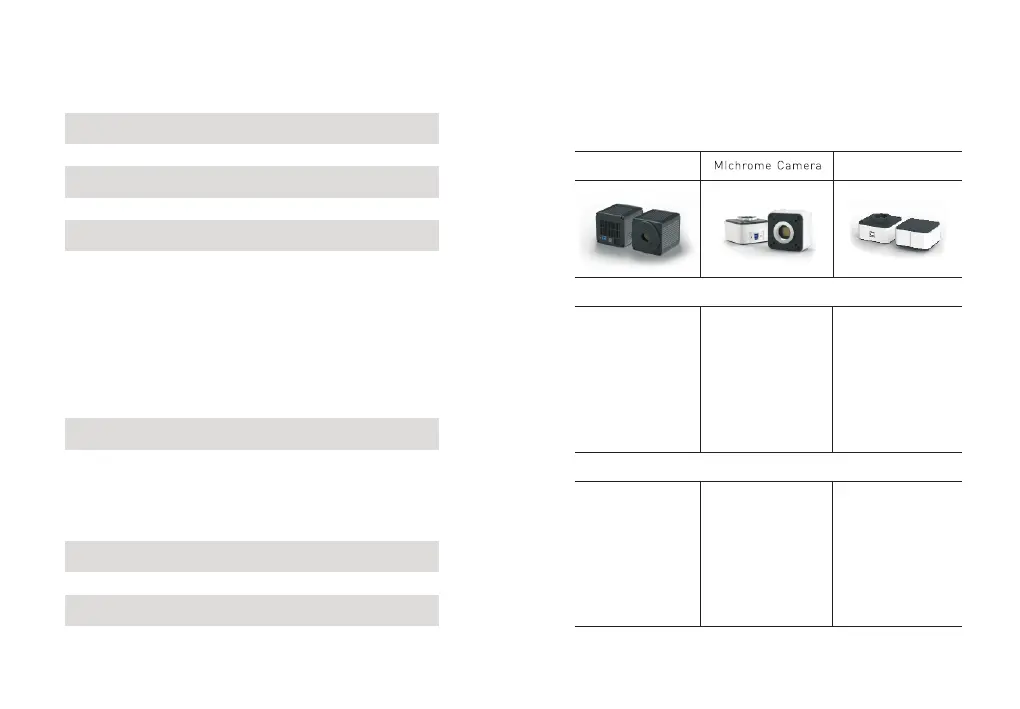
1. Product Series & Lists
1.1 USB Cameras
FL ooled CameraC
Overviews
1 x USB3.0 data cable
2 x
1 x Camera
1 x Software (U disk)
Screws
20MP Resolution
Cooling noise reduction
Real-time 3D noise reduction
Real-time sharpening
Real-time stitching
Real-time EDF
USB3.0
1 x Camera
1 x Power
1 x Power adapter
1 x Software (U disk)
1 x USB3.0 data cable
cable
(12V 8A)
5MP-20MP Resolution
Real-time stitching
Real-time EDF
USB3.0
Standard lists
1 x Software (U disk)
1 x USB2.0 data cable
1 x Camera
2MP-12MP Resolution
Graphics acceleration
Frame rate greatly improved
USB 2.0
GT Camera
3.2 System Configuration------------------------------------ 7
-2--1-


 To Next Page