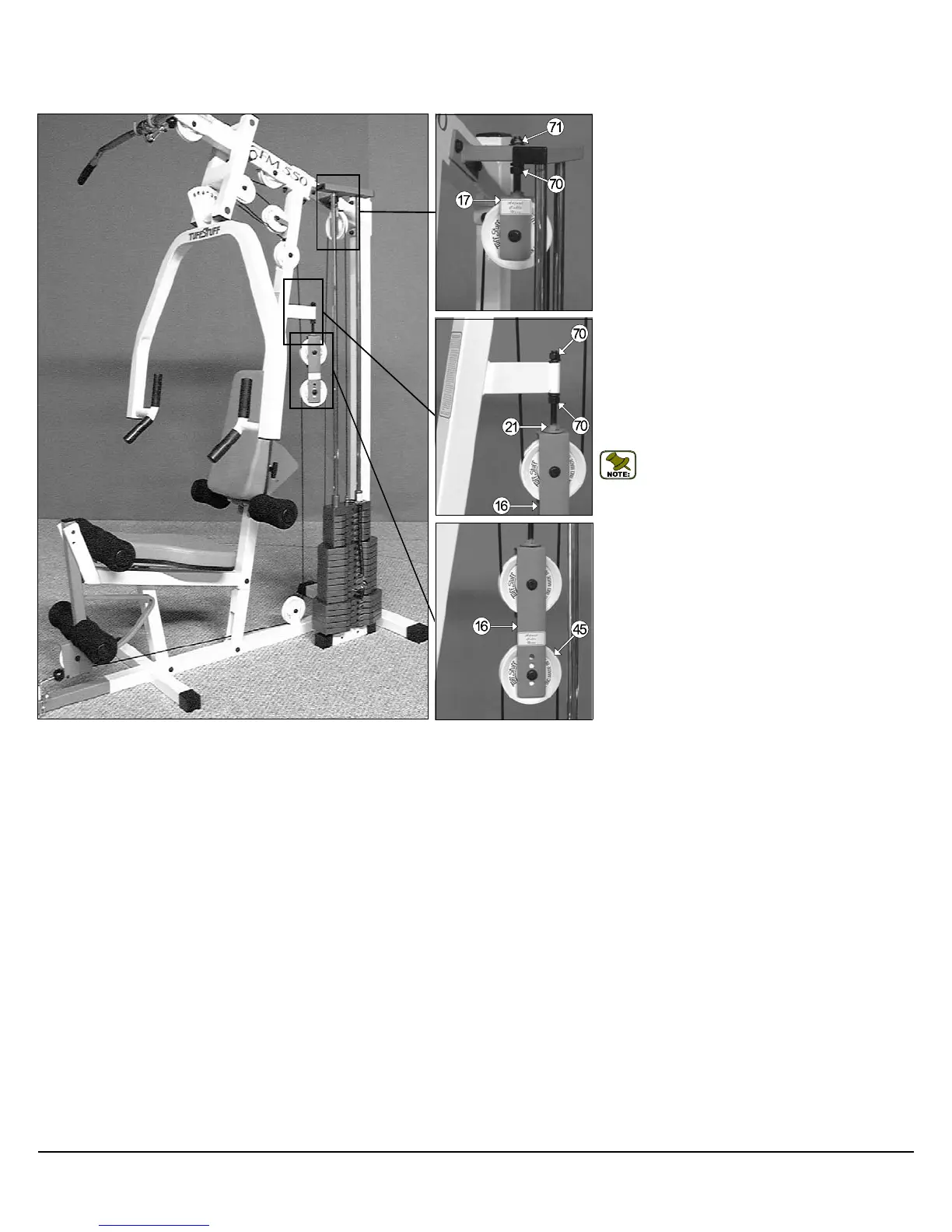
Adjustment for:
Adjustable Stopper (#21)
1. Loosen both Regular Hex Nuts 1/2-13 (#70).
2. Adjust the Adjustable Stopper (#21)
with the Adjustable Double Pulley Brkt. (#16).
3. Re-tighten both Regular Hex Nuts 1/2-13 (#70
complete the adjustment.
Note: Be sure that the
Brkt. (#16) is resting on the
(#21).
Cable Adjustment for:
Adjustable Pulley Bracket (#17)
1. Loosen the bottom Regular Hex Nut (#70).
2. Adjust the top Nylon Insert Jam
the cable proper tension.
3. Re-tighten the bottom Regular Hex Nut (#70
complete the cable adjustment.
Cable Adjustment for:
Adjustable Double Pulley Brkt. (#16)
1.
Remove the hardware from the Nylon Pulley 4 1/2 Rd.
(#45) located at one of the four holes on the
Double Pulley Brkt. (#16).
2. By interchanging the Nylon Pulley 4 1/2 R
the Adjustable Double Pulley Brkt. (#16) to the next ad-
justment hole it will make one inch cable adjustment.
3. Re-
tighten the hardware for Nylon Pulley 4 1/2 Rd.
(#45) to complete the cable adjustment.
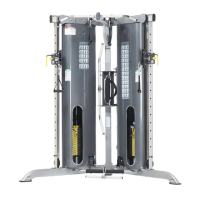
CFM-550 CABLE ADJUSTMENTS DIAGRAM
CFM-550 Compact Frontal Machine
18



 To Next Page