2.6 LCD remote control (all models except E1000)
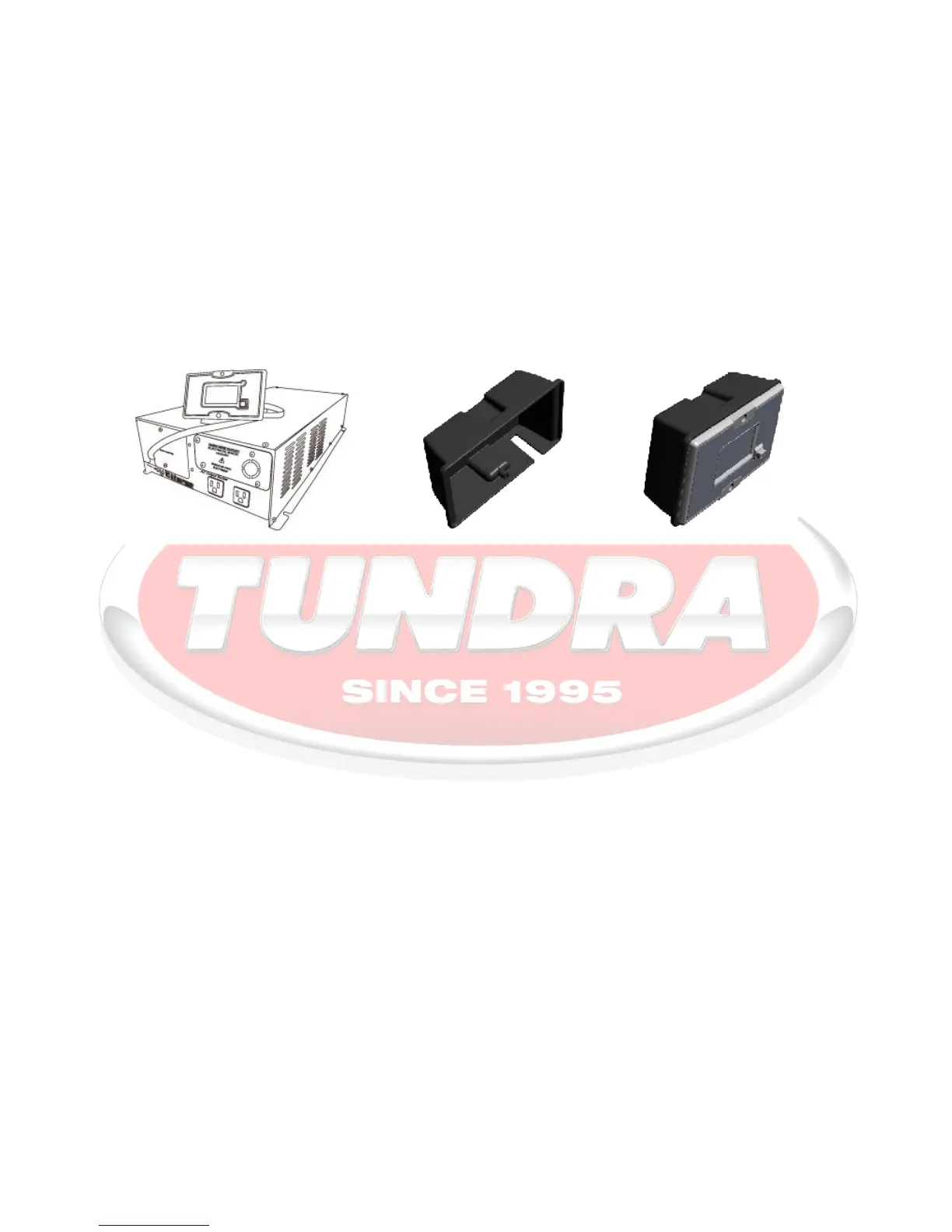
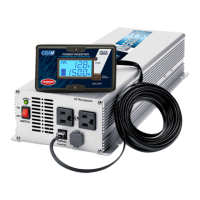
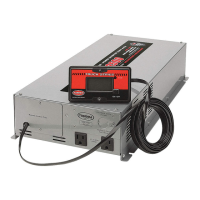
Your new inverter is equipped with an LCD remote control. During normal operation of the inverter, the remote
will display a number of information to allow its user to better understand the operational limits of the inverter.
The information displayed can be used to obtain maximum performances as well as troubleshooting.
On HD and HDi Series the remote control is factory installed on the front panel, but detachable. It allows
mounting of the inverter out of sight. The remote can be mounted remotely using the included hardware and the
19.7 feet cord (6m).
2.6.1 Display
Input DC volt: Displays the voltage at the inverter’s input terminal. Usually this voltage is very close to
the actual battery voltage and the difference, if any, is caused by the resistance in the
cables and connections. A regular maintenance will contribute to minimize the possible
resistance.
Battery capacity: Displays an estimation of the “state of charge of the batteries” within the operation limits
of your inverter (refer to section 4).
Load: Displays “real time” consumption in Watt (when greater than 50W).
Fault light: Announces a faulty condition such as: low or high battery voltage, over temperature and
overload. An audible alarm will sound announcing the faulty condition.



 To Next Page