Programming the Vi+ using a Series Telephone
Page 4 Ver 1 4/24/2015
Programming the Vi+ using a Series Telephone
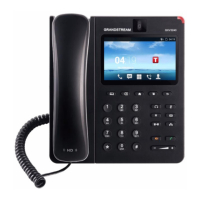
Step 1 – Connect a telephone directly to the socket on the Vi+ labelled ℡.
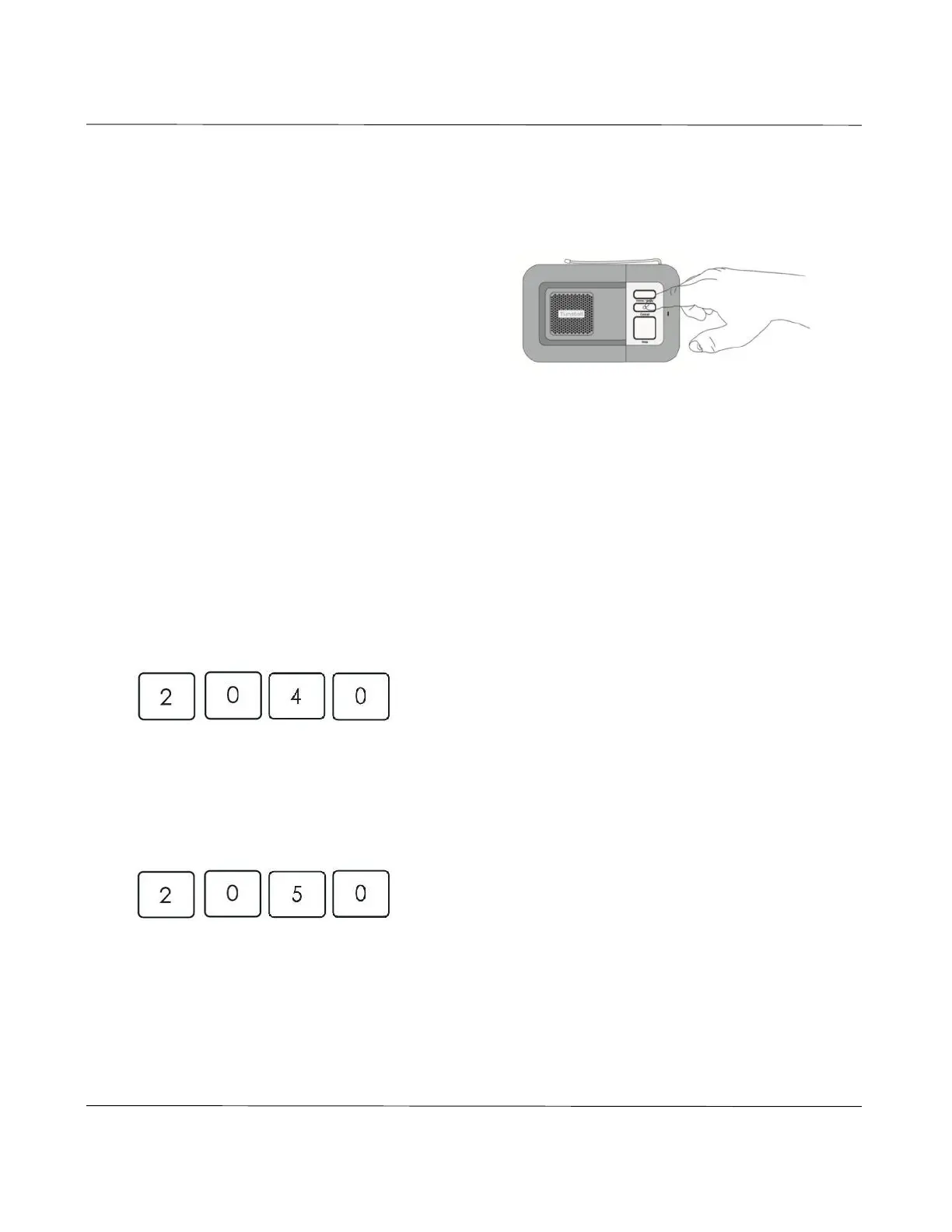
Step 2 – Place the Vi+ in toprogramming
mode by pressing and holding down the
green cancel button until it bleeps (approx. 5
seconds). The Vi+ announces ‘Programming
mode’ and the red alarm button flashes
slowly.
Step 3 – Lift the handset of the telephone and enter the quick codes listed on the
following pages. Manual entry of parameters can also be completed via this
method; however this should only be used when advised by Tunstall.
Frequently used series telephone codes
Enter programming mode as described on the previous page, lift the telephone handset
and then enter the following codes:
Resetting the Vi+ but retaining radio triggers
To reset all previous programmed information except the radio triggers, press:
This code means all functions are reset to default settings. The date and time remain
unchanged.
Resetting the Vi+
To reset all previous programmed information press:
Resetting erases all programmed telecare sensors and triggers and all functions are reset
to default settings. The date and time remain unchanged.



 To Next Page