14
Go to Table of Contents
Setup and Connections: Xbox 360 Consoles
Xbox 360 system settings
For proper operation, adjust the Voice settings on your Xbox
360 console.
1. Press the Xbox 360 Guide button on your controller.
2. In the on-screen menus,
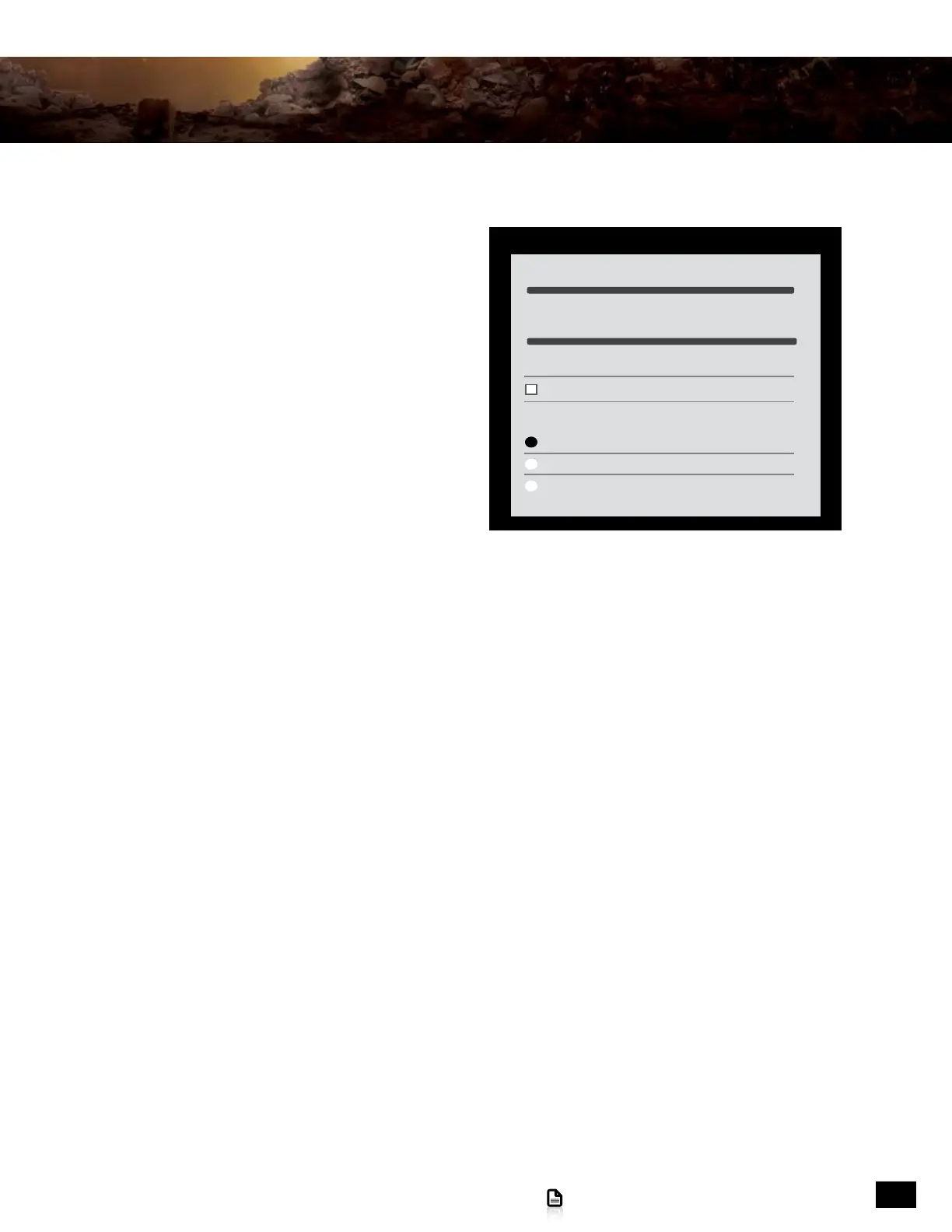
select Settings > Preferences > Voice
3. Set Voice Volume to 10
4. Set Game Volume to 10
5. Set Voice Output to “Play Through Headset”
Voice Volume 10
Voice
Mute Kinect
Voice Output
Play Through Headset
Play Through Speakers
Play Through Both
Game Volume 10










 To Next Page