12
Go to Table of Contents
PC Surround Sound Setup
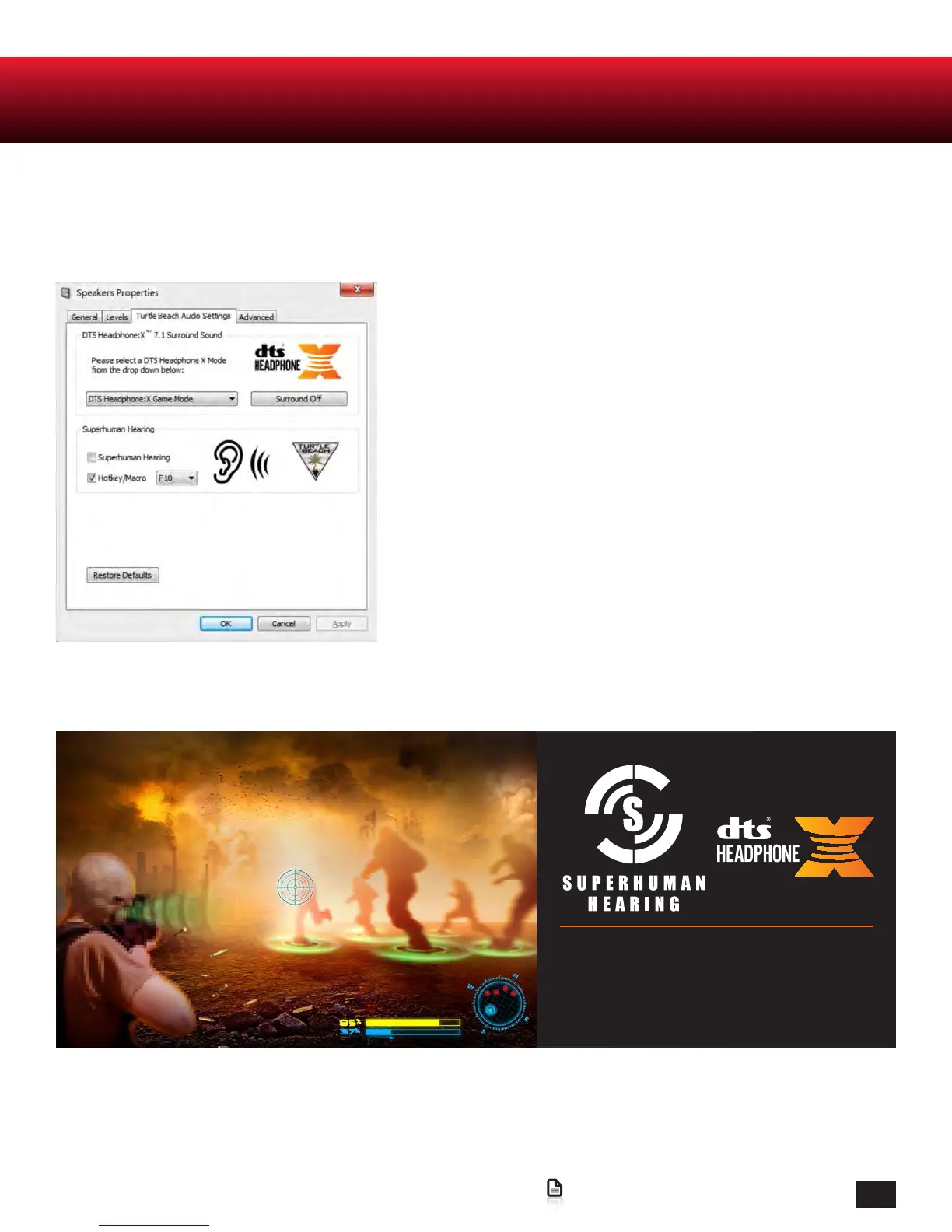
STEP.10 Select the Turtle Beach Audio Settings tab; From here you can congure your advanced audio
settings.
On the Turtle Beach Audio Settings Tab multiple DTS
Headphone:X 7.1 Surround Sound Modes are available to select
from. Each mode provides an unique sonic environment:
Game Mode
Movie Mode
Music Mode
Stereo Mode
To bypass DTS Headphone:X, select Surround Off.
Superhuman Hearing
Here you can manually engage Superhuman Hearing or set a
Hotkey so it can be conveniently engaged mid-game while
you are away from the Turtle Beach Audio Settings Menu.
Use Superhuman Hearing™ Mode in
combination with DTS Headphone:X 7.1
Surround Sound to pinpoint quiet audio
cues like enemy footsteps and weapon
reloads.















 To Next Page