9
Go to Table of Contents
PC Surround Sound Setup
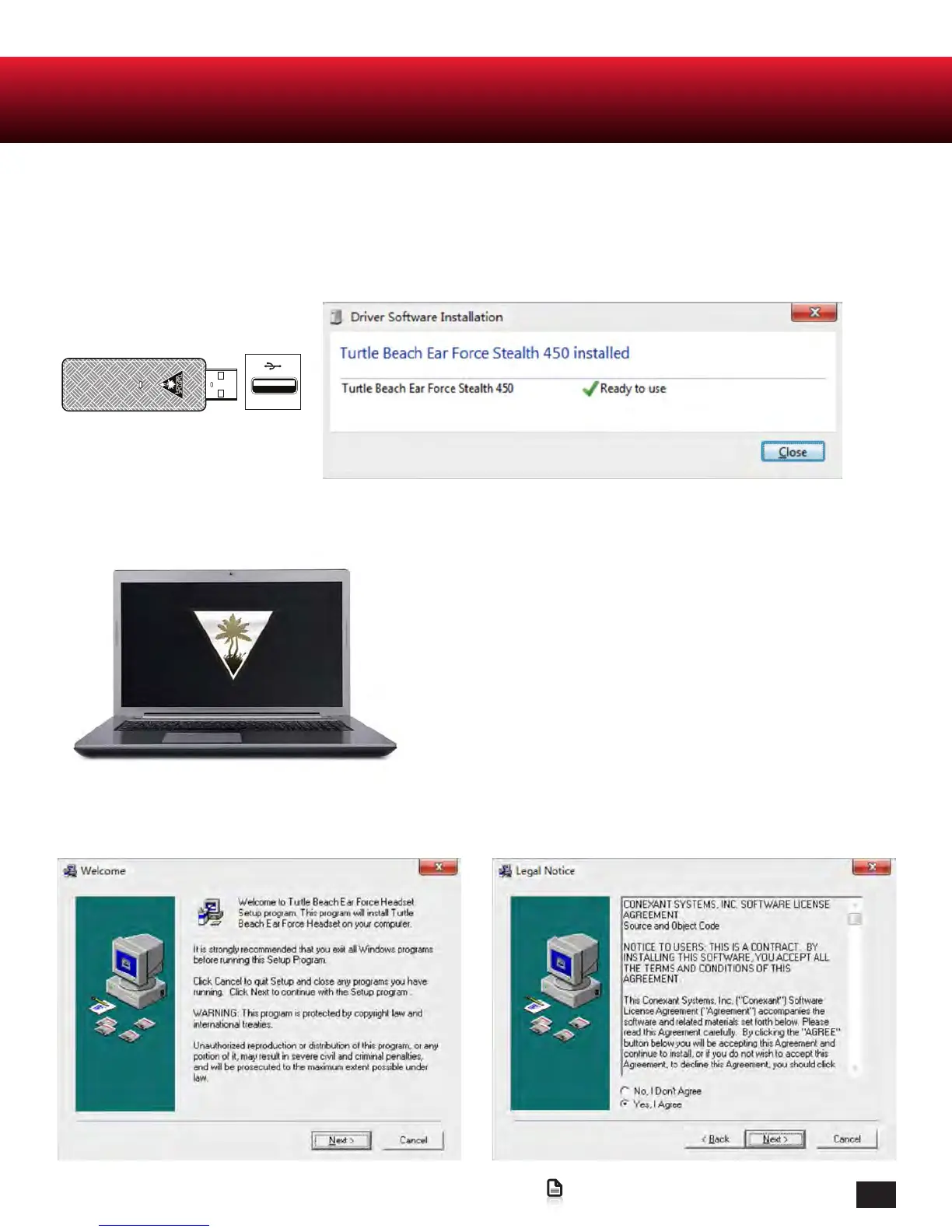
STEP.1
Insert Stealth 450 Transmitter into your PC and allow windows automatic installation
to occur. This may take a couple minutes
.
STEP.3
Run the Installer and accept the user agreement.
STEP.2
Download the installation tool from the Stealth 450 product page at:
http://www.turtlebeach.com/Stealth450
The Ear Force Stealth 450 headset is designed for use with Windows 7 and up.















 To Next Page