13
Go to Table of Contents
Mobile Setup
A
A
C
C
Required
Note: When using the Stealth 450 away from your PC (Mobile Connection Only) after 15 minutes you may hear
a prompt indicating that you must press the Power Button in order to continue use. This is built in for battery
conservation, just press the power button to continue listening to music without interruption.
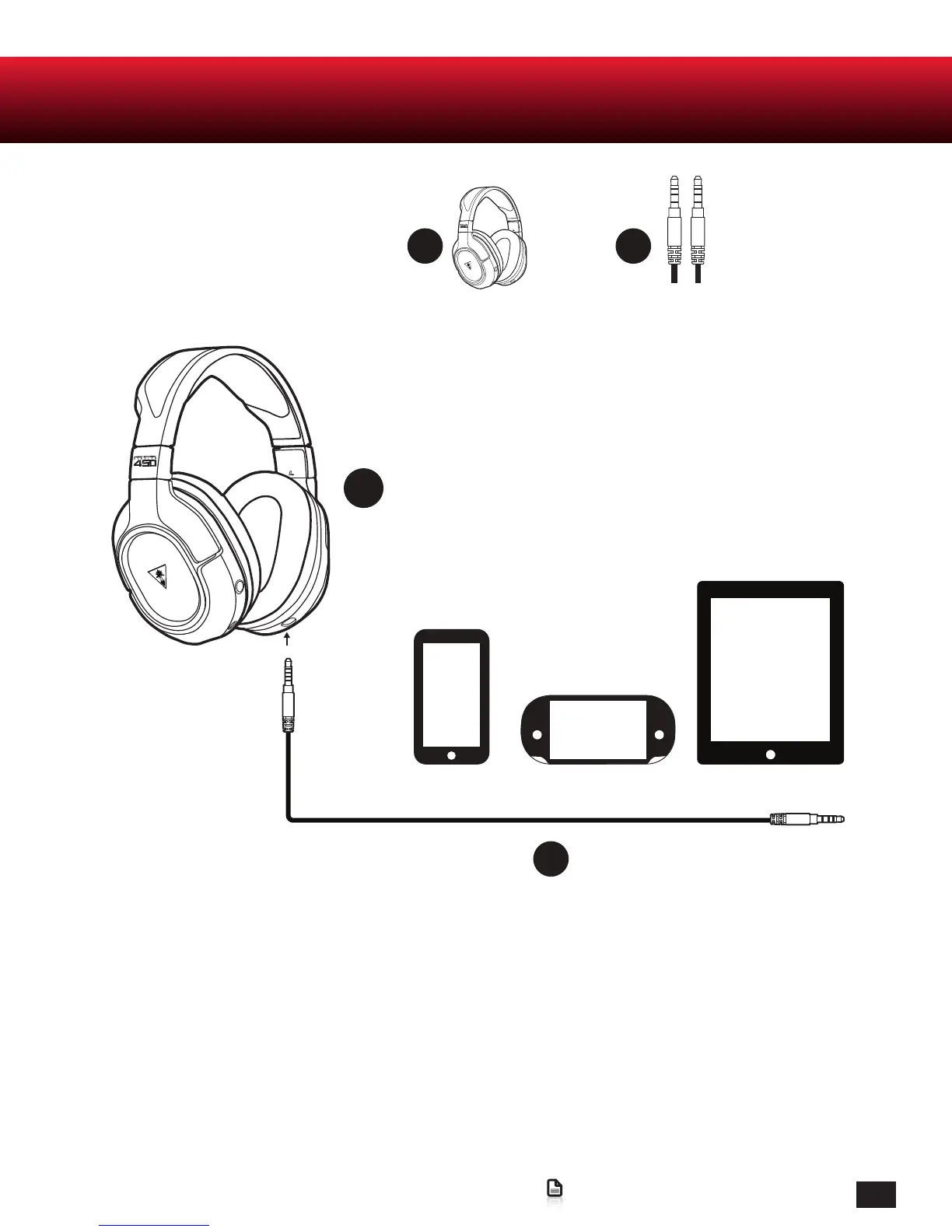
1. Power ON the Ear Force Stealth 450 Headset.
2. Insert the Mobile Cable into the Jack on the bottom of the Right Earcup.
3. Connect the other end to your preferred mobile device.
* Note: The headset must be powered on for mobile use.















 To Next Page