


 To Next Page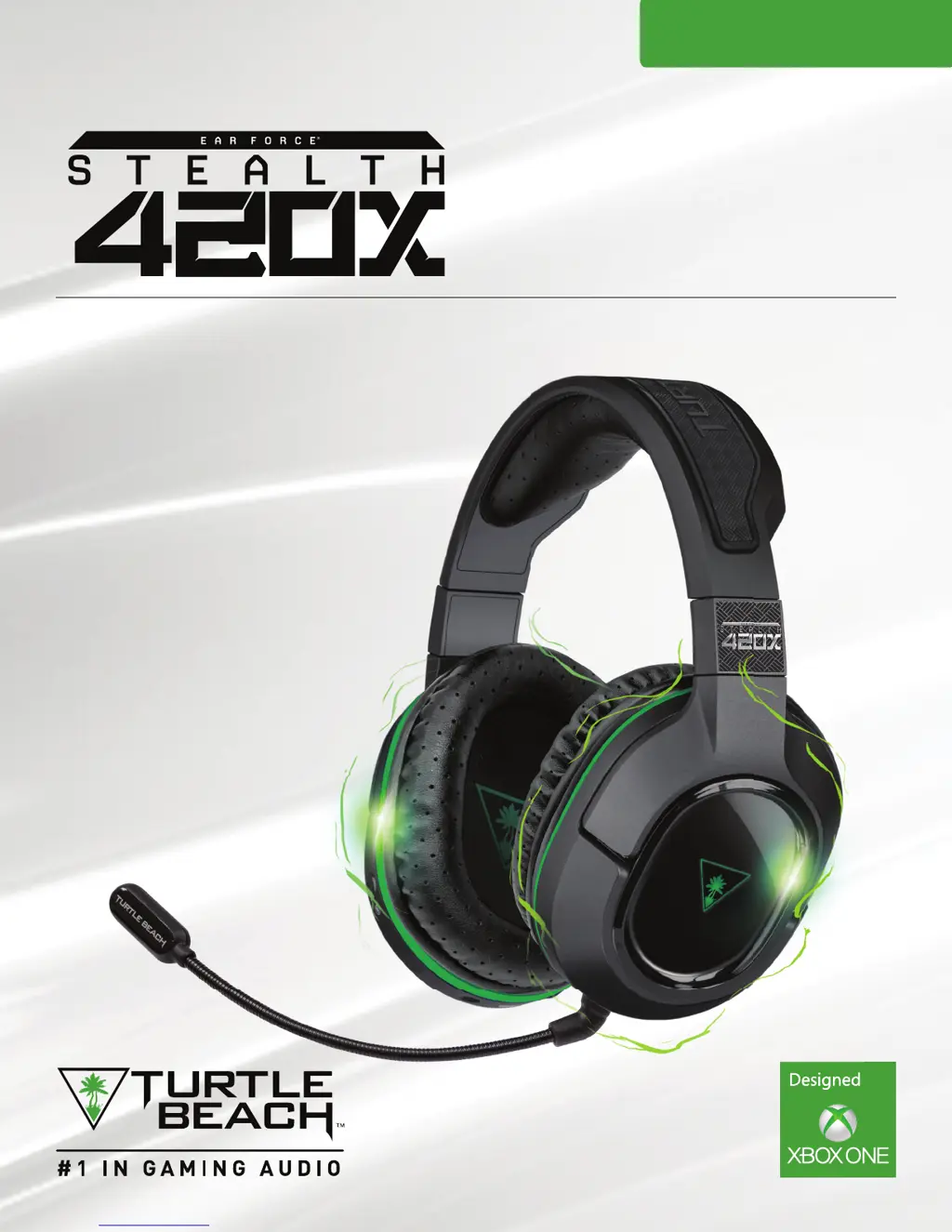
S
Shawn WalkerAug 5, 2025
What to do if my Turtle Beach Headsets have voice chat issues?
- YywatsonAug 5, 2025
If you're experiencing voice chat issues, first check that your headset is assigned to the Xbox Live Account you're using by going to Settings > Devices and Accessories. Next, ensure that the microphone isn't muted by pressing the Mic Button on the Headset. Also, confirm that the Removable Mic Boom is firmly inserted into the correct 'D' Slot on the bottom of the earcup, not the Mobile Connection jack. If the issue persists, ensure your NAT Type is configured correctly; consult the provided link for assistance. Finally, test your microphone by trying Game Chat/Skype or recording a voice message; if these work, the problem may be with party chat or your NAT Type.
 General









