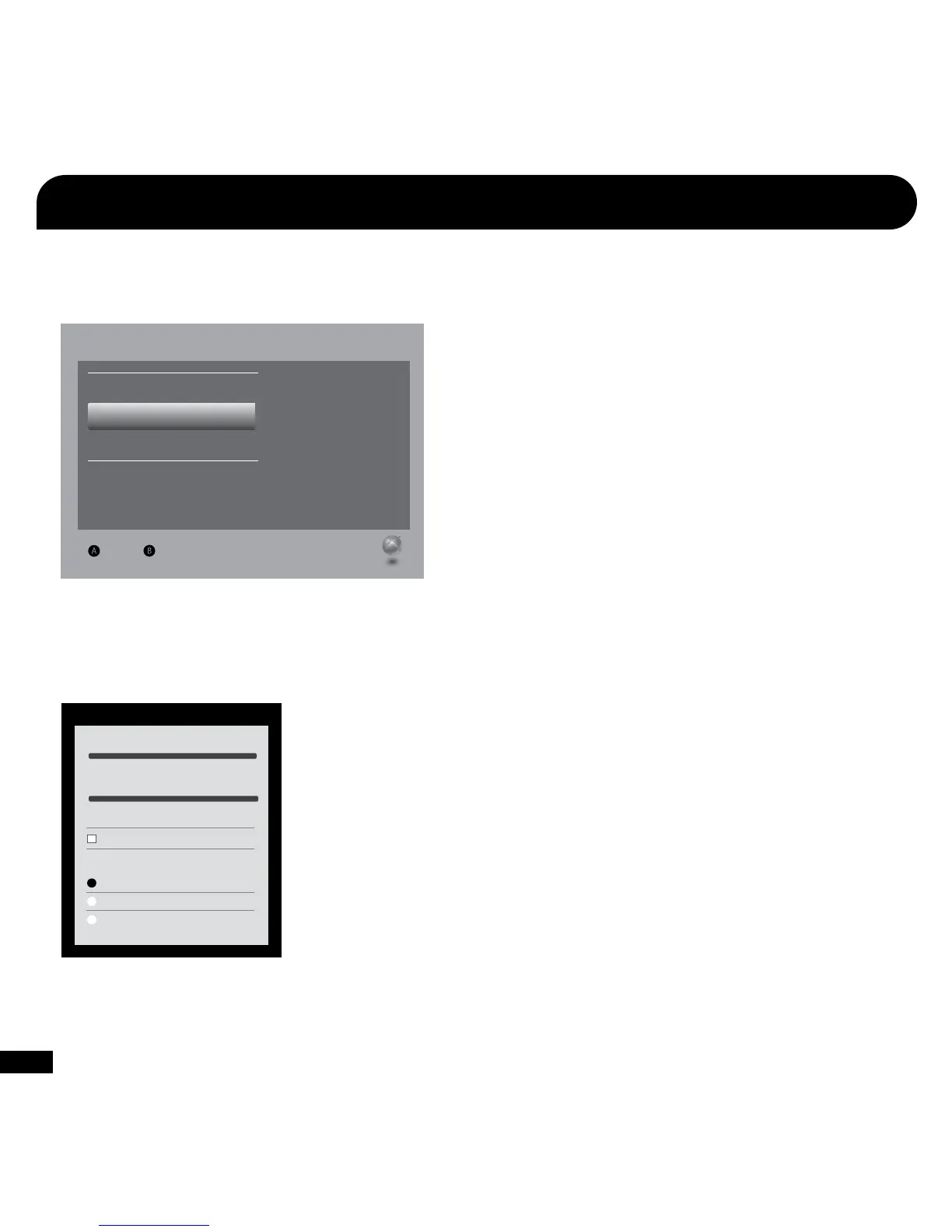
Current Setting
Dolby Digital
Choose the digital output
type for your system.
This setting only applies
to optical digital and HDMI
audio outputs.
Digital Stereo
Select Back
Digital Output
Dolby Digital 5.1
Dolby Digital 5.1 with WMA Pro
1. From the Xbox 360 Dashboard, go to Settings > System Settings > Console Settings > Audio > Digital Output.
Set “Digital Output” to “Dolby Digital 5.1”.
Configure Xbox 360
®
Settings
Voice Volume 10
Voice
Mute Kinect
Voice Output
Play Through Headset
Play Through Speakers
Voice Output
Game Volume 10
2. From the Xbox 360 Dashboard, go to Settings > Preferences > Voice.
Set Voice Volume to 10, set Game Volume to 10, and set “Voice Output” to “Play Through Headset”.















 To Next Page