3
Using the Transmitter
Transmitter Range
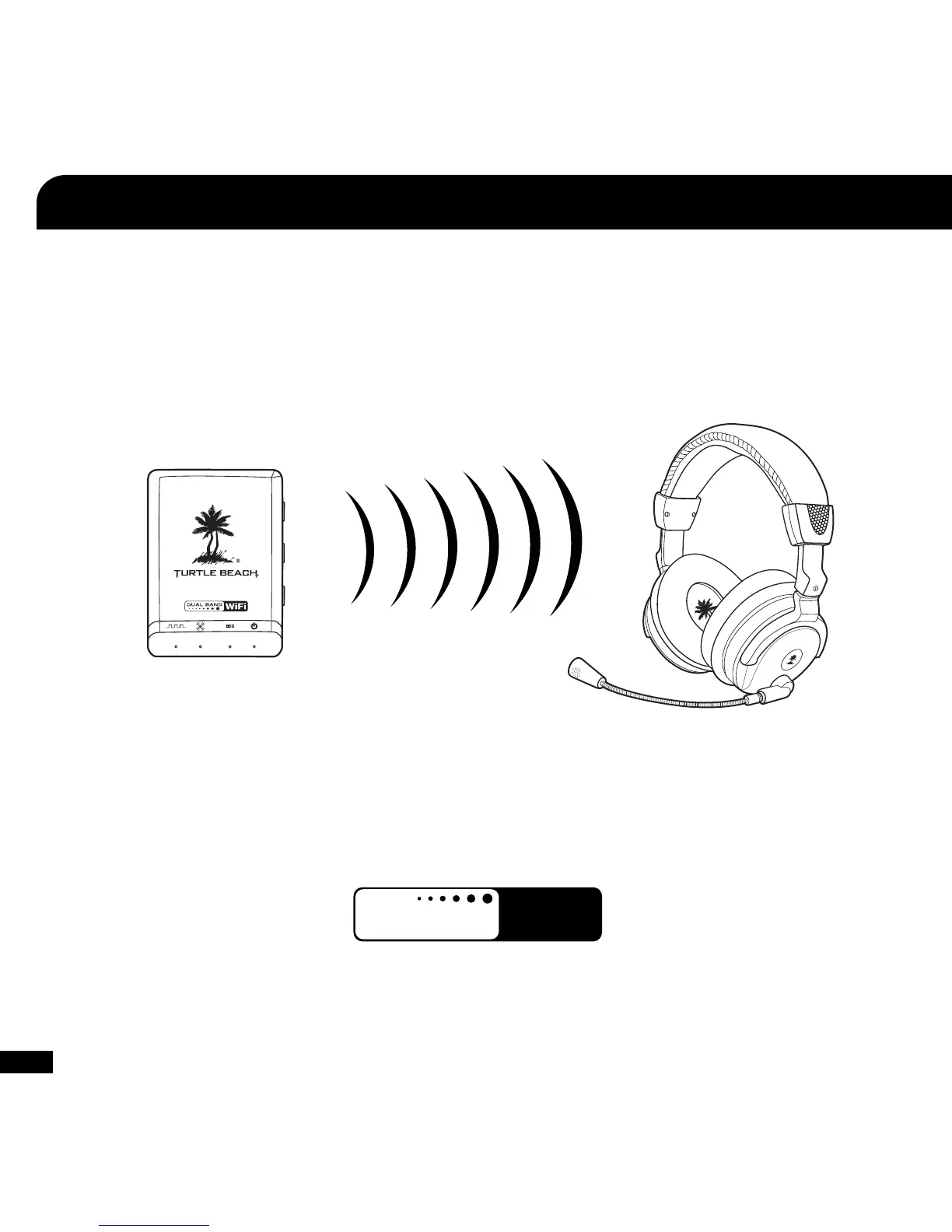
The transmitter sends game audio from your Xbox 360
®
to the headset via digital radio frequency (RF) signal, so a direct line of sight is not
required. When you’re out of range, you may hear popping or clicking sounds if the headset loses the RF signal. For best performance,
place the transmitter in an open area that is unobstructed by objects that might absorb RF signals from the internal antenna. Avoid placing
it on a metal surface, such as the top of a home theater A/V receiver.
Range up to 30 ft.
Dual-Band WiFi
The X42 uses advanced “Dual-Band WiFi” radio technology to help eliminate interference with additional wireless devices and WiFi
networks. The Dual-Band radio uses either 5 GHz and 2.4 GHz signals to transmit high fidelity digital audio and help eliminate interference
with other wireless devices. Unlike the RF technology used in most other wireless headsets, this Dual-Band WiFi radio technology coexists
with wireless networks for optimum performance.
dual band wireless
WiFi
5
GHz
TM















 To Next Page