11
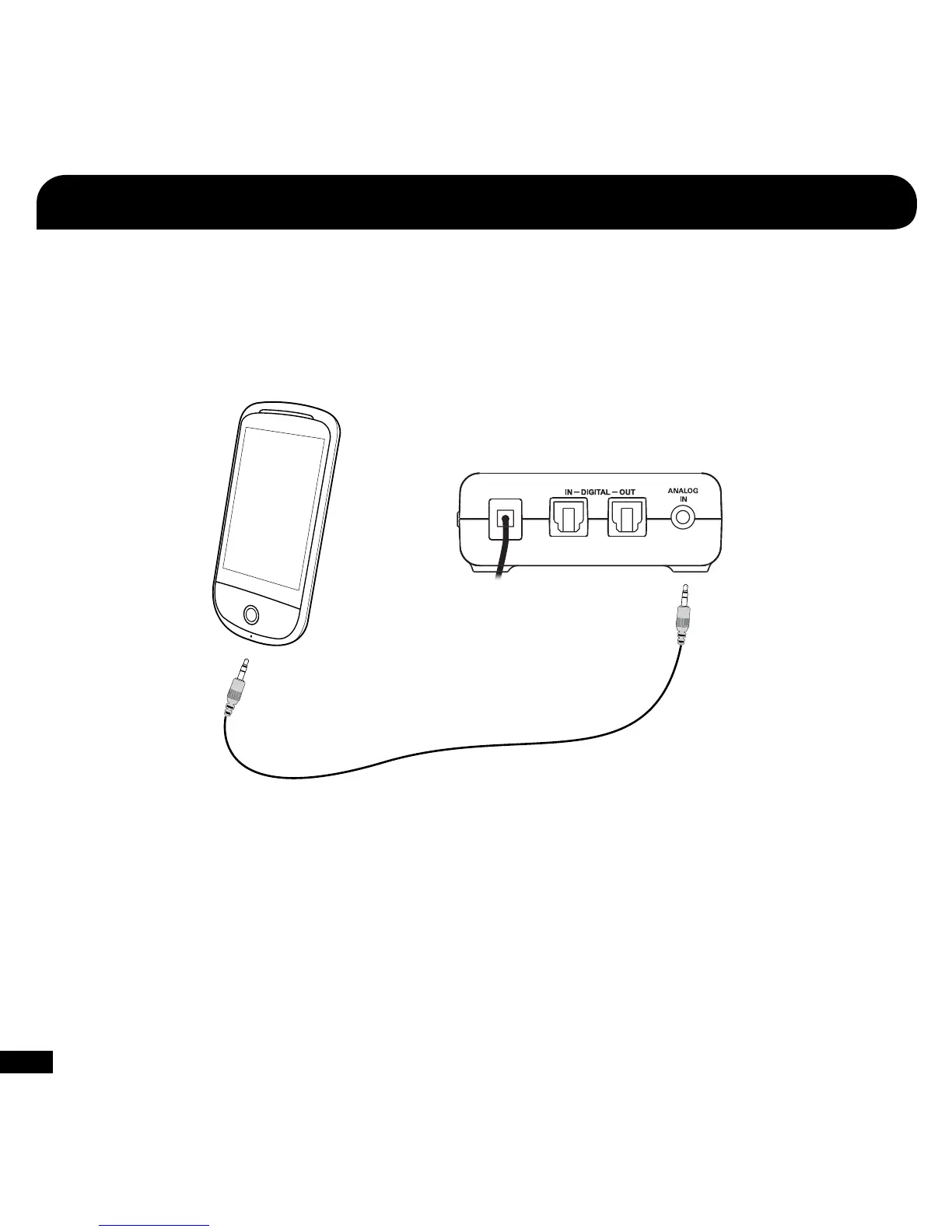
Connecting a Digital Music Player
The X42 features an analog input for connecting digital music players or other analog sources. The Analog Input volume can be
adjusted directly from the digital music player or analog source.
NOTE: The Analog Input is deactivated whenever a digital input is active, so both the digital and analog inputs cannot be used at the
same time.
Digital Music
Player
Analog Input
3.5 mm Cable
(sold separately)
Connect the digital music player to
the Analog Input if you want to process
the music with Virtual Surround Sound.














 To Next Page