CHARGING
1. Can the headset be used while charging? Can I charge my headset with my cell phone’s USB Wall
Adapter?
• We recommend charging the headset between uses for the best experience.
• While we recommend using the console to charge the headset for convenience, you certainly
can use a USB Wall Adapter to charge the headset.
HEADSET FEATURES
1. Does this headset offer independent game and chat audio/volume control?
• IN XBOX MODE: Yes! The upper volume dial will control game audio, and the lower volume dial
will control chat audio.
• IN USB MODE: No. When used in USB Mode, the upper volume dial will control the overall
audio volume (game and chat). The lower volume dial will control the volume of the variable mic
monitor feature.
Please Note: If the volume of the Mic Monitor is adjusted in USB Mode, the volume will stay at
that level/volume even if the transmitter is switched back to Xbox Mode. This allows you to
make quick adjustments to your Mic Monitor volume as needed.
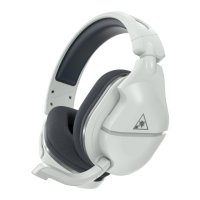
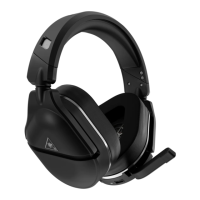
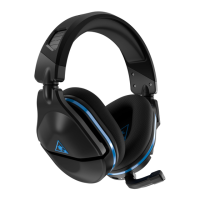
This is detailed below:
*Nintendo Switch wireless compatibility is supported while in docked mode only. Chat audio is available
for games that support in-game chat compatibilities.
**Mic Monitor is a feature that allows you to hear your own voice when you speak into the mic, to help
you avoid inadvertently yelling at other people and players. This does NOT control how loud other
people hear you speak, only how loud you hear yourself.



 To Next Page