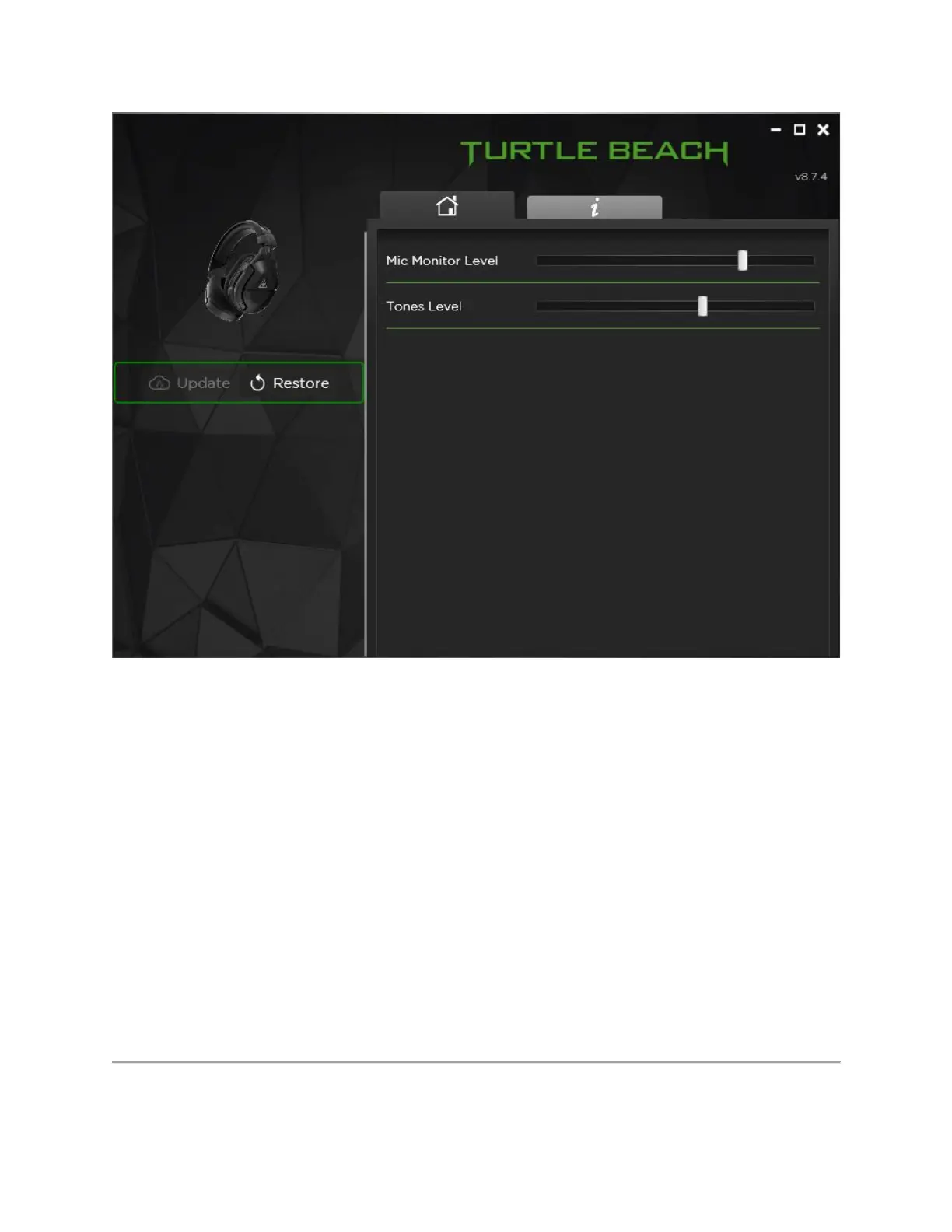
Mic Monitor Level will control the volume of the Mic Monitor feature -- this is how loud you
hear yourself through the headset when you speak into the mic. The aim of this feature is to help
you avoid inadvertently yelling at other people and/or players.
• Please Note: The headset itself is not equipped with any sort of volume control for the
outbound volume level of its microphone -- therefore, the Mic Monitor volume control
will adjust only how loud you hear your own voice through the headset when you speak
into the mic, not how loud other people will hear your voice when you speak.
Tones Level will control the volume of indicator tones -- these are the tones that play when the
headset is powered on, the mic is muted or unmuted, or a feature (like Superhuman Hearing) is
engaged or disengaged. This also controls the volume of the tones that play when the EQ Preset
is switched via the Mode button.














 To Next Page