20
Technical setting Steps
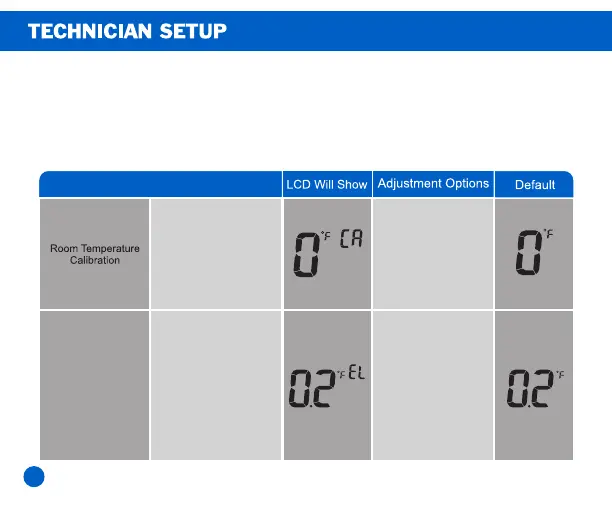
Thisfeatureallowsthe
installertochangethe
calibrationoftheroom
temperaturedisplay.For
example,ifthe
thermostatreads70°and
youwouldlikeittoread
72*thenselect+2.
Youcanadjustthe
roomtemperature
displaytoreadupto
3°aboveorbelowthe
factorycalibrated
reading.
CoolingSwing
(SYSTEMCOOL)
Theswingsetting,often
called"tcyclerate",
"differential"or
"anticipation"is
adjustable.Asmaller
swingsettingwillcause
morefrequentcyclesand
alargerswingsettingwill
causefewercycles.
Thecoolingswing
settingisadjustable
from0.2˚to2˚.
Forexample:Aswing
settingof0.5˚willturn
thecoolingon
atapproximately0.5˚
abovethesetpointand
turnthecoolingoffat
approximately0.5˚
belowthesetpoint
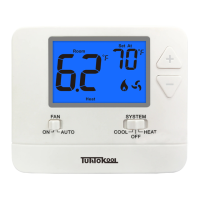
1. Press + and - at the same time for 3 seconds to enter the technical
Settings menu
2. Use the + and - keys to select the desired Settings for each option.
3. Press "FAN" to go to the next menu.
4. To exit the technical Settings menu, press SYSTEM or wait 30
seconds to exit.



 To Next Page