21
Example:
Enable keyboard backlight only in working mode
123456#7#02#*
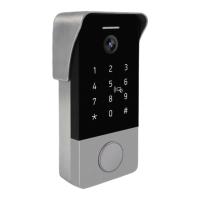
16.7. Keyboard backlight setup
In standby mode enter master password (default master
password is 123456) and press # button to enter settings
mode. Double long beep sound will be heard.
Press 7 and # button to enter into keyboard backlight
setup mode. One long beep sound will be heard.
Modes for options
00# - keyboard backlight disabled all the time
01# - keyboard backlight enabled all the time
02# - keyboard backlight enabled in working mode and
disabled in standby mode.
Press * button to exit into standby mode. Double short
beep sound will be heard.
1)
2)
3)
4)


 To Next Page