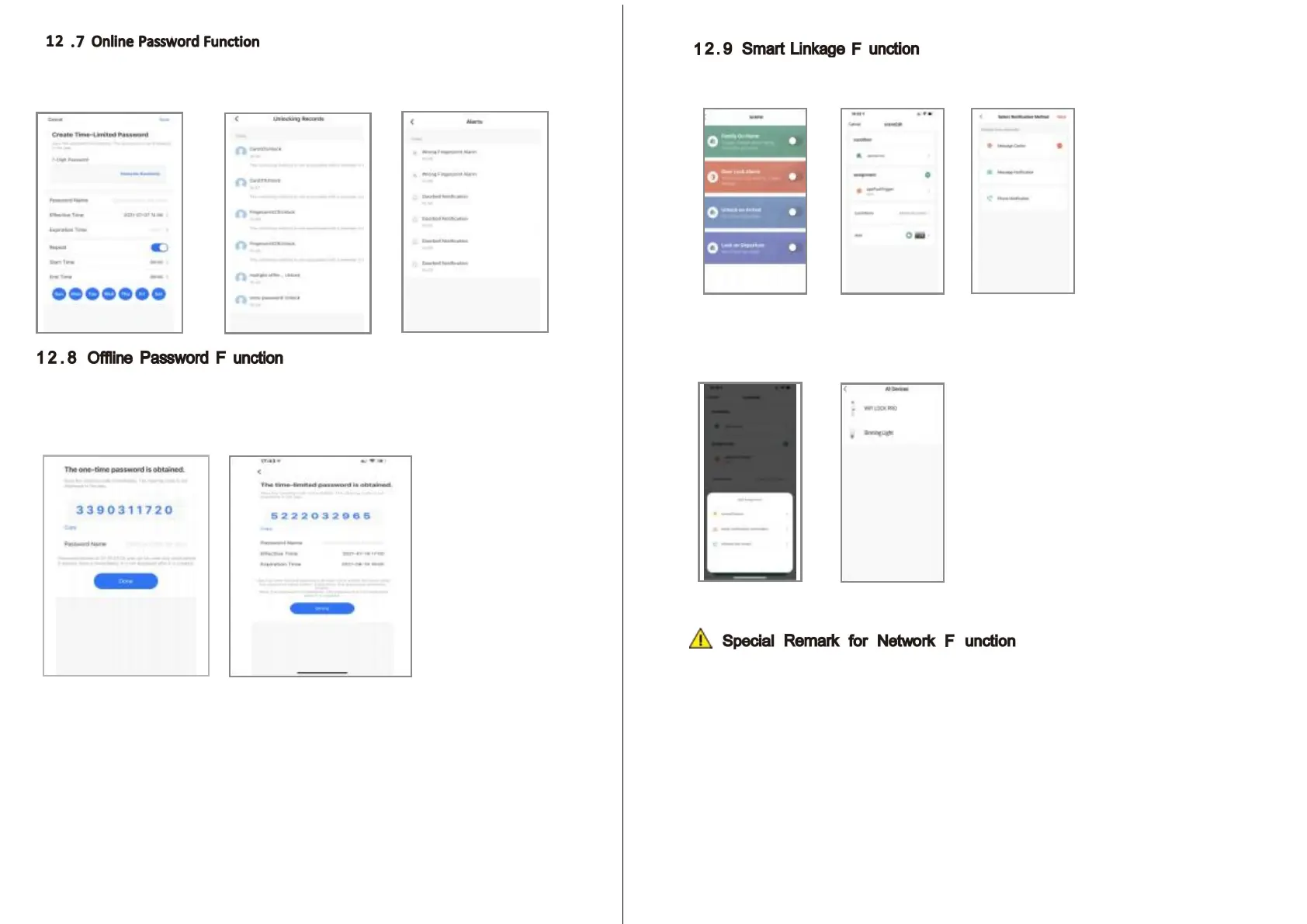
W hen the visitor visit your office or home, you can generate the temporary
password with valid time period, refer the below operation step.
A lso you can check the unlock record in the APP window.
T here is one - time password and time - limited password for offline type
passwords. you can choose to generate the one - time password like below,
it is only valid for 6 hours, and time - limited password within 2 4 hours before it
expires, please use this password on the lock before it expires.
T he one - time password and time - limited password for offline type password
can not work when the lock is under dead lock state, only the administrator
( fingerprint/ password or card user) can access during this state.
15
You can choose the feature and message notification method upon the using condition
Such as family go home/ door lock alrm/ unlock on arrival/ lock on depature.
T here is also one smart linkage feature with your smart Tuya products.
You can click the assignment and find the scene device, under this option, you can link
other tuya smart devices together, for sample the LED bulb, when you press the handle
to unlock the door at night time, the LED bulb light will turn on together.
P lease enroll the new master password/ card/ fingerprint before you start to use
this lock . you can follow the operation steps with this manual, network setting
can not be done under the default master password: 1 2 3 4 5 6 , you shall change
master password first!
16



 To Next Page