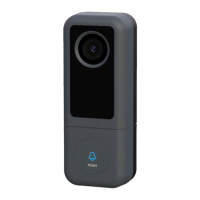
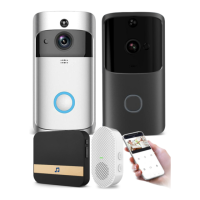
Connect the video doorbell to the wireless indoor ding-dong and get an instant alert in your
home when someone rings the doorbell. When you are at home, you don't need to check your
video doorbell app to hear the doorbell ringtone! Indoor Ding-Dong can be plugged into any
wall outlet, or you can place it anywhere in your home.
Note:
Video doorbells are only compatible with our wireless doorbells, not with any other traditional
doorbells. A wireless buzzer is optional. If the wireless buzzer is not installed.
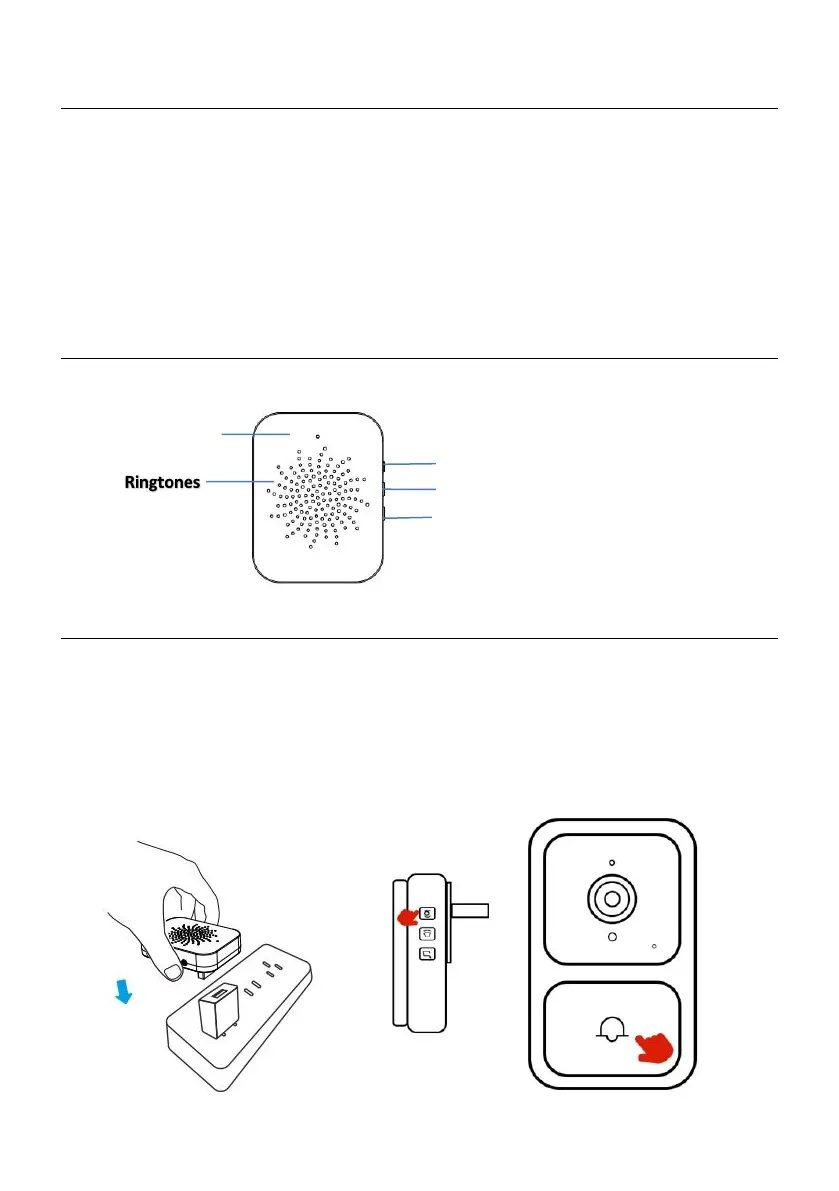
Wireless indoor ding-dong overview
Set your wireless indoor ding-dong with video doorbells
Steps 1
Before setting up the process, make sure your video doorbell is connected to your phone and
plug in your wireless indoor ding-dong, long press the ding-dong machine pairing key for 3
seconds and press the doorbell key shortly to pair as shown below.



 To Next Page