Need help?
Do you have a question about the TVS electronics BS-i302g and is the answer not in the manual?
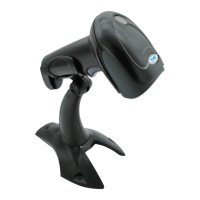
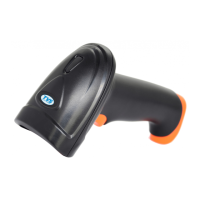
Verify package contents and scanner appearance upon receipt.
Ensure scanner is fully connected before powering on the computer.
Configure USB device for Keyboard or COM mode and driver installation.
Connect to PC serial port for data transmission with specified serial configuration.
Scan barcode to restore the device to its original factory settings.
Apply CR and/or LF suffixes for specific data transmission needs.
Address power failures, scanning problems, and transmission failures.
Check connections, sample code transmission, and decoding tones.
Contact supplier if the manual does not resolve the problem.
 General
| Brand | TVS electronics |
|---|---|
| Model | BS-i302g |
| Category | Barcode Reader |
| Language | English |

 To Next Page