EasyManua.ls Logo

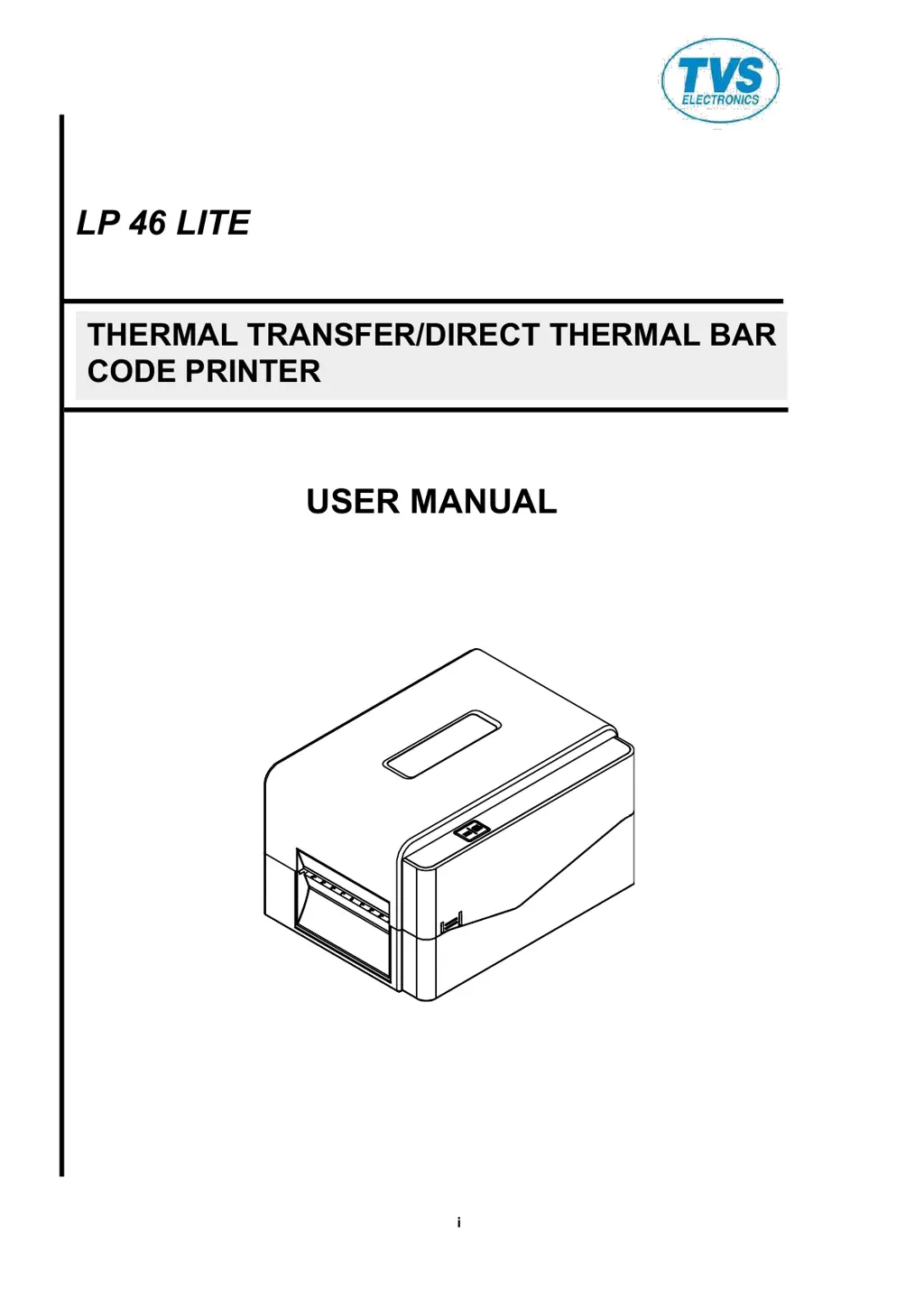
TVS electronics LP 46 LITE - User Manual

TVS electronics LP 46 LITE
42 pages
Print Icon
To Next Page IconTo Next Page
Loading...
i
USER MANUAL
LP 46 LITE
THERMAL TRANSFER/DIRECT THERMAL BAR
CODE PRINTER

Questions and Answers

Summary

Copyright and Compliance

Agency Compliance and Approvals

Details regulatory compliance and approval information for the printer.

Important Safety Instructions

Safety Warnings and Precautions

Lists critical warnings and cautions regarding printer operation, moving parts, and battery handling.

1. Introduction

1.1 Product Introduction

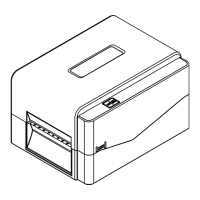
Introduces the LP 46 LITE printer, highlighting its capabilities, features, and target applications.

1.2 Product Features

1.2.1 Printer Standard Features

Enlists the standard hardware and software features provided with the LP 46 Lite printer.

1.2.2 Printer Optional Features

1.3 General Specifications

1.4 Print Specifications

1.5 Ribbon Specifications

1.6 Media Specifications

2. Operations Overview

2.1 Unpacking and Inspection

Guides users through unpacking the printer and verifying the contents of the package.

2.2 Printer Overview

2.2.1 Front View

Illustrates and labels the external components on the front of the LP 46 Lite printer.

2.2.2 Interior View

2.2.3 Rear View

3. Setup

3.1 Setting up the Printer

Provides step-by-step instructions for connecting the printer to power and a computer.

3.2 Loading the Ribbon

3.3 Loading the Media

3.3.1 Loading the Roll Labels

Step-by-step guide for installing label rolls, including media spindle and fixing tabs.

3.3.2 External Label Roll Mount Installation (Option)

4. LED and Button Functions

4.1 LED Indicator

Explains the meaning of the printer's LED indicator colors and flash patterns for status updates.

4.2 Regular Button Functions

Describes the primary functions of the printer's control button, such as feeding and pausing.

4.3 Power-on Utilities

4.3.1 Gap;Black Mark Sensor Calibration

4.3.2 Gap;Black Mark Calibration, Self-test and Dump Mode

4.3.3 Printer Initialization

4.3.4 Set Black Mark Sensor as Media Sensor and Calibrate the Black Mark Sensor

4.3.5 Set Gap Sensor as Media Sensor and Calibrate the Gap Sensor

4.3.6 Skip AUTO.BAS

5. Diagnostic Tool

5.1 Start the Diagnostic Tool

Instructions on launching the Diagnostic Utility software for printer management.

5.2 Printer Function

5.3 Calibrating Media Sensor by Diagnostic Tool

5.3.1 Auto Calibration

Explains how to perform automatic media sensor calibration using the Diagnostic Tool.

6. Troubleshooting

6.1 Common Problems

A comprehensive guide to common printer issues, their causes, and recommended solutions.

7. Maintenance

TVSE Take-Back & Recycling Program

Overview

Explains the new E-waste (Management) Rules, 2016 and producer responsibilities for waste disposal.

TVS-E Commitment

Outlines TVS-E's commitment to environmentally sound e-waste management and product safety standards.

E-waste Introduction

Waste Collection

E-waste Dos and Donts

E-waste FAQs

TVS electronics LP 46 LITE Specifications

General IconGeneral
ModelLP 46 LITE
Storage Temperature-20°C to 60°C
Operating Voltage5V DC
Scan Rate100 scans/sec
Operating Temperature0°C to 50°C
Humidity5% to 85% RH (non-condensing)
Supported SymbologiesCode 39, Code 128, Interleaved 2 of 5
InterfaceUSB
Supported BarcodesUPC, EAN, Code 39, Code 128, Interleaved 2 of 5
Scanning MethodLaser
Operating Current100mA

Related product manuals