Rebar Scanner A60+
4
Chapter III Instruction of operation interface
3.1 Keyboard introduction
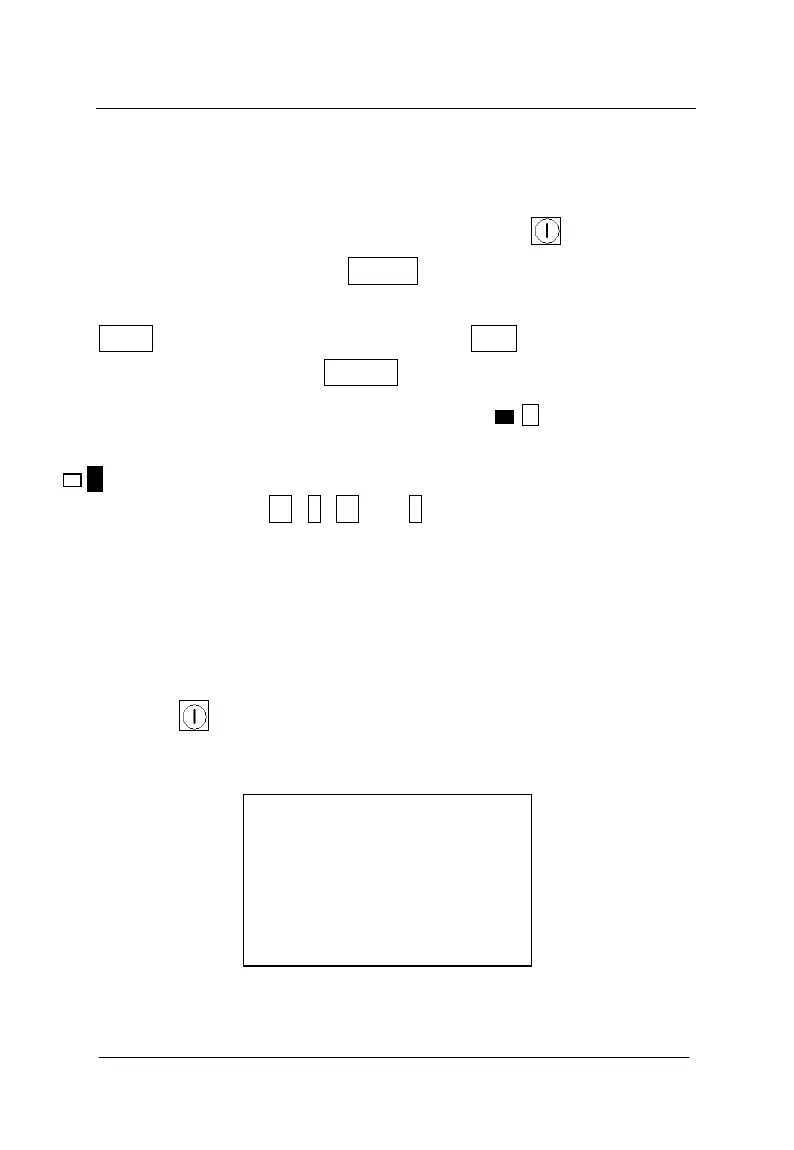
There are 9 keys in total on the keyboard. key is used as
power switch of instrument;ENTER key is used to confirm operation
in parameter setting and automatic calibration operation of instrument;
SAVE key is used to store measured values; ESC key is used to return
last menu in operation; RANGE key is used to switch the first
nominal range and the second nominal range; --the first nominal
range,used in the condition of less thickness of covering layer,
--the second nominal range,used in the condition of larger thickness
of covering layer; ←, ↑, → and ↓ keys are used respectively in
auxiliary functions like menu selection, digit add & subtract and
cursor movement etc.
3.2 Brief introduction of operation
3.2.1 Start-up
Press the key on instrument panel to switch on the instrument.
Then begin operation. Start-up interface is shown as figure 3-1.
Figure 3-1 Start-up interfaces
Rebar Scanner
Version:1.4
Battery:9.0V
GALAXY HI TECH



 To Next Page