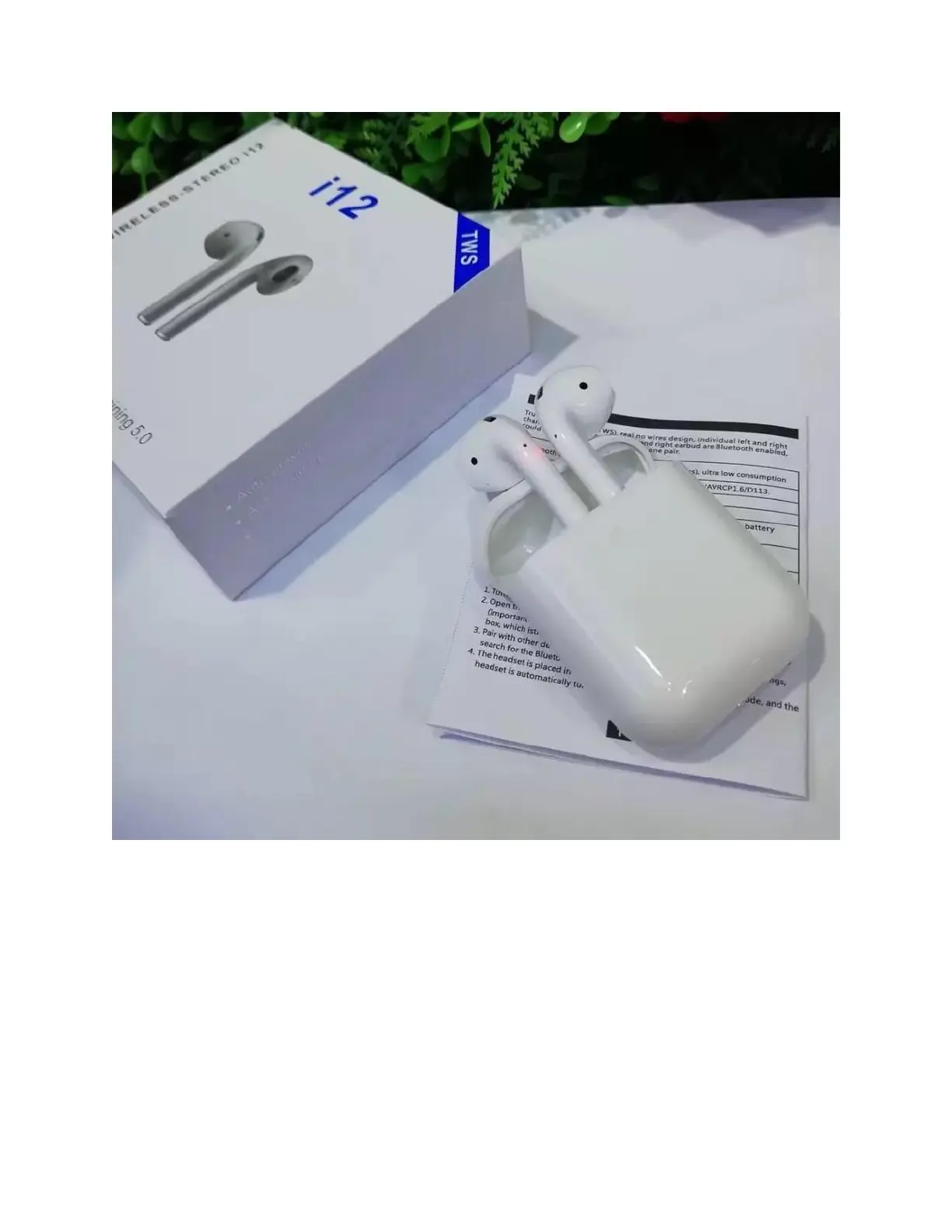
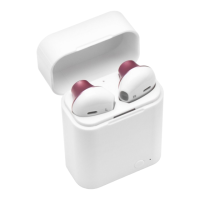
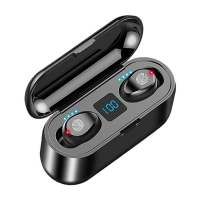
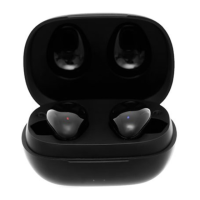
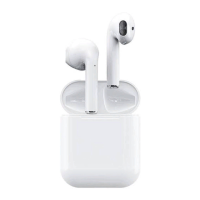
How to pair the i12 TWS to any product?
The two i12 TWS Earpods will automatically turn on and pair with any smart device if it has
Bluetooth On. To know if the connection was made, the left earphones will flash blue and the
red LED of the right earphones will turn off when paired successfully, in addition the
“connected” message will be heard after pairing.
Note: If two earphones have not been paired with each other, please delete the paired
information from the earphones, then long-press the power button of both earphones for 5 to
10 seconds to enter pairing mode; the left earbuds will blink blue and the red LED on the


 To Next Page