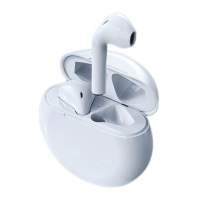
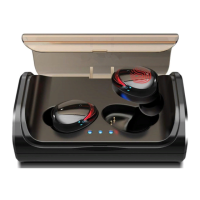
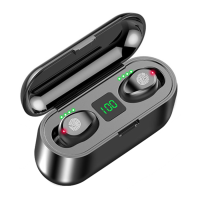
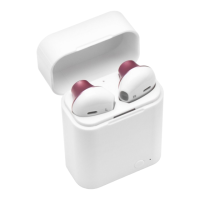
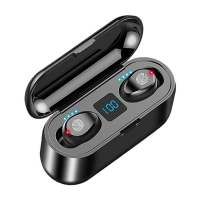
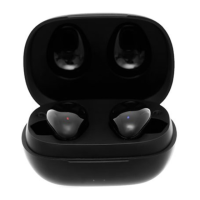
How to charge i12 TWS?
i12 TWS Headphone charging
Put the headphones in the slot of the charging case, and then turn on the charging case.
The LED indicator will flash red and turn off after a full charge.
Charging the battery box (charging case)
When charging the battery box with a USB cable, the LED indicator will
light yellow and green. If the LED blinks 2 times it means your battery is 50% full, if it blinks 3
times it means it is 75% charged and if it blinks 4 times it means it is 100% full.
Troubleshooting
Q.1 How to fix/change the call option due to accidental
tapping on the left earphone?
Go to your Bluetooth settings and turn off the phone control option. So it only has access to
media. Go to your Bluetooth settings and turn off the phone control option. However, you
will have to sacrifice the complete tap control.
Q. What if only one earphone is working and the other one
is not connecting?
The best way to check if both earphones don’t have any hardware fault is that when both
earphones are connected to the charging box they will have the Red LED light. If there’s
only one light blinking this means that only one earphone is connected. Here are some
solutions to connect the other one as well:
Solution no.1: Put them back in the case. Take them out at the same time and wait for
them to be paired. Wait for at least 20 to 30 seconds.
Solution no.2: Try pressing the earphone which is not working for 3-5 sec. If nothing
happens, try holding the sensor for about 30 secs.
Solution no.3: It may be that one of your earphones which is not working might be low on
battery. If you have already tried to charge it up and didn’t succeed. Try moving them


 To Next Page